MCPJungle vs mcphub
Self-hosted MCP gateways compared
MCPJungle and mcphub both connect MCP clients to multiple servers through a self-hosted gateway. MCPJungle emphasizes tool management and grouped endpoints, while mcphub adds broader routing, credential, and operational controls.
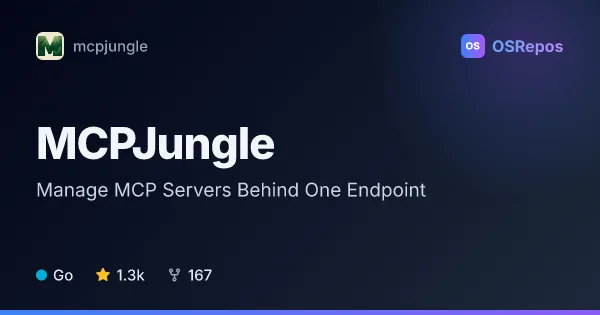
MCPJungle: Manage MCP Servers Behind One Endpoint
MCPJungle is a self-hosted gateway for registering MCP servers and connecting AI clients through one endpoint. It supports local setups and shared team deployments with tool filtering and access controls.
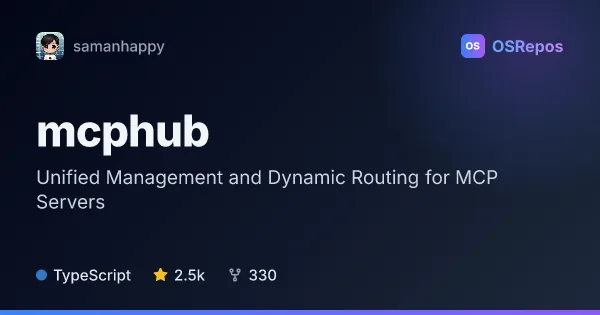
mcphub: Connect and Manage MCP Servers Through One Gateway
MCPHub is a self-hosted gateway and control plane for connecting MCP clients to local and remote MCP servers. It centralizes routing, access controls, credentials, logs, and health monitoring.
| MCPJungle | mcphub | |
|---|---|---|
| Language | Go | TypeScript |
| License | MPL-2.0 | Apache-2.0 |
| Stars | 1.3k | 2.5k |
| Forks | 167 | 330 |
| Last analyzed | Oct 10, 2026 | Oct 3, 2026 |
Key differences
- MCPJungle supports upstream Streamable HTTP and stdio; mcphub also supports SSE and connections to local and remote servers.
- MCPJungle offers selected-tool groups as separate endpoints; mcphub routes to all servers, groups, individual servers, or smart-routing endpoints.
- MCPJungle uses Go and an MPL-2.0 license; mcphub uses TypeScript and an Apache-2.0 license.
- MCPJungle uses SQLite by default for local use and supports PostgreSQL; mcphub defaults to file-based configuration and offers PostgreSQL database mode.
- MCPJungle describes enterprise authentication, access controls, and OpenTelemetry metrics; mcphub highlights a dashboard, activity and server logs, health checks, and hot-swappable configuration.
- MCPJungle supports static bearer tokens and custom headers for upstream HTTP servers; mcphub supports OAuth 2.0 and per-user credentials with encrypted storage.
Choose MCPJungle if you…
- want to register MCP servers once and expose selected tools through separate endpoints.
- need a Go-based gateway with SQLite for local use and PostgreSQL for deployments.
- want enterprise access controls and OpenTelemetry metrics, or centralized static tokens and custom headers for upstream servers.
Choose mcphub if you…
- need routing options for all servers, groups, individual servers, or smart-routing endpoints.
- want OAuth 2.0, per-user credentials, and isolated stdio runtimes.
- need a web dashboard with logs and health checks, or want file-based configuration by default.
Compare the numbers side by side, or add more projects
This comparison is generated with AI from the OSRepos analyses of both projects. Always check each project's repository and documentation before choosing.