MCPJungle vs toolsdk-mcp-registry
MCP server gateways compared
MCPJungle and toolsdk-mcp-registry both connect AI clients to MCP servers through a gateway. MCPJungle focuses on registering servers and controlling client access, while toolsdk-mcp-registry adds a structured catalog, discovery API, and optional sandbox execution.
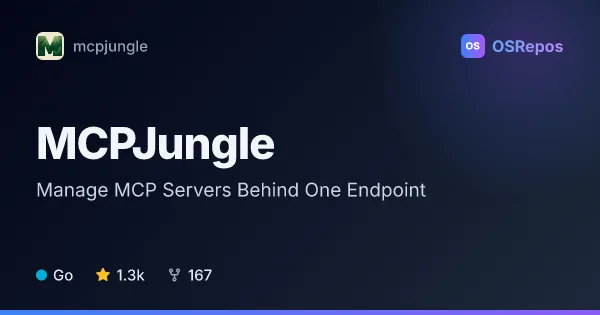
MCPJungle: Manage MCP Servers Behind One Endpoint
MCPJungle is a self-hosted gateway for registering MCP servers and connecting AI clients through one endpoint. It supports local setups and shared team deployments with tool filtering and access controls.
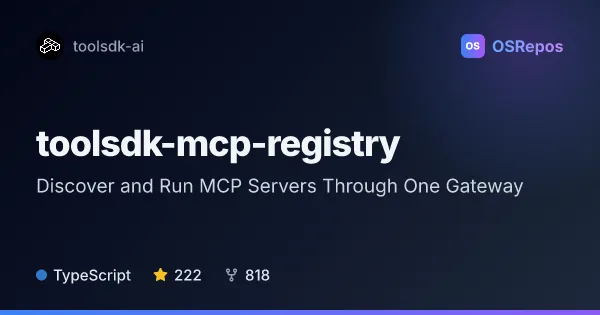
toolsdk-mcp-registry: Discover and Run MCP Servers Through One Gateway
ToolSDK MCP Registry is a structured catalog and gateway for discovering MCP servers and connecting AI applications to their tools. Built with TypeScript, it supports STDIO and Streamable HTTP servers, self-hosting, sandbox execution, and OAuth 2.1 flows.
| MCPJungle | toolsdk-mcp-registry | |
|---|---|---|
| Language | Go | TypeScript |
| License | MPL-2.0 | MIT |
| Stars | 1.3k | 222 |
| Forks | 167 | 818 |
| Last analyzed | Oct 10, 2026 | Nov 7, 2026 |
Key differences
- MCPJungle provides a CLI for registering servers and managing tools and prompts; toolsdk-mcp-registry offers structured JSON catalog entries and an HTTP API for discovery and tool execution.
- MCPJungle supports tool groups for exposing selected tools through separate endpoints; toolsdk-mcp-registry combines private entries with search across the official MCP Registry.
- MCPJungle is written in Go and uses the MPL-2.0 license; toolsdk-mcp-registry is written in TypeScript and uses the MIT license.
- MCPJungle offers enterprise client authentication, server access controls, and OpenTelemetry metrics; toolsdk-mcp-registry supports OAuth 2.1 flows and optional sandbox integrations.
- MCPJungle supports SQLite by default and PostgreSQL as an option; toolsdk-mcp-registry's Docker Compose deployment includes Meilisearch.
- MCPJungle has more stars, while toolsdk-mcp-registry has more forks. MCPJungle's recent activity is limited and concentrated in one contributor; toolsdk-mcp-registry reports regular commits and merged pull requests, with no releases in the last year.
Choose MCPJungle if you…
- want a Go-based gateway with a CLI for server registration and tool management.
- need tool groups or client and server access controls for a shared deployment.
- prefer SQLite by default, with PostgreSQL available for deployments that need it.
Choose toolsdk-mcp-registry if you…
- need a structured catalog and API for discovering and running MCP tools.
- want to search private registry entries alongside the official MCP Registry.
- need optional sandbox execution integrations or OAuth 2.1 authorization flows.
Compare the numbers side by side, or add more projects
This comparison is generated with AI from the OSRepos analyses of both projects. Always check each project's repository and documentation before choosing.