Jan vs page-assist
Local AI apps for desktop and browser compared
jan is a desktop app for chatting with local models or connecting to cloud providers, while page-assist brings AI chat into a browser sidebar or web UI. jan combines local and cloud model access with custom assistants and a local API; page-assist focuses on browsing alongside models supplied through supported providers.
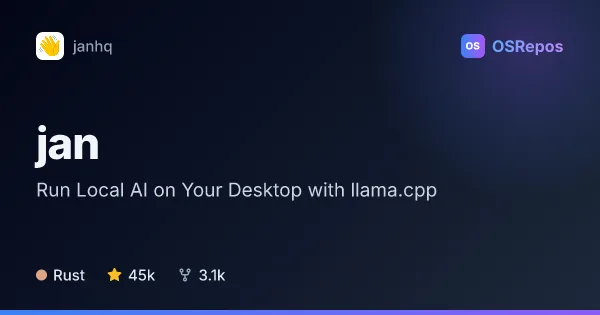
Jan: Run Local AI on Your Desktop with llama.cpp
Jan is a Tauri desktop app built on llama.cpp that brings open-source AI into an offline ChatGPT-style interface. It runs on Windows, macOS, and Linux, with options to use local models or connect to cloud AI services.
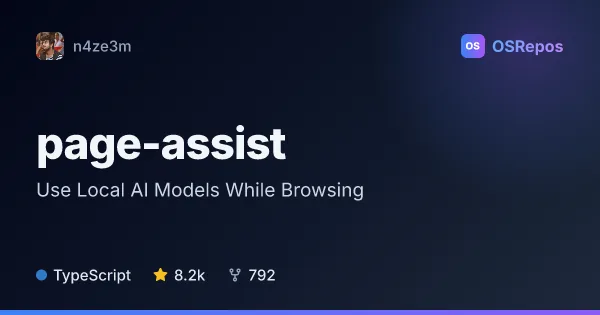
page-assist: Use Local AI Models While Browsing
Page Assist is a browser extension that brings local AI chat into a sidebar or web UI, including questions about the page you are viewing. It supports Ollama, Chrome AI, and OpenAI-compatible endpoints.
| Jan | page-assist | |
|---|---|---|
| Language | Rust | TypeScript |
| License | — | MIT |
| Stars | 45k | 8.2k |
| Forks | 3.1k | 792 |
| Last analyzed | Oct 18, 2026 | Oct 8, 2026 |
Key differences
- jan is a cross-platform desktop app; page-assist is a browser extension with a separate web UI.
- jan can download and run supported models, connect to cloud providers, and serve a local OpenAI-compatible API; page-assist connects to Ollama, Chrome AI, or OpenAI-compatible endpoints.
- page-assist can answer questions about the current webpage and supports several Chromium-based browsers and Firefox, with some browser feature limitations.
- jan is written in Rust, while page-assist is written in TypeScript.
- page-assist lists an MIT license; jan’s README states Apache 2.0, while its repository metadata reports no asserted license.
- Both projects are active, but jan’s contributor activity is less concentrated; page-assist’s activity is highly concentrated in one person.
Choose Jan if you…
- want a desktop app that combines local models and supported cloud providers.
- need custom assistants, MCP integration, or a local OpenAI-compatible API for other tools.
- prefer running supported models on your computer when your hardware can handle them.
Choose page-assist if you…
- want to chat with a model alongside the webpage you are viewing.
- use Ollama, Chrome AI, or an OpenAI-compatible endpoint and prefer a browser interface.
- need a browser extension that can ask questions about page content without switching to a separate chat app.
Compare the numbers side by side, or add more projects
This comparison is generated with AI from the OSRepos analyses of both projects. Always check each project's repository and documentation before choosing.