ralph-orchestrator vs TAKT
AI coding agent workflow tools compared
ralph-orchestrator and TAKT both coordinate AI coding agents through repeatable, multi-step workflows with support for multiple providers. ralph-orchestrator uses a Rust-based orchestration framework with role-and-event coordination and quality gates, while TAKT defines workflow steps and transitions in YAML and runs queued tasks in isolated Git worktrees.
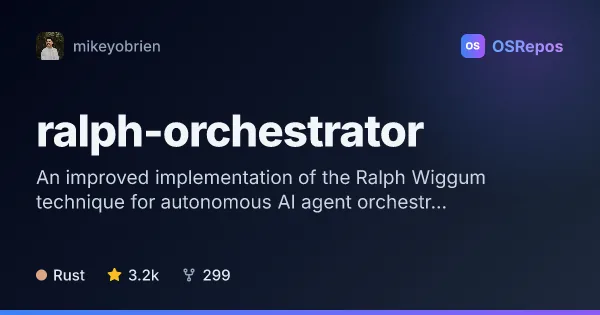
ralph-orchestrator: Coordinate AI Agents in Task-Completion Loops
Ralph Orchestrator runs AI coding agents in structured loops, using specialized roles and quality gates to keep work moving toward completion. It suits developers who want repeatable, multi-step workflows across several agent CLIs.
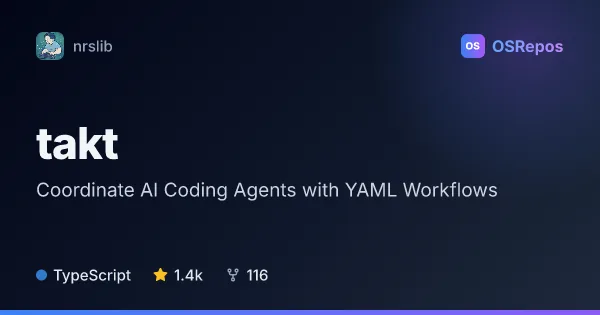
TAKT: Coordinate AI Coding Agents with YAML Workflows
TAKT is a TypeScript CLI for defining repeatable AI coding workflows in YAML, including planning, implementation, review, and fix loops. It runs tasks in isolated worktrees and records logs and reports, with support for multiple agent providers.
| ralph-orchestrator | TAKT | |
|---|---|---|
| Language | Rust | TypeScript |
| License | MIT | MIT |
| Stars | 3.2k | 1.4k |
| Forks | 299 | 116 |
| Last analyzed | Oct 3, 2026 | Nov 2, 2026 |
Key differences
- ralph-orchestrator is written in Rust, while TAKT is a TypeScript CLI with a Node.js runtime requirement of version 22.22.0 or newer.
- ralph-orchestrator coordinates specialized roles through hats and events; TAKT defines workflow steps, roles, permissions, and transitions in YAML.
- ralph-orchestrator can use tests, lint, and type checks as backpressure gates; TAKT routes review findings through fix and re-review loops.
- TAKT runs queued tasks in isolated Git worktrees and records logs and reports; ralph-orchestrator tracks tasks and persistent memories and offers an alpha web dashboard.
- ralph-orchestrator includes Telegram guidance and an MCP server scoped to one workspace per instance; TAKT offers CLI commands for queue management, retries, and reviewing or merging results.
- Both projects use the MIT license; ralph-orchestrator lists 3.2k stars and 299 forks, while TAKT lists 1.4k stars and 116 forks.
Choose ralph-orchestrator if you…
- need role-based orchestration through hats and events, with configurable quality gates.
- want planning workflows, task and memory tracking, Telegram guidance, or an MCP server.
- prefer a Rust-based framework and can work with an installed, configured agent CLI.
Choose TAKT if you…
- want to define reusable agent workflows, roles, and transitions in YAML.
- need queued tasks to run in isolated Git worktrees with logs and reports for inspection.
- want CLI controls for retrying work and reviewing or merging results.
Compare the numbers side by side, or add more projects
This comparison is generated with AI from the OSRepos analyses of both projects. Always check each project's repository and documentation before choosing.