docs vs mkdocs
Mintlify docs content and a Markdown site generator compared
docs is the official Mintlify documentation source, written in MDX, for contributors updating and previewing those docs. mkdocs is a Python tool that builds static documentation sites from Markdown; the main difference is that docs is content for one documentation project, while mkdocs generates sites for project documentation.
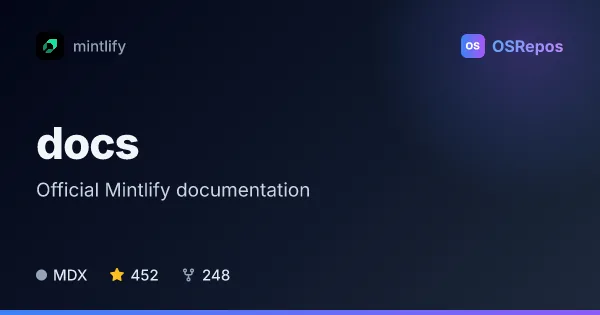
docs: Mintlify Documentation for Developers
The Mintlify docs repository contains the official documentation in MDX format. It is for contributors who want to update the docs and preview changes locally with the Mint CLI.
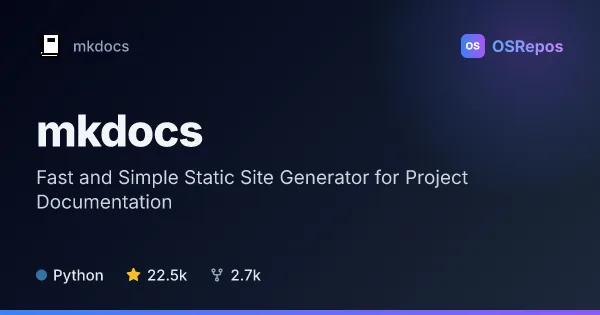
mkdocs: Build Project Documentation Sites from Markdown
MkDocs turns Markdown files into static documentation sites, configured with a YAML file. It suits teams and maintainers who want to publish versioned project guides without building a documentation system from scratch.
| docs | mkdocs | |
|---|---|---|
| Language | MDX | Python |
| License | MIT | BSD-2-Clause |
| Stars | 452 | 22.5k |
| Forks | 248 | 2.7k |
| Last analyzed | Oct 3, 2026 | Oct 3, 2026 |
Key differences
- docs contains Mintlify documentation in MDX, while mkdocs converts Markdown files into static HTML pages.
- docs uses the Mint CLI for local previews, while mkdocs uses YAML configuration to set up a documentation site.
- docs is aimed at contributors to Mintlify’s documentation; mkdocs serves teams and maintainers creating project guides and reference sites.
- docs is listed under the MIT license, while mkdocs uses BSD-2-Clause.
- docs is written in MDX, while mkdocs is written in Python.
- The supplied figures list docs with 452 stars and 248 forks, and mkdocs with 22.5k stars and 2.7k forks.
Choose docs if you…
- update or review Mintlify’s official documentation.
- want to preview documentation changes locally with the Mint CLI.
- need the contribution and style guides for Mintlify documentation work.
Choose mkdocs if you…
- build a static documentation site from Markdown files.
- want to configure a site with YAML and use themes, plugins, or Markdown extensions.
- publish project guides or reference documentation as static files.
Compare the numbers side by side, or add more projects
This comparison is generated with AI from the OSRepos analyses of both projects. Always check each project's repository and documentation before choosing.