oxc vs tsgolint
JavaScript and TypeScript tooling compared
oxc is a Rust toolchain covering tasks such as parsing, transforming, linting, formatting, minifying, and module resolution. tsgolint is an experimental Go linter focused on type-aware JavaScript and TypeScript rules, and is not production-ready or actively developed.
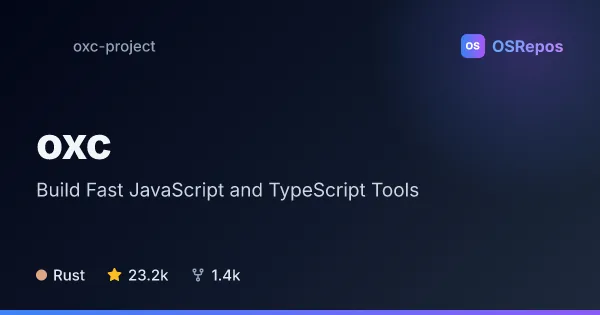
oxc: Build Fast JavaScript and TypeScript Tools
Oxc is a collection of high-performance JavaScript and TypeScript tools built in Rust, including a parser, linter, formatter, transformer, minifier, and resolver. Use its command-line tools directly or build tooling on its components.
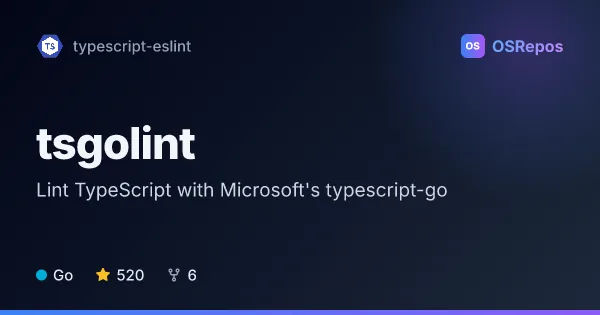
tsgolint: Lint TypeScript with Microsoft's typescript-go
tsgolint is an experimental Go linter for JavaScript and TypeScript, powered by Microsoft's typescript-go. It prototypes type-aware typescript-eslint rules and a parallel linting engine, but is inactive and not intended for production use.
| oxc | tsgolint | |
|---|---|---|
| Language | Rust | Go |
| License | MIT | MIT |
| Stars | 23.2k | 520 |
| Forks | 1.4k | 6 |
| Last analyzed | Oct 24, 2026 | Oct 15, 2026 |
Key differences
- oxc provides several tools and libraries for JavaScript and TypeScript workflows; tsgolint focuses on linting.
- oxc is written in Rust, while tsgolint is written in Go and uses typescript-go for parsing and type information.
- oxc includes standalone linting and formatting tools as well as parser, transformer, minifier, and resolver components; tsgolint is a linter prototype with type-aware rules.
- tsgolint applies rules to TypeScript's AST directly, avoiding conversion to ESTree; oxc's described scope includes multiple code-processing components.
- oxc is suited to teams using linting or formatting and tool authors building JavaScript tooling; tsgolint is aimed at contributors exploring typed linting architectures.
- Both projects use the MIT license; tsgolint is explicitly described as an early-stage prototype that is not production-ready.
Choose oxc if you…
- need a toolchain for several JavaScript and TypeScript tasks, such as linting, formatting, or minification.
- want Rust components to use in JavaScript tooling or build tools.
- need ready-to-use linting or formatting tools for a codebase.
Choose tsgolint if you…
- want to explore type-aware linting using Go and typescript-go.
- are evaluating an alternative architecture for TypeScript lint rules.
- are willing to experiment with an early-stage prototype rather than use a production-ready linter.
Compare the numbers side by side, or add more projects
This comparison is generated with AI from the OSRepos analyses of both projects. Always check each project's repository and documentation before choosing.