atlas vs orca
Coding-agent workspaces compared
atlas and orca both let developers run coding agents side by side in a desktop workspace. atlas emphasizes linking agent sessions and project context to Git history, while orca focuses on coordinating agents in isolated worktrees, with mobile and remote access options.
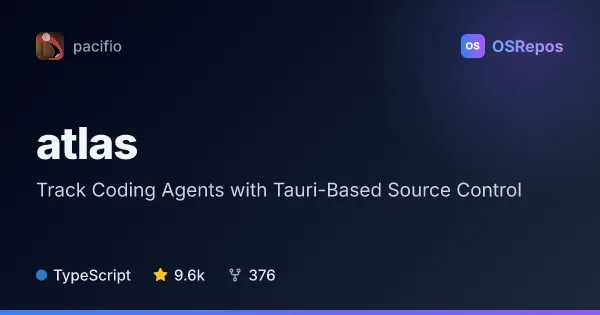
atlas: Track Coding Agents with Tauri-Based Source Control
Atlas is a Tauri desktop app for running coding agents side by side and linking their work to Git commits, prompts, and tool calls. It supports macOS and Windows, with Linux builds available but untested.
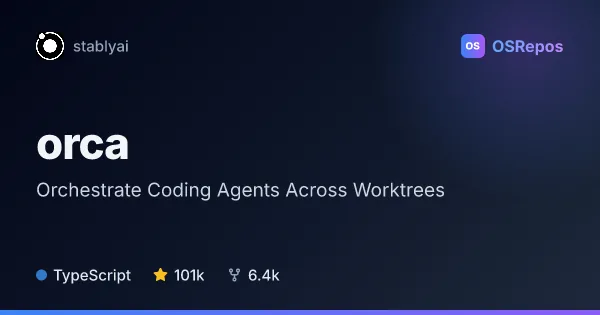
orca: Orchestrate Coding Agents Across Worktrees
Orca is a desktop and mobile workspace for running coding agents such as Codex, Claude Code, OpenCode, and Pi side by side. It isolates agents in Git worktrees and lets you monitor and steer them locally or over SSH on macOS, Windows, and Linux.
| atlas | orca | |
|---|---|---|
| Language | TypeScript | TypeScript |
| License | Apache-2.0 | MIT |
| Stars | 9.6k | 101k |
| Forks | 376 | 6.4k |
| Last analyzed | Oct 30, 2026 | Oct 22, 2026 |
Key differences
- atlas links commits to agent sessions and records prompts, tool calls, and changes; orca isolates agents in separate Git worktrees and supports reviewing diffs with line-level comments.
- atlas includes shared project memory, context retrieval, and tools such as an editor and knowledge base; orca offers mobile monitoring, SSH worktrees, a CLI, and Design Mode.
- atlas supports macOS and Windows, with Linux builds described as untested; orca supports macOS, Windows, and Linux, plus a mobile companion.
- atlas is licensed under Apache-2.0; orca is licensed under MIT.
- atlas is in alpha and documents anonymous usage analytics enabled by default; orca is described as a young, frequently updated project.
- atlas works locally without an account or network connection, with optional organization sync; orca supports remote worktrees over SSH.
Choose atlas if you…
- want to trace Git commits back to agent sessions, prompts, and tool calls.
- need shared project memory to help multiple agents carry context across sessions.
- prefer a local-first workspace for agent activity and Git history.
Choose orca if you…
- need agents isolated in separate Git worktrees for parallel tasks.
- want to monitor and steer agents from a mobile companion or over SSH.
- need diff review, line-level feedback, or CLI scripting for agent workflows.
Compare the numbers side by side, or add more projects
This comparison is generated with AI from the OSRepos analyses of both projects. Always check each project's repository and documentation before choosing.