awesome-cursorrules vs awesome-agent-skills
Cursor project rules and AI agent skills compared
awesome-cursorrules collects `.mdc` rules for guiding Cursor with project-specific conventions. awesome-agent-skills indexes reusable skills from official teams and community sources for multiple coding agents, including Cursor.
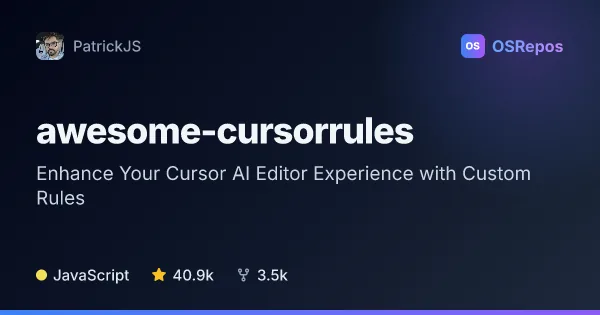
awesome-cursorrules: Reusable Rules for Cursor AI Projects
A categorized collection of Markdown project rules that guide Cursor AI with project-specific coding standards, frameworks, and workflows. Browse for a suitable rule, then add its .mdc file to your project’s .cursor/rules/ directory.
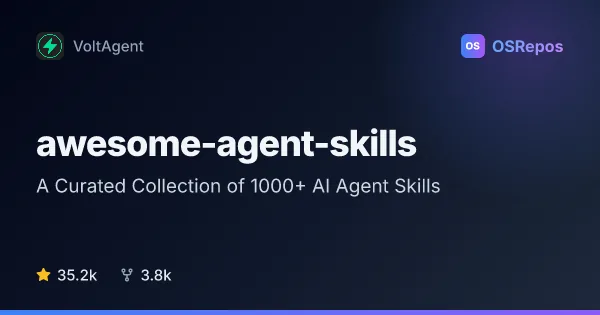
awesome-agent-skills: Find Skills for AI Coding Agents
A curated index of agent skills from official developer teams and the community, for use with tools such as Claude Code, Codex, Gemini CLI, and Cursor. Browse by provider and task to find reusable guidance for development workflows.
| awesome-cursorrules | awesome-agent-skills | |
|---|---|---|
| Language | JavaScript | not specified |
| License | CC0-1.0 | MIT |
| Stars | 40.9k | 35.2k |
| Forks | 3.5k | 3.8k |
| Last analyzed | Oct 3, 2026 | Oct 3, 2026 |
Key differences
- awesome-cursorrules provides rule files for a project's `.cursor/rules/` directory, while awesome-agent-skills links to individual skill sources.
- awesome-cursorrules focuses on Cursor rules; awesome-agent-skills lists skills for tools such as Claude Code, Codex, Gemini CLI, Cursor, and others.
- awesome-cursorrules groups rules by topics such as frontend, backend, and testing; awesome-agent-skills organizes listings by provider and describes their tasks.
- awesome-cursorrules is listed under the CC0-1.0 license, while awesome-agent-skills is listed under the MIT license.
- awesome-cursorrules uses JavaScript according to its project facts; awesome-agent-skills has no language value in the supplied project facts.
Choose awesome-cursorrules if you…
- need reusable `.mdc` rules for Cursor's project rules directory.
- want guidance organized around frameworks, languages, or project workflows.
- plan to adapt shared rules to your codebase and team conventions.
Choose awesome-agent-skills if you…
- want to discover skills from official developer teams as well as community contributors.
- use a coding agent such as Claude Code, Codex, or Gemini CLI and want task-focused guidance.
- prefer an index that links to individual skill sources for review and setup.
Compare the numbers side by side, or add more projects
This comparison is generated with AI from the OSRepos analyses of both projects. Always check each project's repository and documentation before choosing.