clarity-upscaler vs upscayl
AI image upscalers compared
clarity-upscaler and upscayl both use AI to enlarge images and improve apparent detail. clarity-upscaler is a Stable Diffusion workflow aimed at users comfortable with model setup, while upscayl is a cross-platform desktop app that uses Vulkan.
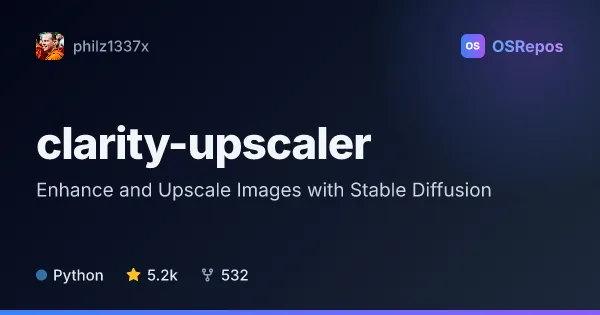
clarity-upscaler: Enhance and Upscale Images with Stable Diffusion
Clarity Upscaler is a Cog-based AI image upscaler and enhancer built around Stable Diffusion workflows. It targets people who want to add detail or enlarge images, with options to run the code through Cog or use related ComfyUI and A1111 workflows.
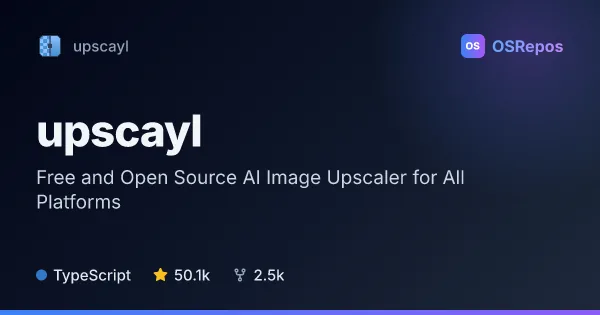
upscayl: Enlarge Images with AI
Upscayl is a desktop app for enlarging and enhancing low-resolution images with AI models. It runs on Linux, macOS, and Windows, and is best suited to users with a Vulkan-compatible GPU.
| clarity-upscaler | upscayl | |
|---|---|---|
| Language | Python | TypeScript |
| License | AGPL-3.0 | AGPL-3.0 |
| Stars | 5.2k | 50.1k |
| Forks | 532 | 2.5k |
| Last analyzed | Nov 2, 2026 | Oct 3, 2026 |
Key differences
- clarity-upscaler is built around Stable Diffusion and Cog workflows; upscayl uses Real-ESRGAN-based models with an NCNN backend.
- clarity-upscaler supports custom Safetensors checkpoints and LoRAs, plus an anime workflow; upscayl offers multiple image models, batch processing, and post-processing options.
- clarity-upscaler is implemented in Python, while upscayl is implemented in TypeScript.
- Both use the AGPL-3.0 license, but clarity-upscaler is marked inactive and upscayl is active and not archived.
- clarity-upscaler can be run through Cog or integrated with ComfyUI and AUTOMATIC1111; upscayl provides desktop apps for Linux, macOS, and Windows, plus a separate command-line tool.
- upscayl requires a Vulkan-compatible GPU; clarity-upscaler's described setup involves models and Stable Diffusion workflows.
Choose clarity-upscaler if you…
- need Stable Diffusion-based upscaling with options for custom checkpoints or LoRAs.
- want to use an anime-oriented workflow or connect upscaling with ComfyUI or AUTOMATIC1111.
- are comfortable running or adapting a Cog-based implementation and managing model setup.
Choose upscayl if you…
- want a desktop app for Linux, macOS, or Windows and have a Vulkan-compatible GPU.
- need batch processing or image post-processing options alongside AI upscaling.
- want a separate command-line tool for image-upscaling workflows.
Compare the numbers side by side, or add more projects
This comparison is generated with AI from the OSRepos analyses of both projects. Always check each project's repository and documentation before choosing.