PaperKnife vs ImageToolbox
PDF utilities and Android image editing compared
PaperKnife focuses on PDF operations in a web app and Android app, processing files locally for offline use. ImageToolbox is an Android app with a broader focus on image editing and conversion, alongside OCR and PDF tools.
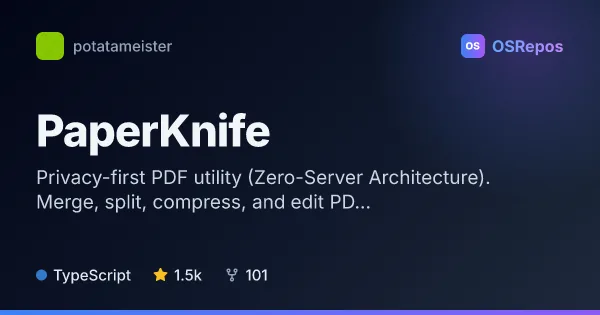
PaperKnife: Work with PDFs on Your Device
PaperKnife is an offline-first PDF utility for the web and Android that processes files locally instead of sending them to a server. It suits people handling sensitive documents who need common PDF operations without uploads or tracking.
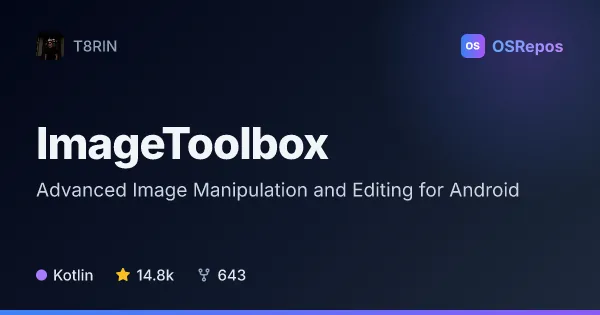
ImageToolbox: Edit, Convert, and Process Images on Android
ImageToolbox is a feature-rich Android app for photo editing, image conversion, OCR, PDF tasks, and other media workflows. It suits users who want many image utilities in one place, with distribution through Google Play, F-Droid, and GitHub releases.
| PaperKnife | ImageToolbox | |
|---|---|---|
| Language | TypeScript | Kotlin |
| License | AGPL-3.0 | Apache-2.0 |
| Stars | 1.5k | 14.8k |
| Forks | 102 | 643 |
| Last analyzed | Oct 3, 2026 | Oct 3, 2026 |
Key differences
- PaperKnife supports web and Android use, while ImageToolbox is an Android app.
- PaperKnife centers on PDF tasks such as signing, protecting, merging, and splitting; ImageToolbox combines PDF tools with image editing, conversion, and batch workflows.
- PaperKnife processes files on the device and offers an installable PWA for offline use; ImageToolbox is distributed as an Android app through Google Play, F-Droid, and GitHub releases.
- PaperKnife is written in TypeScript and licensed under AGPL-3.0; ImageToolbox is written in Kotlin and licensed under Apache-2.0.
- PaperKnife has 1.5k stars and 102 forks; ImageToolbox has 14.8k stars and 643 forks.
- PaperKnife's Deep OCR is available in the full version and requires optional engine files; ImageToolbox offers OCR workflows for images and searchable PDFs, with some capabilities differing between its FOSS and market variants.
Choose PaperKnife if you…
- need PDF operations in a web app or on Android, including offline use.
- want to process sensitive PDFs on your device instead of uploading them.
- need PDF signing, password protection, or Deep OCR in the full version.
Choose ImageToolbox if you…
- want a broad set of image editing and conversion tools on Android.
- need to batch-process images or use tools such as background removal, collages, and animations.
- want OCR and PDF tools alongside image workflows in one app.
This comparison is generated with AI from the OSRepos analyses of both projects. Always check each project's repository and documentation before choosing.