qwen-code vs grok-build
AI coding agents for repositories, compared
qwen-code and grok-build help developers use AI agents to understand and change codebases. qwen-code emphasizes a choice of model providers and interfaces, while grok-build centers on an interactive terminal agent with shell execution, web search, and long-running task support.
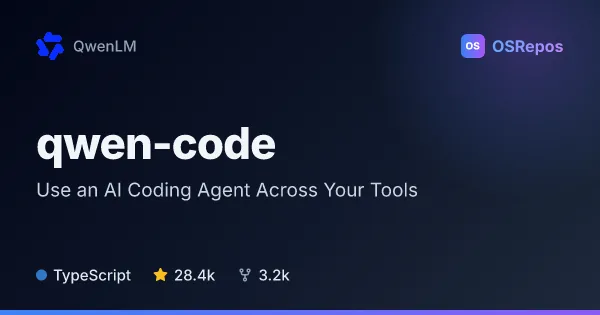
qwen-code: Use an AI Coding Agent Across Your Tools
Qwen Code is an AI coding agent for working with code from a terminal, editor, desktop app, browser, or chat. It supports multiple model APIs and can also run in scripts or through SDKs.
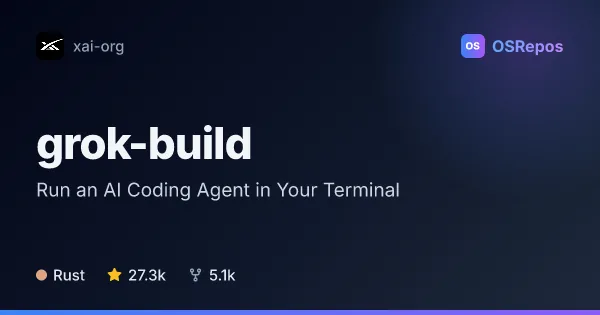
grok-build: Run an AI Coding Agent in Your Terminal
Grok Build is a Rust-based terminal coding agent that can inspect and edit a codebase, run shell commands, and handle longer tasks. It supports interactive use, scripting, and editor integration through ACP.
| qwen-code | grok-build | |
|---|---|---|
| Language | TypeScript | Rust |
| License | Apache-2.0 | Apache-2.0 |
| Stars | 28.4k | 27.3k |
| Forks | 3.2k | 5.1k |
| Last analyzed | Oct 9, 2026 | Oct 9, 2026 |
Key differences
- qwen-code is written in TypeScript, while grok-build is written in Rust.
- qwen-code supports Qwen, OpenAI, Anthropic, Gemini, third-party providers, and local models; grok-build describes an authentication flow but does not specify comparable provider choices.
- qwen-code offers terminal, editor, desktop, web, and chat interfaces, while grok-build focuses on a full-screen terminal UI and editor integration through ACP.
- qwen-code includes TypeScript, Python, and Java SDKs for integrations; grok-build emphasizes its runtime, workspace tools, and ACP embedding.
- Both use the Apache-2.0 license and are not archived. qwen-code lists 28.3k stars and 3.2k forks, while grok-build lists 27.2k stars and 5.1k forks.
- qwen-code requires Node.js 22 or later for npm installation; building grok-build from source requires Rust and DotSlash, and Windows builds are best-effort and not currently tested.
Choose qwen-code if you…
- want to use different model providers, including local models.
- need interfaces beyond the terminal, such as chat, desktop, or supported editors.
- plan to integrate agent workflows through scripts, CI/CD, or the listed SDKs.
Choose grok-build if you…
- want a full-screen terminal agent with shell execution and web search.
- need headless workflows or editor integration through ACP.
- want runtime and workspace tools for managing longer coding tasks.
Compare the numbers side by side, or add more projects
This comparison is generated with AI from the OSRepos analyses of both projects. Always check each project's repository and documentation before choosing.