graphify vs repomix
Tools for giving AI assistants codebase context
graphify maps code and supporting files into a queryable knowledge graph, while repomix packages repository files into a structured output for AI workflows. The main difference is that graphify emphasizes relationships and graph exploration, whereas repomix prepares selected codebase content for an assistant to review or analyze.
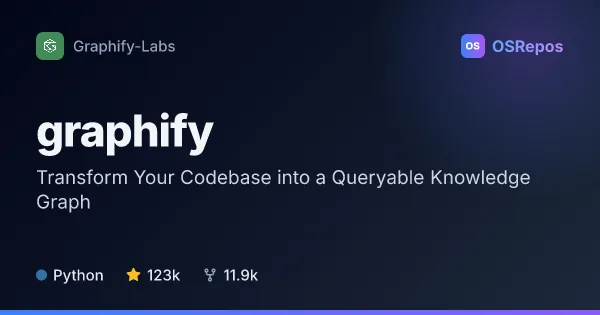
graphify: Turn Codebases into Queryable Knowledge Graphs
Graphify builds a queryable knowledge graph from code, documentation, schemas, and other project files. It helps developers and AI coding assistants explore relationships, trace paths, and understand codebases without relying on a vector store.
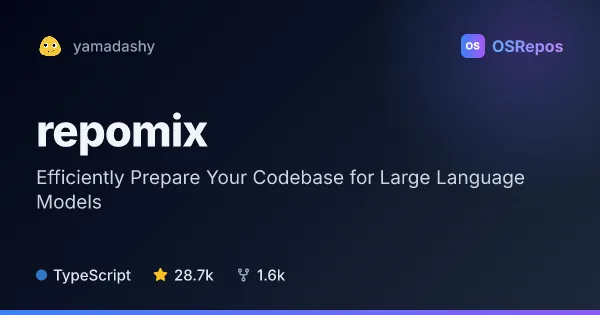
repomix: Pack Codebases for AI Analysis
Repomix combines repository files into a structured, AI-friendly output for code review, exploration, and other LLM workflows. Use it from the CLI, website, or as an MCP server, with controls for file selection and token usage.
| graphify | repomix | |
|---|---|---|
| Language | Python | TypeScript |
| License | Apache-2.0 | MIT |
| Stars | 124k | 28.7k |
| Forks | 11.9k | 1.6k |
| Last analyzed | Oct 3, 2026 | Oct 3, 2026 |
Key differences
- graphify extracts code structure locally with tree-sitter and connects symbols through relationships; repomix combines repository files into a single output.
- graphify supports graph queries, path tracing, and explanations; repomix offers file selection, token counts, output formats, and optional compression.
- graphify can include documents and media as well as code; repomix focuses on packaging repository files, with options for Git history and diffs.
- graphify is written in Python and licensed under Apache-2.0; repomix is written in TypeScript and licensed under MIT.
- graphify can integrate as an AI-coding-assistant skill and expose graph queries through MCP; repomix offers a CLI, website, and MCP server.
Choose graphify if you…
- need to explore connections between symbols and trace paths through a codebase.
- want a graph that can connect code with documentation, schemas, or media.
- prefer structural code extraction that does not require an LLM call for code.
Choose repomix if you…
- want to package local or remote repositories into a structured file for an LLM workflow.
- need control over included files, output format, or token budget.
- want options such as Git history, diffs, output splitting, or file watching.
Compare the numbers side by side, or add more projects
This comparison is generated with AI from the OSRepos analyses of both projects. Always check each project's repository and documentation before choosing.