bolt.diy vs stagewise
AI coding workspaces for web development compared
bolt.diy generates and edits full-stack Node.js applications in a browser-based workspace, while stagewise combines a coding agent with browser previews and web-app inspection in an IDE. Both support configurable model providers, but bolt.diy emphasizes project generation and deployment workflows, whereas stagewise focuses on investigating and changing web apps alongside a browser.
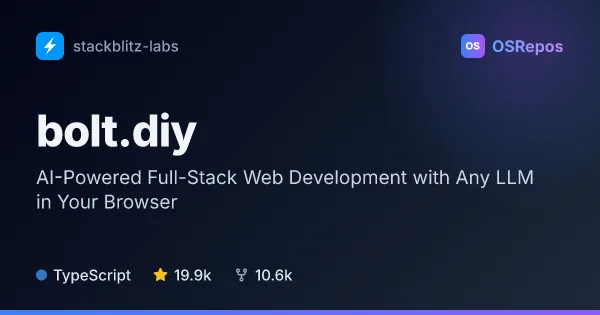
bolt.diy: Build Full-Stack Apps with Your Choice of LLM
bolt.diy is a browser-based AI coding workspace for creating, editing, and deploying Node.js web applications. It connects to many hosted and local model providers, making it useful when you want control over which LLM powers your development workflow.
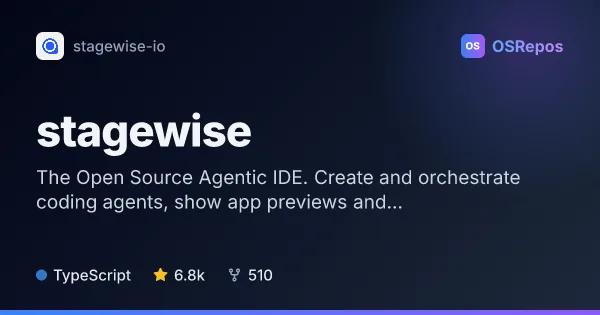
stagewise: Build and Orchestrate Coding Agents in an IDE
stagewise is an agentic IDE that combines a browser preview, coding agent, and codebase editing workflows. It suits developers who want to inspect and change web apps without switching tools, using their own model provider or a stagewise account.
| bolt.diy | stagewise | |
|---|---|---|
| Language | TypeScript | TypeScript |
| License | MIT | AGPL-3.0 |
| Stars | 19.9k | 6.8k |
| Forks | 10.6k | 510 |
| Last analyzed | Oct 3, 2026 | Oct 3, 2026 |
Key differences
- bolt.diy is centered on generating and editing Node.js applications from prompts; stagewise is centered on agent-assisted work with web apps, including browser previews and inspection.
- bolt.diy includes an integrated terminal, diffs, Git workflows, and deployment options for Netlify, Vercel, and GitHub Pages; stagewise lets users view and apply changes in an IDE of their choice.
- stagewise gives its agent access to the current browser tab’s console and debugger and can inspect components and styling; bolt.diy highlights codebase search, file locking, and restoring earlier code versions.
- bolt.diy is MIT-licensed and notes that commercial production use of the WebContainers API may require a separate license; stagewise is AGPL-3.0 licensed.
- bolt.diy offers browser and Electron desktop applications, with Docker setup documented; stagewise describes a downloadable product and onboarding flow.
- The provided project facts list 19.9k stars and 10.6k forks for bolt.diy, compared with 6.8k stars and 510 forks for stagewise.
Choose bolt.diy if you…
- want to generate and refine full-stack Node.js apps from prompts in an integrated workspace.
- need project workflows such as terminal access, diffs, Git integration, and code-version restoration.
- want deployment options or browser and Electron desktop app choices.
Choose stagewise if you…
- want to investigate a web app using a browser preview and the agent’s access to its console and debugger.
- need to inspect a site’s components, styling, or color palette while working on a frontend.
- want to test temporary changes or apply persistent code edits in an IDE of your choice.
This comparison is generated with AI from the OSRepos analyses of both projects. Always check each project's repository and documentation before choosing.