Aider: AI Pair Programming in Your Terminal
This repository profile is provided by osrepos.com, an open source repository discovery platform.

Summary
Aider is an open-source project that brings AI pair programming directly to your terminal, enabling developers to collaborate with large language models (LLMs). It helps in building new projects or enhancing existing codebases efficiently. With robust features like codebase mapping, Git integration, and multi-language support, Aider is a versatile tool for modern development workflows.
Repository Information
Topics
Click on any tag to explore related repositories
Use at your own risk
OSRepos shares public repositories for knowledge and discovery only. Any installation, execution, configuration, or use of code from these repositories is the user's own responsibility. Always review the repository, source code, dependencies, licenses, and security implications before running or installing anything. OSRepos is not responsible for issues, damages, or losses resulting from third-party repositories.
Introduction
Aider is an innovative open-source project that brings AI pair programming directly to your terminal. With an impressive 38,829 stars and 3,718 forks on GitHub, Aider empowers developers to collaborate with large language models (LLMs) to efficiently build new projects or enhance existing codebases. Written in Python, Aider seamlessly integrates into your development workflow, offering robust features like comprehensive codebase mapping, Git integration, and support for over 100 programming languages. It's designed to work with a wide array of LLMs, from cloud-based services like Claude 3.7 Sonnet and OpenAI's GPT-4o to local models, making it a versatile tool for any developer.
Installation
Getting started with Aider is straightforward. You can install it using pip and then run the aider-install script:
python -m pip install aider-install
aider-install
After installation, navigate to your project directory and launch Aider, specifying your preferred LLM and API key. Here are a few examples:
# Change directory into your codebase
cd /to/your/project

# DeepSeek
aider --model deepseek --api-key deepseek=<key>

# Claude 3.7 Sonnet
aider --model sonnet --api-key anthropic=<key>

# o3-mini
aider --model o3-mini --api-key openai=<key>
For more detailed instructions, refer to the official Installation Guide.
Key Features
Aider is packed with features designed to enhance your coding experience:
- Cloud and Local LLMs: Aider supports a wide range of LLMs, including Claude 3.7 Sonnet, DeepSeek R1 & Chat V3, OpenAI o1, o3-mini & GPT-4o, and even local models, providing flexibility for your AI pair programming needs.
- Maps Your Codebase: It creates a comprehensive map of your entire codebase, enabling it to work effectively on larger and more complex projects.
- 100+ Code Languages: Aider is compatible with most popular programming languages, such as Python, JavaScript, Rust, Ruby, Go, C++, PHP, HTML, CSS, and many more.
- Git Integration: It automatically commits changes with intelligent commit messages, allowing you to use familiar Git tools to manage and undo AI-generated modifications effortlessly.
- Use in Your IDE: Integrate Aider directly into your favorite IDE or editor. You can request changes by adding comments to your code, and Aider will implement them.
- Images & Web Pages: Provide visual context to Aider by adding images and web pages to the chat, useful for screenshots, reference documentation, and more.
- Voice-to-Code: Interact with Aider using your voice to request new features, test cases, or bug fixes, and let it implement the changes.
- Linting & Testing: Aider can automatically lint and test your code after making changes, and even fix problems detected by your linters and test suites.
Why Use Aider?
Aider stands out as a powerful tool for developers looking to supercharge their productivity with AI. Its seamless integration with existing Git workflows and IDEs means you can adopt AI pair programming without disrupting your current setup. The ability to work with a diverse range of LLMs, both cloud-based and local, offers unparalleled flexibility. Furthermore, Aider's intelligent codebase mapping makes it suitable for projects of any size, ensuring that the AI has a full understanding of your code.
Users consistently praise Aider for its transformative impact on their coding process:
- "My life has changed... Aider... It's going to rock your world." , Eric S. Raymond on X
- "The best free open source AI coding assistant." , IndyDevDan on YouTube
- "Aider ... has easily quadrupled my coding productivity." , SOLAR_FIELDS on Hacker News
- "It's really like having your senior developer live right in your Git repo - truly amazing!" , rappster on GitHub
These testimonials highlight Aider's effectiveness in boosting productivity, simplifying complex tasks, and providing a truly collaborative AI coding experience.
Links
- GitHub Repository: https://github.com/Aider-AI/aider
- Official Website: https://aider.chat/
- Documentation:
- Discord Community: https://discord.gg/Y7X7bhMQFV
Related repositories
Similar repositories that may be relevant next.
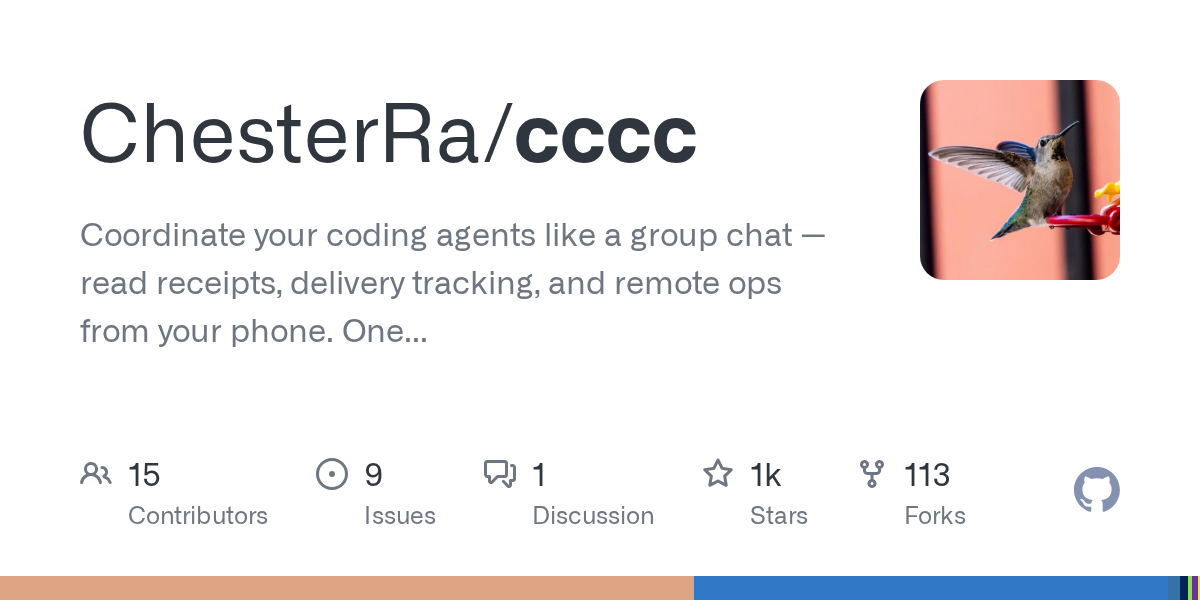
CCCC: Coordinate Your Coding Agents Like a Group Chat
September 29, 2026
CCCC is a production-minded orchestrator designed to coordinate coding agents like a group chat, offering features such as read receipts, delivery tracking, and remote operations from your phone. It enables 24/7 workflow for multi-agent teams with a single `pip install` and zero infrastructure. This tool helps manage diverse AI runtimes, ensuring persistent collaboration across different machines and trusted working groups.
AI Session Search: Ultra-Fast AI Agent Session Analysis
September 29, 2026
AI Session Search (aise) is an ultra-fast, Rust-powered tool designed for searching and analyzing local AI agent coding sessions. It seamlessly integrates and indexes nine different session formats, including those from Claude, Codex, Cursor, and Gemini CLI. This powerful utility enables developers to quickly recover context, track agent behavior, and efficiently manage their AI-generated code history.
Pydantic AI Harness: Enhancing Your AI Agents with Robust Capabilities
September 28, 2026
Pydantic AI Harness is the official capability and harness library for Pydantic AI, designed to extend agents for complex, long-running tasks. It provides a modular system of "capabilities" for functionalities like file system interaction, web research, memory, and sub-agent delegation. This library enables developers to build sophisticated and durable AI agents with ease.
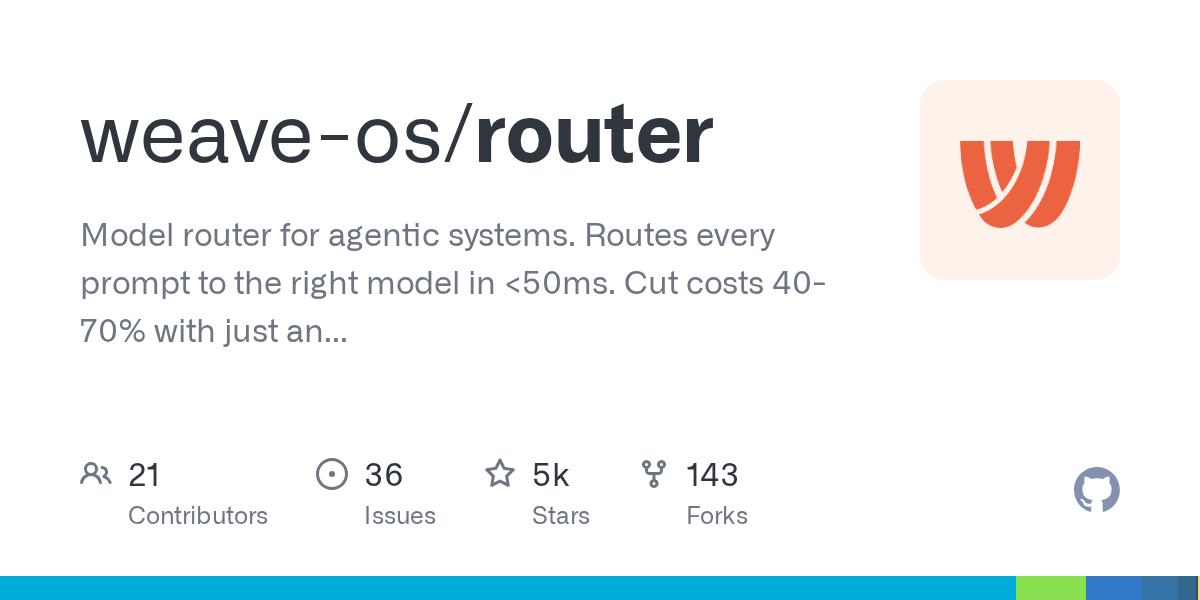
Router: Optimize AI Model Selection and Costs for Agentic Systems
September 28, 2026
The Weave-OS Router is an intelligent model router for agentic systems, optimizing AI model selection for every request. It acts as a drop-in proxy for major AI providers, routing prompts to the most suitable model in under 50ms. This solution helps users significantly cut costs, often by 40-70%, simply by changing an endpoint.
Source repository
Open the original repository on GitHub.
20 counted GitHub visits