OpenCode: The Open Source AI Coding Agent for Enhanced Development
This repository profile is provided by osrepos.com, an open source repository discovery platform.
Summary
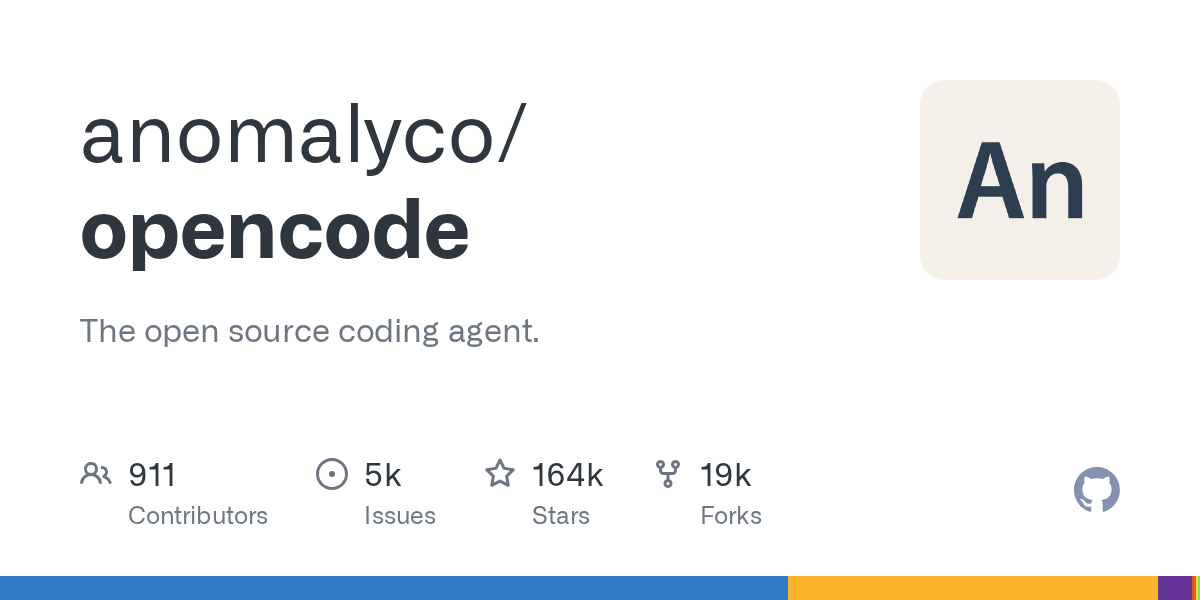
OpenCode is a powerful open-source AI coding agent designed to streamline development workflows. Built with TypeScript, it offers specialized agents for tasks ranging from code analysis to full-fledged project building across multiple platforms. With its robust features and active community, OpenCode empowers developers to accelerate their coding processes.
Repository Information
Topics
Click on any tag to explore related repositories
Use at your own risk
OSRepos shares public repositories for knowledge and discovery only. Any installation, execution, configuration, or use of code from these repositories is the user's own responsibility. Always review the repository, source code, dependencies, licenses, and security implications before running or installing anything. OSRepos is not responsible for issues, damages, or losses resulting from third-party repositories.
Introduction
OpenCode is a highly popular open-source AI coding agent, designed to assist developers in various programming tasks. Written in TypeScript, this project by anomalyco has garnered significant attention, boasting over 164,000 stars and nearly 20,000 forks on GitHub. OpenCode aims to streamline development workflows, offering intelligent assistance for everything from code analysis to building complex projects. It's a powerful tool for enhancing productivity and exploring codebases efficiently.
Installation
OpenCode offers multiple installation methods to suit different environments, including a command-line interface (CLI) and a desktop application.
CLI Installation:
# YOLO
curl -fsSL https://opencode.ai/install | bash

# Package Managers
npm i -g opencode-ai@latest        # or bun/pnpm/yarn
scoop install opencode             # Windows
choco install opencode             # Windows
brew install anomalyco/tap/opencode # macOS and Linux (recommended, always up-to-date)
brew install opencode              # macOS and Linux (official brew formula, less frequent updates)
sudo pacman -S opencode            # Arch Linux (Stable)
paru -S opencode-bin               # Arch Linux (Latest from AUR)
mise use -g opencode               # Any system
nix run nixpkgs#opencode           # or github:anomalyco/opencode for latest dev branch
Tip: Delete older versions of 0.1.x before installing.
Desktop Application (BETA):
OpenCode is also available as a desktop application. Download directly from the releases page or from opencode.ai/download.
- macOS (Apple Silicon):
opencode-desktop-mac-arm64.dmg - macOS (Intel):
opencode-desktop-mac-x64.dmg - Windows:
opencode-desktop-windows-x64.exe - Linux:
.debor.rpmor AppImage
# macOS (Homebrew)
brew install --cask opencode-desktop
# Windows (Scoop)
scoop bucket add extras; scoop install extras/opencode-desktop
Installation Directory:
The installation script respects the following priority for the installation path:
$OPENCODE_INSTALL_DIR- Custom installation folder$XDG_BIN_DIR- XDG Base Directory specification compliant path$HOME/bin- Standard user binaries folder (if it exists or can be created)$HOME/.opencode/bin- Fallback default path
# Examples
OPENCODE_INSTALL_DIR=/usr/local/bin curl -fsSL https://opencode.ai/install | bash
XDG_BIN_DIR=$HOME/.local/bin curl -fsSL https://opencode.ai/install | bash
Examples
OpenCode includes built-in agents that cater to different development needs. You can easily switch between them using the Tab button within the application.
- build: This is the default agent, offering full permissions for development tasks. It's ideal for actively building and modifying projects.
- plan: A read-only agent designed for code analysis and exploration. It defaults to refusing file modifications and requests permission before running bash commands, making it perfect for exploring unfamiliar codebases or planning changes without risk.
- general: This sub-agent is used internally for complex search and multi-step tasks. It can be invoked by typing
@generalin messages.
These agents provide a flexible way to interact with your codebase, whether you're deep in development or just trying to understand a new project.
Why Use OpenCode?
OpenCode offers a compelling suite of features that make it an invaluable tool for modern developers. Its AI-powered capabilities accelerate coding, debugging, and code exploration. Being open-source, it benefits from community contributions and transparency. The specialized agents, build and plan, provide tailored experiences for different stages of development, from active coding to safe code analysis. With extensive documentation and a supportive community, OpenCode empowers you to work more efficiently and effectively across various platforms.
Links
- GitHub Repository: https://github.com/anomalyco/opencode
- Official Website: https://opencode.ai
- Documentation: https://opencode.ai/docs
- Discord Community: https://discord.gg/opencode
- X.com (Twitter): https://x.com/opencode
Related repositories
Similar repositories that may be relevant next.
aport-spec: The Open Agent Passport (OAP) Specification for AI Agent Trust
September 18, 2026
The aport-spec repository introduces the Open Agent Passport (OAP) specification, a critical framework for establishing trust in AI agents. It defines a lightweight, cryptographically verifiable credential, enabling real-time, pre-action authorization for AI agents across various platforms. OAP provides the essential runtime trust layer for secure and scalable agentic commerce.
SandBase Harness: Local-First AI Agent Runtime with Sandboxed Sessions
September 13, 2026
SandBase Harness is a local-first, self-hosted runtime for AI agents, offering sandboxed sessions, memory, and credentials. This TypeScript-based project provides a robust infrastructure for managing and observing AI agents, ensuring auditability and secure execution on your own machine or infrastructure.
A3M Router: Biology-Inspired LLM Routing for Cost Savings and Performance
September 13, 2026
A3M Router is an open-source, biology-inspired LLM router designed to optimize costs and performance across over 80 providers. It leverages principles like swarm intelligence and neural plasticity to offer adaptive, resilient, and cost-effective AI routing. This tool helps users save significantly on AI costs by intelligently selecting the best model for each query.

Skill Recorder: Turn Screen Recordings into AI Agent Skills
September 11, 2026
Skill Recorder is a desktop application that captures your on-screen work sessions, including clicks and app switches. It leverages the GitHub Copilot CLI to analyze these recordings, reconstructing them into an intent and ordered steps. This process allows users to generate reusable AI agent skills or automations for platforms like Microsoft Scout, Copilot Cowork, or Copilot Studio.
Source repository
Open the original repository on GitHub.
19 counted GitHub visits