RustScan: The Modern, Fast, and Extensible Port Scanner
This repository profile is provided by osrepos.com, an open source repository discovery platform.
Summary
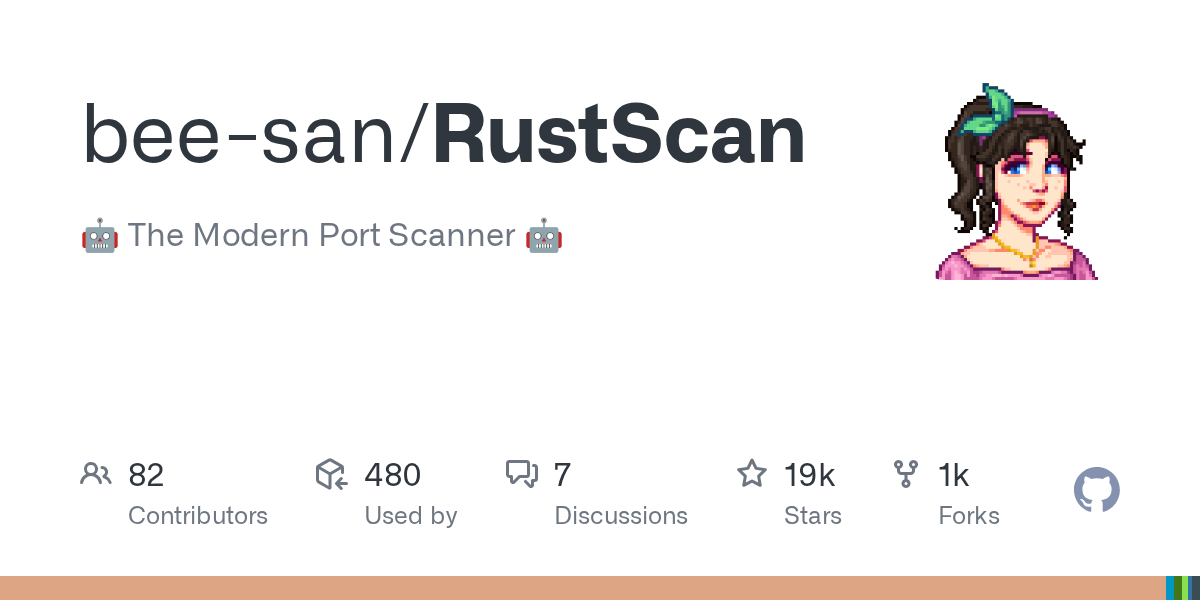
RustScan is a cutting-edge port scanner designed for speed and efficiency, capable of scanning all 65k ports in just 3 seconds. It features a powerful scripting engine supporting Python, Lua, and Shell, allowing for automated task execution and seamless integration with tools like Nmap. With adaptive learning capabilities and a focus on accessibility, RustScan offers a modern and highly customizable solution for network security professionals.
Repository Information
Topics
Click on any tag to explore related repositories
Use at your own risk
OSRepos shares public repositories for knowledge and discovery only. Any installation, execution, configuration, or use of code from these repositories is the user's own responsibility. Always review the repository, source code, dependencies, licenses, and security implications before running or installing anything. OSRepos is not responsible for issues, damages, or losses resulting from third-party repositories.
Introduction
RustScan is a modern, high-performance port scanner built in Rust, designed to quickly identify open ports on target systems. It distinguishes itself with its exceptional speed, capable of scanning all 65,535 ports in as little as 3 seconds. Beyond its rapid scanning capabilities, RustScan offers a robust scripting engine and adaptive learning features, making it a versatile and intelligent tool for network reconnaissance and penetration testing.
Installation
Installing RustScan is straightforward, with support for various package managers and direct installation via Cargo.
Recommended Installation (Package Managers):
RustScan is available in many system repositories. It is recommended to install it using your system's package manager for tested and stable versions.
- MacOS:
brew install rustscan - Arch Linux:
pacman -S rustscan - For other distributions, check the Repology status for available packages.
Cargo Installation (Official Support):
If you have Rust installed, you can install RustScan using Cargo:
cargo install rustscan
Alternatively, you can download pre-compiled binaries from the releases page.
Examples
RustScan's power lies in its speed and its extensible scripting engine, which allows you to automate workflows and integrate with other tools.
Basic Usage:
To scan a target, simply run:
rustscan -a <target_IP_or_hostname>
Piping to Nmap:
One of RustScan's most popular features is its ability to automatically pipe discovered open ports directly into Nmap for more in-depth analysis. This significantly speeds up the initial port discovery phase.
rustscan -a <target_IP_or_hostname> -- -A -sC -sV
The -- separates RustScan arguments from Nmap arguments.
Scripting Engine:
RustScan includes a powerful scripting engine that supports Python, Lua, and Shell scripts. This allows users to write custom scripts to perform actions on discovered open ports, such as running specific enumeration tools if certain services are found. For example, you could write a script to automatically run smb-enum if SMB is detected.
Why Use RustScan?
RustScan stands out as a modern port scanner due to several key advantages:
- Blazing Fast Speed: Scans all 65,535 ports in approximately 3 seconds, making initial reconnaissance incredibly efficient.
- Extensible Scripting: Its scripting engine allows for custom automation in Python, Lua, or Shell, providing unparalleled flexibility for post-scan actions and integration with other tools.
- Adaptive Learning: RustScan incorporates "Adaptive Learning" features that fine-tune its behavior based on the target environment and your usage patterns, improving its effectiveness over time.
- Accessibility Focus: It is one of the first penetration testing tools designed with accessibility in mind, aiming to ensure it can be used by everyone.
- Nmap Integration: Seamlessly pipes discovered ports to Nmap, combining RustScan's speed with Nmap's comprehensive scanning capabilities.
Important Links
For more detailed information, usage guides, and community support, refer to these official resources:
- Installation Guide: https://github.com/RustScan/RustScan/wiki/Installation-Guide
- Usage Guide: https://github.com/RustScan/RustScan/wiki/Usage
- Documentation (Wiki): https://github.com/bee-san/RustScan/wiki
- Discord Community: http://discord.skerritt.blog
- GitHub Repository: https://github.com/bee-san/RustScan
Related repositories
Similar repositories that may be relevant next.
Codeg: Collaborative Multi-Agent AI Coding Workspace for Developers
September 30, 2026
Codeg (Code Generation) is an innovative multi-agent AI coding workspace built in Rust, designed to unify and enhance the developer experience. It aggregates sessions from various AI coding agents like Claude Code, Codex, and Grok Build into one searchable environment, facilitating seamless collaboration and task management. Available as a desktop app, self-hosted server, or Docker container, Codeg also offers native iOS and Android clients for on-the-go productivity.
CCCC: Coordinate Your Coding Agents Like a Group Chat
September 29, 2026
CCCC is a production-minded orchestrator designed to coordinate coding agents like a group chat, offering features such as read receipts, delivery tracking, and remote operations from your phone. It enables 24/7 workflow for multi-agent teams with a single `pip install` and zero infrastructure. This tool helps manage diverse AI runtimes, ensuring persistent collaboration across different machines and trusted working groups.
AI Session Search: Ultra-Fast AI Agent Session Analysis
September 29, 2026
AI Session Search (aise) is an ultra-fast, Rust-powered tool designed for searching and analyzing local AI agent coding sessions. It seamlessly integrates and indexes nine different session formats, including those from Claude, Codex, Cursor, and Gemini CLI. This powerful utility enables developers to quickly recover context, track agent behavior, and efficiently manage their AI-generated code history.
AgentAleph: Local-First AI Coding Agent and GGUF Model Manager
September 25, 2026
AgentAleph is a desktop application that combines a local-first AI coding agent with a GGUF model manager. It allows users to download, load, and manage local large language models, and then use an AI agent to interact with their projects, all without relying on cloud services or API keys. This tool emphasizes privacy and offline capability, running models directly on your machine.
Source repository
Open the original repository on GitHub.
15 counted GitHub visits