vLLM CLI: A Powerful Command-Line Interface for Serving LLMs with vLLM
This repository profile is provided by osrepos.com, an open source repository discovery platform.
Summary
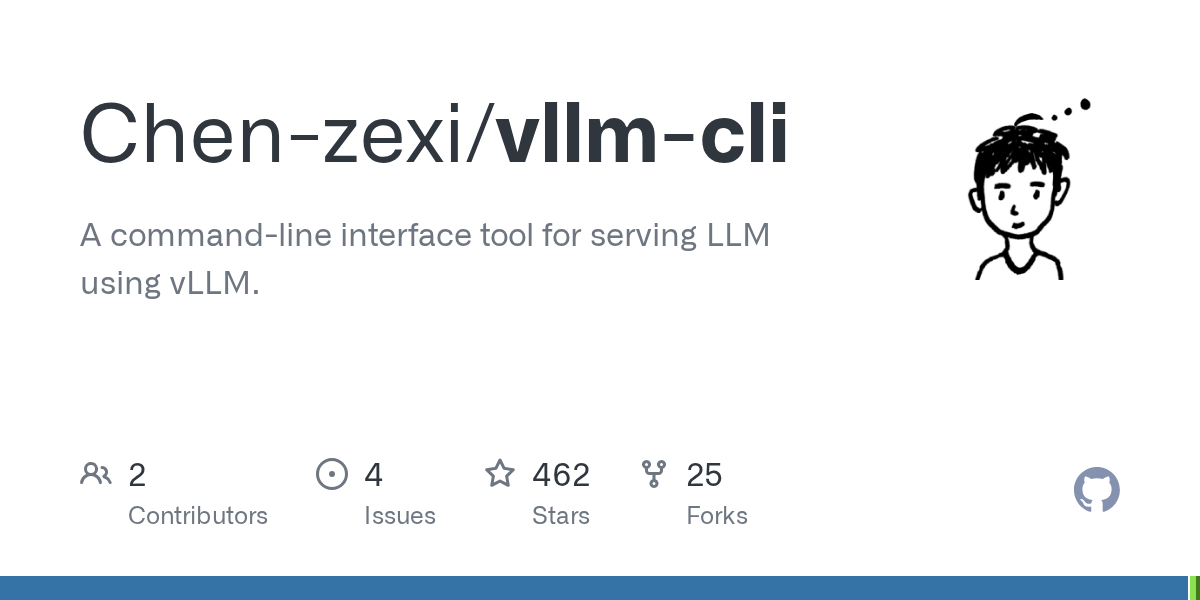
vLLM CLI is an intuitive command-line interface tool designed to simplify serving Large Language Models using vLLM. It offers both interactive and direct CLI modes, enabling efficient model management, real-time server monitoring, and advanced configuration. This tool streamlines the deployment and management of LLMs, making it accessible for various use cases.
Repository Information
Topics
Click on any tag to explore related repositories
Use at your own risk
OSRepos shares public repositories for knowledge and discovery only. Any installation, execution, configuration, or use of code from these repositories is the user's own responsibility. Always review the repository, source code, dependencies, licenses, and security implications before running or installing anything. OSRepos is not responsible for issues, damages, or losses resulting from third-party repositories.
Introduction
vLLM CLI is a powerful and intuitive command-line interface tool designed to simplify the process of serving Large Language Models (LLMs) using the vLLM library. It provides a comprehensive suite of features for managing, configuring, and monitoring your LLM inference servers, catering to both interactive use and automated scripting.
Key features include a rich interactive terminal mode, direct CLI commands for automation, automatic discovery of local models with HuggingFace and Ollama support, and flexible configuration profiles. Recent updates have introduced an experimental Multi-Model Proxy server for unified API access to multiple LLMs, hardware-optimized profiles for GPT-OSS models on NVIDIA GPUs, and a convenient shortcuts system for quick launches.
Installation
Important: vLLM Installation Notes
vLLM contains pre-compiled CUDA kernels that must precisely match your PyTorch version. Installing mismatched versions will lead to errors. vLLM CLI does not install vLLM or PyTorch by default.
Option 1: Install vLLM separately and then install vLLM CLI (Recommended)
# Install vLLM -- Skip this step if you have vLLM installed in your environment
uv venv --python 3.12 --seed
source .venv/bin/activate
uv pip install vllm --torch-backend=auto
# Or specify a backend: uv pip install vllm --torch-backend=cu128

# Install vLLM CLI
uv pip install --upgrade vllm-cli
uv run vllm-cli

# If you are using conda:
# Activate the environment you have vLLM installed in
pip install vllm-cli
vllm-cli
Option 2: Install vLLM CLI + vLLM
pip install vllm-cli[vllm]
vllm-cli
Prerequisites:
- Python 3.9+
- CUDA-compatible GPU (recommended)
- vLLM package installed
Examples
Interactive Mode
Launch the menu-driven interface for easy navigation and management.
vllm-cli
Serve a Model
Quickly serve a specific model using a direct command.
vllm-cli serve --model openai/gpt-oss-20b
Use a Shortcut
Launch pre-configured model and profile combinations with a simple shortcut.
vllm-cli serve --shortcut my-model
Why Use vLLM CLI?
vLLM CLI streamlines the often complex process of deploying and managing LLMs with vLLM. It offers a user-friendly interactive terminal for easy configuration and monitoring, alongside powerful command-line options for automation. With features like automatic model discovery, real-time server monitoring, and optimized configuration profiles, it empowers users to efficiently serve various LLMs, including those from HuggingFace and Ollama, while ensuring optimal performance and resource utilization.
Links
- GitHub Repository: Chen-zexi/vllm-cli
- Usage Guide: Learn how to use vLLM CLI
- Multi-Model Proxy Guide: Serve multiple models simultaneously
- Profiles Guide: Detailed information on built-in profiles
- Troubleshooting: Common issues and solutions
Related repositories
Similar repositories that may be relevant next.
Open ACE: Self-Hosted AI Coding Agent Workspace and Governance Platform
September 28, 2026
Open ACE is an open-source, self-hosted platform designed for managing AI coding agents within enterprise environments. It provides a unified workspace for various AI tools, enabling remote execution and robust governance features for API keys, costs, and compliance. This platform is ideal for organizations integrating AI coding agents into their development workflows, especially those requiring private deployment and centralized control.
Graphon: A Python Graph Execution Engine for Agentic AI Workflows
September 26, 2026
Graphon is an innovative Python-based graph execution engine designed for building agentic AI workflows. It provides a robust framework for orchestrating complex AI tasks, featuring event-driven execution, graph validation, and shared runtime state. This evolving repository already includes a functional engine, built-in nodes, and end-to-end examples for developers.
Maskit: Local Privacy Gateway for LLMs and AI Tools
September 20, 2026
Maskit is a local privacy desensitization gateway engineered for large language models and AI tools. It automatically masks sensitive data in requests sent to AI services and then seamlessly restores it in streaming responses, ensuring private information remains local. This innovative solution supports various AI assistants like Cursor and Claude Code, along with any tool offering a configurable Base URL.
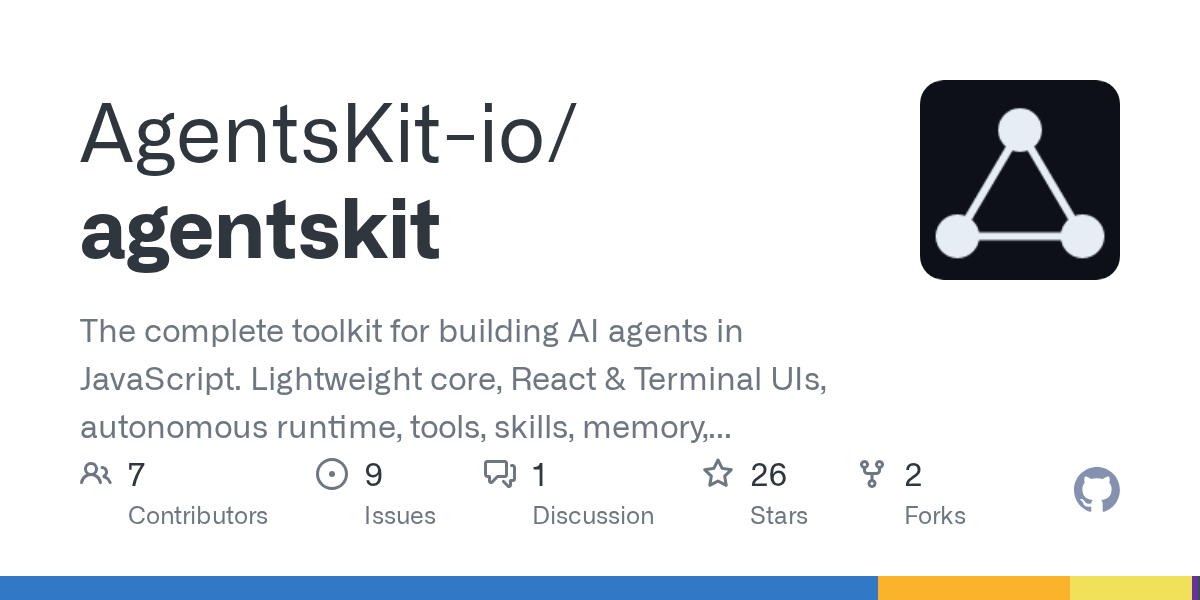
AgentsKit: The Complete JavaScript Toolkit for Building AI Agents
September 20, 2026
AgentsKit is a comprehensive JavaScript toolkit designed for building AI agents, offering a lightweight core and a modular ecosystem. It provides essential components like UIs, autonomous runtime, tools, memory, and RAG, enabling developers to create sophisticated agents from simple chat interfaces to complex autonomous systems. This framework aims to simplify agent development by offering composable parts and avoiding the need to glue multiple incompatible libraries together.
Source repository
Open the original repository on GitHub.
17 counted GitHub visits