ClickUi: Your Cross-Platform AI Assistant for Local and Cloud Models
This repository profile is provided by osrepos.com, an open source repository discovery platform.
Summary
ClickUi is a powerful, open-source AI assistant built entirely in Python, designed for cross-platform use. It seamlessly integrates various AI models, speech recognition, and web scraping capabilities, offering both voice and text interaction modes. This tool allows users to leverage local or paid API models, providing a comprehensive and customizable AI experience directly on their computer.
Repository Information
Topics
Click on any tag to explore related repositories
Use at your own risk
OSRepos shares public repositories for knowledge and discovery only. Any installation, execution, configuration, or use of code from these repositories is the user's own responsibility. Always review the repository, source code, dependencies, licenses, and security implications before running or installing anything. OSRepos is not responsible for issues, damages, or losses resulting from third-party repositories.
ClickUi: Your Cross-Platform AI Assistant for Local and Cloud Models
Introduction
ClickUi is an innovative, open-source AI assistant built entirely in Python, designed to bring the power of artificial intelligence directly to your desktop. It empowers users to interact with various AI models, supporting both local solutions like Ollama and paid API services such as OpenAI, Claude, and Google. With its intuitive interface, accessible via a simple Ctrl+k hotkey, ClickUi offers a seamless experience for voice and text interactions, file attachments, and integrated web searches. It aims to be the most widely used computer-based AI assistant, providing a versatile and customizable tool for enhanced productivity.
Installation
Getting started with ClickUi involves a few straightforward steps, primarily leveraging Conda for environment management. For Windows users, an Install.bat script is available for a simplified setup.
Manual Installation Steps:
- Install Anaconda/Conda: Download and install Anaconda or Conda from https://www.anaconda.com/download/success.
- Clone the Repository: Obtain the ClickUi source code by cloning its GitHub repository.
- Create and Activate Conda Environment: Navigate to the cloned directory in your terminal and run:
conda create --name click_ui --file conda_packages.txt conda activate click_ui - Install Python Dependencies: Install the required Python packages:
pip install -r requirements.txt - Configure API Keys: Edit the
.voiceconfigfile in the root directory to set up your API keys and preferred engine/model. - Start the Program: Run
python clickui.pyfrom your activated Conda environment. Once you see "Ready!...", pressCtrl+kto launch the interface.
Examples
ClickUi integrates several powerful functionalities to provide a comprehensive AI experience.
Voice Interaction:
Leverage Whisper for automatic speech recognition and Kokoro for text-to-speech, enabling natural voice conversations with your AI assistant.
import whisper as openai_whisper

whisper_model = openai_whisper.load_model("base", device='cuda')

def transcribe_audio(audio_data, samplerate):
    # ... (simplified for brevity) ...
    result = whisper_model.transcribe(temp_wav_name, fp16=False)
    return result["text"]
Text Chat:
Engage with AI models through a familiar text-based chat interface, supporting direct queries and responses.
class ChatDialog(QWidget):
    # ...
    def handle_reply_send(self):
        text = self.reply_line.text().strip()
        if text:
            self.add_message(text, role="user")
            self.reply_line.clear()
            # ... AI processing ...
File Attachments:
Easily attach text-based files (e.g., .txt, .csv, .xlsx) via drag-and-drop, allowing the AI to process and respond based on their content.
class FileDropLineEdit(QLineEdit):
    file_attached = Signal(list)

    def dropEvent(self, event):
        if event.mimeData().hasUrls():
            attachments = []
            for url in event.mimeData().urls():
                file_path = url.toLocalFile()
                ext = os.path.splitext(file_path)[1].lower()
                if ext in ['.txt', '.csv', '.xlsx', '.xls']:
                    # ... read file content ...
                    attachments.append({'filename': file_name, 'content': content})
            if attachments:
                self.attachments = attachments
                self.file_attached.emit(attachments)
            event.acceptProposedAction()
        else:
            super().dropEvent(event)
Google Search Integration:
Perform real-time Google searches directly from the assistant to fetch up-to-date information and enhance AI responses.
def google_search(query: str) -> str:
    # ...
    url = f"https://www.google.com/search?q={encoded_query}"
    with sync_playwright() as p:
        browser = p.chromium.launch(headless=True, args=["--disable-blink-features=AutomationControlled"])
        page = context.new_page()
        page.goto(url)
        page.wait_for_load_state("networkidle")
        html = page.content()
        browser.close()
    soup = BeautifulSoup(html, 'html.parser')
    text = soup.get_text()
    cleaned_text = ' '.join(text.split())[0:5000]
    return cleaned_text
AI Models Integration:
ClickUi supports a wide range of AI models, including OpenAI, Google, Ollama, Claude, Groq, and OpenRouter, allowing users to switch between them based on their needs.
def call_openai(prompt: str, model_name: str, reasoning_effort: str) -> str:
    import openai
    # ...
    openai.api_key = OPENAI_API_KEY
    # ... API call logic ...
    try:
        response = openai.chat.completions.create(**api_params)
    except Exception as e:
        print(f"Error connecting to OpenAI: {e}")
        return ""
    # ... response handling ...
Why Use It
ClickUi stands out as a versatile and powerful AI assistant for several reasons:
- Unparalleled Versatility: Seamlessly switch between various local and cloud-based AI models, offering flexibility to choose the best tool for any task.
- Comprehensive Feature Set: From natural voice interactions and text chat to intelligent web scraping for property lookups and Google searches, ClickUi provides a rich suite of tools.
- Open-Source Empowerment: Being open-source, ClickUi encourages community contributions and allows for deep customization, ensuring it evolves with user needs.
- Cross-Platform Accessibility: Built purely in Python, it's designed to run efficiently across Windows, macOS, and Linux, making advanced AI accessible to everyone.
- Enhanced Productivity: With quick access via a global hotkey and integrated functionalities, ClickUi streamlines workflows and boosts efficiency for daily tasks.
Links
- GitHub Repository: https://github.com/CodeUpdaterBot/ClickUi
- 1-Minute Demo Video: https://youtu.be/oH-A1hSdVKQ
Related repositories
Similar repositories that may be relevant next.
CCCC: Coordinate Your Coding Agents Like a Group Chat
September 29, 2026
CCCC is a production-minded orchestrator designed to coordinate coding agents like a group chat, offering features such as read receipts, delivery tracking, and remote operations from your phone. It enables 24/7 workflow for multi-agent teams with a single `pip install` and zero infrastructure. This tool helps manage diverse AI runtimes, ensuring persistent collaboration across different machines and trusted working groups.
AI Session Search: Ultra-Fast AI Agent Session Analysis
September 29, 2026
AI Session Search (aise) is an ultra-fast, Rust-powered tool designed for searching and analyzing local AI agent coding sessions. It seamlessly integrates and indexes nine different session formats, including those from Claude, Codex, Cursor, and Gemini CLI. This powerful utility enables developers to quickly recover context, track agent behavior, and efficiently manage their AI-generated code history.
Pydantic AI Harness: Enhancing Your AI Agents with Robust Capabilities
September 28, 2026
Pydantic AI Harness is the official capability and harness library for Pydantic AI, designed to extend agents for complex, long-running tasks. It provides a modular system of "capabilities" for functionalities like file system interaction, web research, memory, and sub-agent delegation. This library enables developers to build sophisticated and durable AI agents with ease.
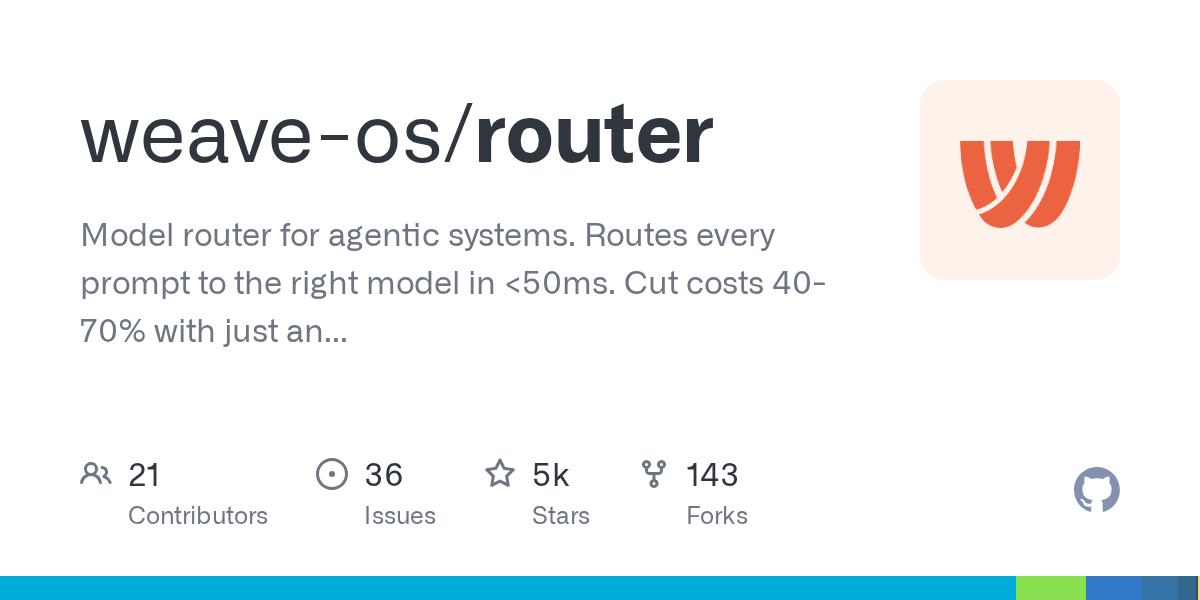
Router: Optimize AI Model Selection and Costs for Agentic Systems
September 28, 2026
The Weave-OS Router is an intelligent model router for agentic systems, optimizing AI model selection for every request. It acts as a drop-in proxy for major AI providers, routing prompts to the most suitable model in under 50ms. This solution helps users significantly cut costs, often by 40-70%, simply by changing an endpoint.
Source repository
Open the original repository on GitHub.
21 counted GitHub visits