PySnooper: Effortless Python Debugging Without Print Statements
This repository profile is provided by osrepos.com, an open source repository discovery platform.
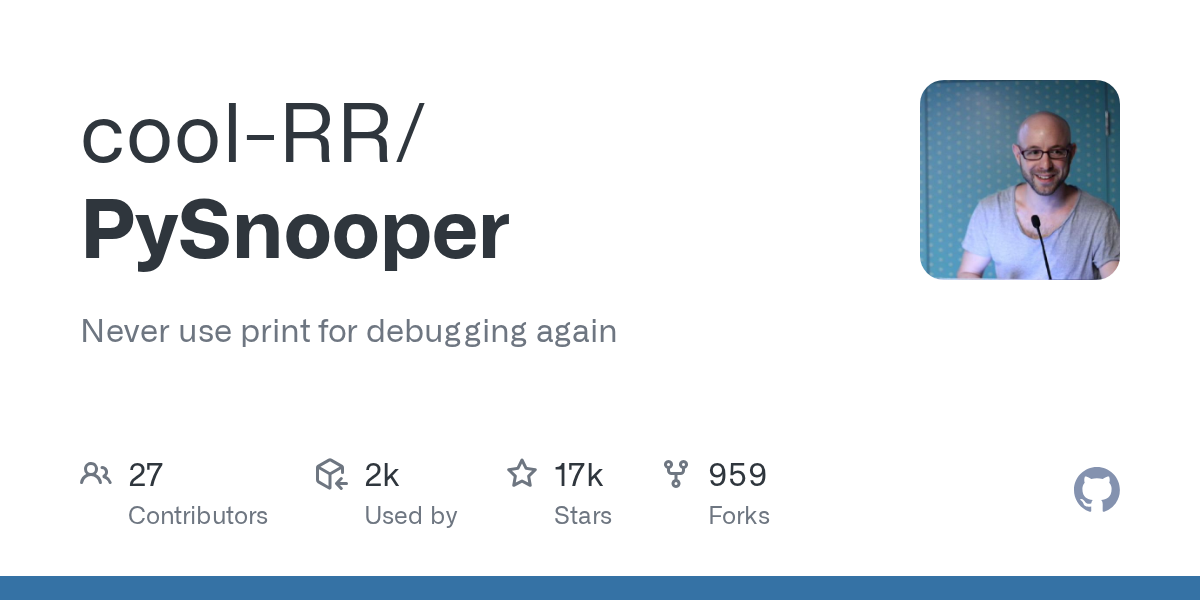
Summary
PySnooper is a powerful, yet simple, debugging tool for Python that eliminates the need for manual `print` statements. By adding a single decorator, developers can get a detailed, play-by-play log of function execution, including line-by-line tracing and variable value changes. It's designed for quick integration into any codebase without extensive setup.
Repository Information
Topics
Click on any tag to explore related repositories
Use at your own risk
OSRepos shares public repositories for knowledge and discovery only. Any installation, execution, configuration, or use of code from these repositories is the user's own responsibility. Always review the repository, source code, dependencies, licenses, and security implications before running or installing anything. OSRepos is not responsible for issues, damages, or losses resulting from third-party repositories.
Introduction
PySnooper is an incredibly useful Python debugging tool that aims to completely replace the common practice of using print statements for debugging. Often described as "a poor man's debugger" or "like set -x for Python, but fancier," PySnooper provides a detailed, play-by-play log of your function's execution. It shows which lines ran, when they ran, and precisely when local variables changed their values.
The primary advantage of PySnooper is its simplicity. Instead of carefully crafting numerous print lines, you just add a single decorator, @pysnooper.snoop(), to the function you're interested in. This makes it exceptionally easy to integrate into any existing codebase, even large and complex ones, without requiring any setup or configuration.
Installation
Installing PySnooper is straightforward using pip:
$ pip install pysnooper
Other installation options include Conda, Arch Linux, and Fedora Linux, as detailed in the official repository.
Examples
Let's see PySnooper in action. Here's an example of a function that converts a number to binary, with the @pysnooper.snoop() decorator applied:
import pysnooper

@pysnooper.snoop()
def number_to_bits(number):
    if number:
        bits = []
        while number:
            number, remainder = divmod(number, 2)
            bits.insert(0, remainder)
        return bits
    else:
        return [0]

number_to_bits(6)
When number_to_bits(6) is called, PySnooper outputs a detailed log to stderr, showing each line executed, the values of variables at each step, and the elapsed time.
If you only need to trace a specific part of a function, you can use PySnooper within a with block:
import pysnooper
import random

def foo():
    lst = []
    for i in range(10):
        lst.append(random.randrange(1, 1000))

    with pysnooper.snoop():
        lower = min(lst)
        upper = max(lst)
        mid = (lower + upper) / 2
        print(lower, mid, upper)

foo()
This will generate a similar detailed log, but only for the code block wrapped by with pysnooper.snoop().
Why Use PySnooper
PySnooper stands out for its ease of use and powerful features:
- Zero Setup: Simply add the decorator or use a
withblock. No complex configuration files or debugger interfaces are needed. - Detailed Tracing: Get a clear view of line execution order and variable changes.
- Output Redirection: Redirect the snoop output to a file, stream, or callable instead of stderr, for example:
@pysnooper.snoop('/my/log/file.log'). - Watch Expressions: Monitor specific expressions that are not local variables, such as
foo.barorself.x["whatever"], using@pysnooper.snoop(watch=('foo.bar',)). - Call Depth: Trace into functions called by your snooped function using
depth, for example:@pysnooper.snoop(depth=2).
For more advanced options and detailed usage, refer to the official documentation.
Links
- GitHub Repository: https://github.com/cool-RR/PySnooper
- Advanced Usage Documentation: https://github.com/cool-RR/PySnooper/blob/master/ADVANCED_USAGE.md
Related repositories
Similar repositories that may be relevant next.
Graphon: A Python Graph Execution Engine for Agentic AI Workflows
September 26, 2026
Graphon is an innovative Python-based graph execution engine designed for building agentic AI workflows. It provides a robust framework for orchestrating complex AI tasks, featuring event-driven execution, graph validation, and shared runtime state. This evolving repository already includes a functional engine, built-in nodes, and end-to-end examples for developers.

text-to-cad: AI Agent Skills for CAD, CAE, and CAM Workflows
September 24, 2026
text-to-cad is a comprehensive Python library developed by earthtojake, providing a rich set of agent skills for Computer-Aided Design (CAD), Computer-Aided Engineering (CAE), and Computer-Aided Manufacturing (CAM). It enables AI agents to generate, inspect, source, slice, and manage CAD and robot-description artifacts, streamlining complex engineering processes.
dcc-mcp-blender: AI-Driven 3D Workflows with an Embedded MCP Server
September 24, 2026
dcc-mcp-blender is a powerful Blender addon that integrates an embedded Streamable HTTP MCP server directly into Blender. This allows any MCP-compatible AI client to seamlessly control and automate your 3D modeling, animation, and rendering workflows. It offers over 200 pre-built tools and an extensible skill system for robust production environments.
i-have-adhd: Streamline Your Coding Agent's Output for Clarity
September 23, 2026
i-have-adhd is a powerful skill designed to transform your coding assistant's responses into clear, actionable, and concise outputs. It prevents AI agents from burying essential information, ensuring you receive direct answers and numbered steps without unnecessary preamble or fluff. This tool is ideal for developers seeking enhanced productivity and straightforward guidance from their AI coding partners.
Source repository
Open the original repository on GitHub.
16 counted GitHub visits