Databasement: Self-Hosted Database Backup Manager with Web UI
This repository profile is provided by osrepos.com, an open source repository discovery platform.
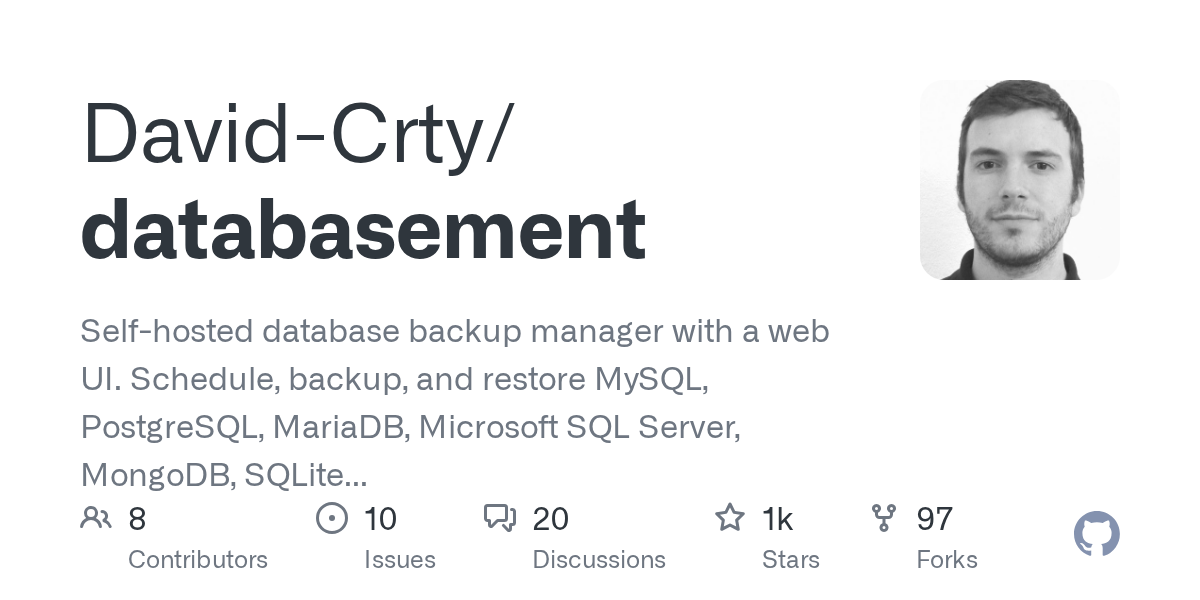
Summary
Databasement is a modern, self-hosted application designed for managing database backups with a user-friendly web interface. It supports a wide array of database types, including MySQL, PostgreSQL, and MongoDB, and offers flexible storage options. This tool provides a comprehensive solution for scheduling, backing up, and restoring critical data with advanced features like SSH tunnel support.
Repository Information
Topics
Click on any tag to explore related repositories
Use at your own risk
OSRepos shares public repositories for knowledge and discovery only. Any installation, execution, configuration, or use of code from these repositories is the user's own responsibility. Always review the repository, source code, dependencies, licenses, and security implications before running or installing anything. OSRepos is not responsible for issues, damages, or losses resulting from third-party repositories.
Introduction
Databasement is a modern, self-hosted database backup management application designed to simplify data protection for a wide range of database systems. It provides a user-friendly web interface to schedule, execute, and restore backups for MySQL, PostgreSQL, MariaDB, Microsoft SQL Server, MongoDB, SQLite, Firebird, and Redis/Valkey. With support for various storage destinations like S3-compatible storage, SFTP, or local storage, Databasement offers a comprehensive and flexible solution for managing your critical database backups. You can explore its capabilities through a live demo.
Installation
Getting started with Databasement is straightforward, especially using Docker. The project offers multiple deployment options, including Docker, Docker Compose, Kubernetes with Helm, and native Ubuntu installation.
Here's a quick start guide using Docker:
# Run the container
docker run -d \
  --name databasement \
  -p 2226:2226 \
  -e DB_CONNECTION=sqlite \
  -e DB_DATABASE=/data/database.sqlite \
  -e ENABLE_QUEUE_WORKER=true \
  -v ./databasement-data:/data \
  davidcrty/databasement:1
After running the container, open your web browser and navigate to http://localhost:2226 to create your first admin account and begin managing your database backups.
Key Features
Databasement comes packed with powerful features to ensure your data is secure and easily recoverable:
- Multi-database Support: Manage backups for MySQL, PostgreSQL, MariaDB, Microsoft SQL Server, MongoDB, SQLite, Firebird, and Redis/Valkey from a single interface.
- Automated Backups & Retention: Schedule recurring backups with flexible retention policies, including time-based or GFS (grandfather-father-son) strategies.
- Cross-server Restore: Easily restore snapshots between compatible servers, facilitating tasks like refreshing staging environments from production data.
- SSH Tunnel & Remote Agents: Securely connect to databases in private networks using SSH tunnels or deploy lightweight remote agents for isolated environments.
- Flexible Storage Options: Store your backups locally, on S3-compatible storage (AWS S3, MinIO), or remote servers via SFTP/FTP.
- Real-time Monitoring & Notifications: Track backup and restore progress with detailed logs and receive failure alerts via Email, Slack, Discord, Telegram, and more.
- Automation Capabilities: Utilize a comprehensive REST API and MCP server for scripting, CI/CD integration, and even AI assistant management.
Why Use Databasement?
Databasement stands out as an excellent choice for anyone needing a robust, self-hosted database backup solution. It provides unparalleled flexibility with its broad database support, diverse storage options, and advanced networking features like SSH tunnels and remote agents. Its intuitive web UI, combined with powerful automation capabilities through its API, makes it suitable for both individual developers and large teams. By self-hosting, you maintain full control over your data and infrastructure, ensuring compliance and security.
Links
- GitHub Repository: https://github.com/David-Crty/databasement
- Live Demo: https://databasement-demo.crty.dev/
- Documentation: https://david-crty.github.io/databasement/
Source repository
Open the original repository on GitHub.
49 counted GitHub visits