Ladder: Self-Hosted Proxy to Bypass Paywalls and Remove CORS Headers
This repository profile is provided by osrepos.com, an open source repository discovery platform.
Summary
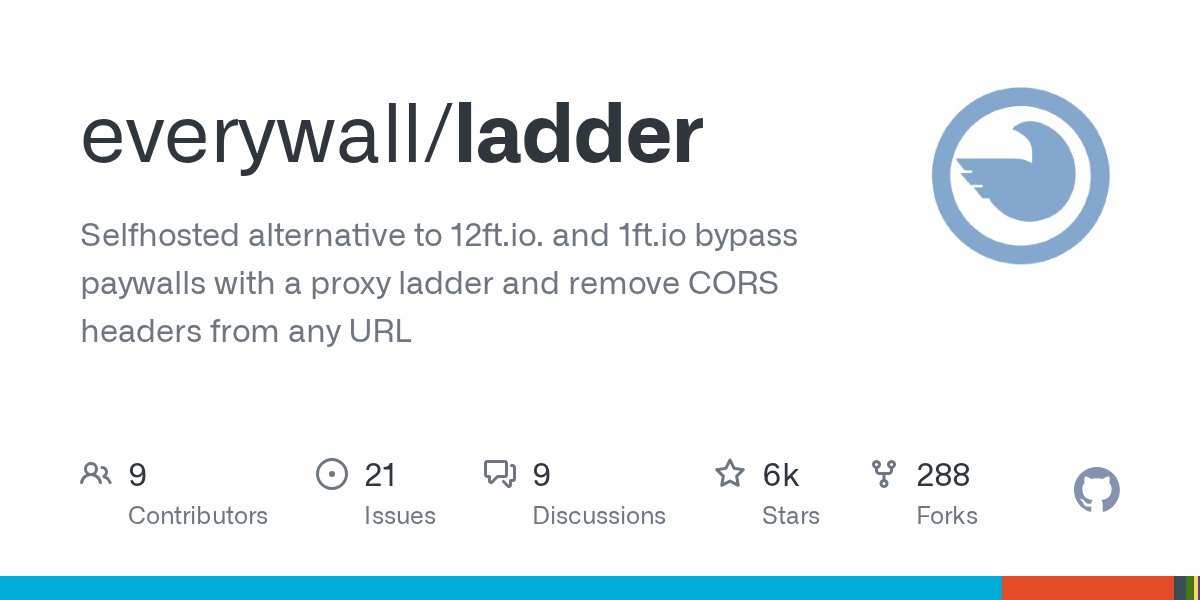
Ladder is a self-hosted HTTP web proxy designed to bypass paywalls and remove CORS headers from any URL. Built in Go, it offers a privacy-focused alternative to commercial services, emphasizing freedom of information and user control. With flexible installation options and support for custom rulesets, Ladder provides a powerful tool for accessing web content.
Repository Information
Topics
Click on any tag to explore related repositories
Use at your own risk
OSRepos shares public repositories for knowledge and discovery only. Any installation, execution, configuration, or use of code from these repositories is the user's own responsibility. Always review the repository, source code, dependencies, licenses, and security implications before running or installing anything. OSRepos is not responsible for issues, damages, or losses resulting from third-party repositories.
Introduction
Ladder is a self-hosted HTTP web proxy, serving as an alternative to services like 12ft.io and 1ft.io. Developed in Go, this project allows users to bypass paywalls and remove CORS headers from any URL, promoting access to information. It is inspired by projects like 13ft, offering a robust solution for content access.
Disclaimer: This project is intended for educational purposes only. The author does not endorse or encourage any unethical or illegal activity. Use this tool at your own risk.
Installation
Before proceeding with installation, it is crucial to enable Basic Auth if your Ladder instance will be publicly accessible. This prevents unauthorized use and potential liability for content accessed through your proxy.
Binary
- Download the latest binary from the releases page.
- Unpack and run the binary:
./ladder -r https://t.ly/14PSf - Open your browser (default:
http://localhost:8080).
Docker
docker run -p 8080:8080 -d --env RULESET=https://t.ly/14PSf --name ladder ghcr.io/everywall/ladder:latest
Docker Compose
curl https://raw.githubusercontent.com/everywall/ladder/main/docker-compose.yaml --output docker-compose.yaml
docker-compose up -d
Examples
Browser
- Open your browser (default:
http://localhost:8080). - Enter the desired URL and press Enter.
Alternatively, append the URL directly to the proxy URL, for example: http://localhost:8080/https://www.example.com
You can also create a bookmark with the following JavaScript for quick access:
javascript:window.location.href="http://localhost:8080/"+location.href
API
curl -X GET "http://localhost:8080/api/https://www.example.com"
RAW
Access raw HTML content directly via: http://localhost:8080/raw/https://www.example.com
Why Use Ladder
Ladder is built on the principle of freedom of information, aiming to balance media organizations' financial interests with the public's right to access knowledge. By providing a self-hosted solution, it empowers users to control their access to information without relying on third-party services.
Key advantages include:
- Bypassing paywalls and removing CORS headers.
- Self-hosted and privacy-focused, with no tracking.
- Ability to apply domain-based rulesets for content modification.
- Docker container support for easy deployment.
- Unexpected side effect: often removes most ads.
- Basic Auth for securing public instances.
Links
For more detailed information, contributions, or to report issues, visit the official GitHub repository:
Source repository
Open the original repository on GitHub.
16 counted GitHub visits