Fasten On-Prem: Self-Hosted Personal Electronic Medical Record Manager
This repository profile is provided by osrepos.com, an open source repository discovery platform.
Summary
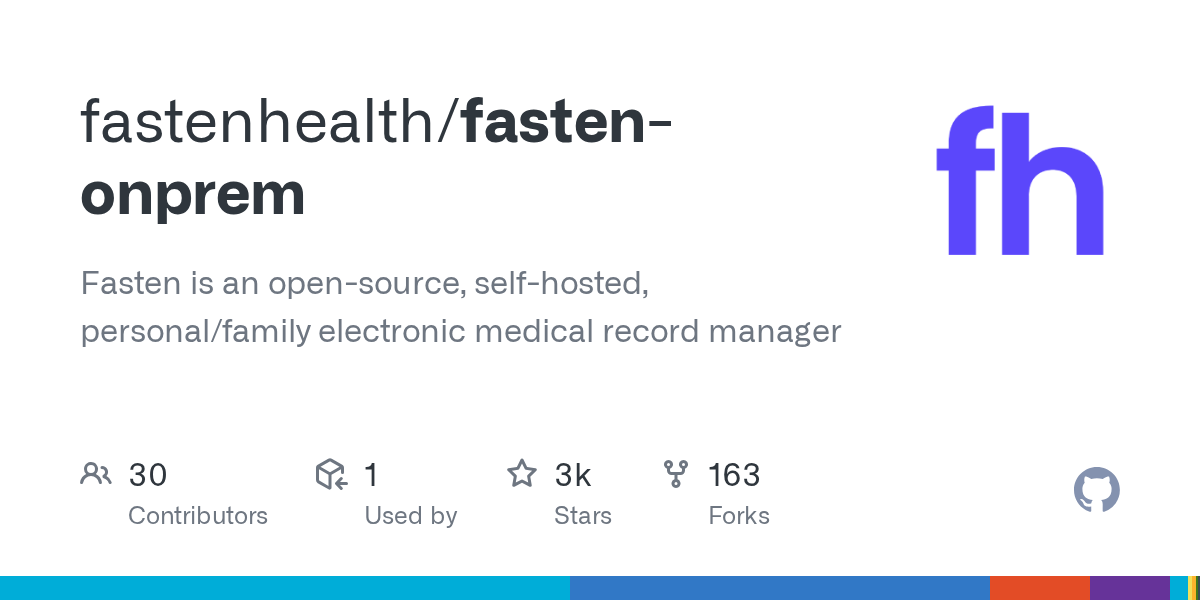
Fasten On-Prem is an open-source, self-hosted electronic medical record manager designed for individuals and families. It allows users to securely store and manage their personal health data, supporting the FHIR protocol. This project prioritizes privacy and user control over medical history.
Repository Information
Topics
Click on any tag to explore related repositories
Use at your own risk
OSRepos shares public repositories for knowledge and discovery only. Any installation, execution, configuration, or use of code from these repositories is the user's own responsibility. Always review the repository, source code, dependencies, licenses, and security implications before running or installing anything. OSRepos is not responsible for issues, damages, or losses resulting from third-party repositories.
Introduction
Fasten On-Prem is an open-source, self-hosted application that serves as a personal and family electronic medical record (EMR) manager. It addresses the common challenge of fragmented medical histories by providing a secure, private, and centralized location to store all your health data. Unlike many commercial solutions, Fasten On-Prem is designed to keep your medical history entirely in your hands, offering an offline and auditable solution.
The project was born out of a need for a personal health record system that is self-hosted, aggregates data from various healthcare providers, and is open source. It supports the Medical industry's FHIR protocol, making it compatible with a widely adopted standard for healthcare data exchange. Fasten On-Prem is specifically tailored for family use, not clinics, and aims to provide a comprehensive view of an individual's or family's health journey.
Installation
To get Fasten On-Prem up and running, you will need Docker installed on your system. Follow these steps to launch the application:
1.  <strong>Download necessary files:</strong>
    bash
    curl https://raw.githubusercontent.com/fastenhealth/fasten-onprem/refs/heads/main/docker-compose-prod.yml -o docker-compose.yml
    curl https://raw.githubusercontent.com/fastenhealth/fasten-onprem/refs/heads/main/set_env.sh -o set_env.sh


2.  <strong>Prepare and run the environment setup script:</strong>
    Make the script executable and run it to generate your `.env` file, which configures network variables for Docker Compose.
    bash
    chmod +x ./set_env.sh
    ./set_env.sh


3.  <strong>Start the application:</strong>
    bash
    docker compose up -d
Once the application is running, open your browser to https://localhost:9090.
Using HTTPS and Trusting the Self-Signed Certificate
Fasten On-Prem uses HTTPS with a self-signed TLS certificate for secure data handling. Your browser will initially show a security warning because it does not trust the certificate's issuer. To resolve this, you need to import the generated rootCA.pem file into your operating system's or browser's trust store. This file is located in the certs/rootCA.pem directory on your host machine after the application starts.
Importing the Certificate:
- macOS: Open Keychain Access, select System keychain, then File > Import Items. Select
certs/rootCA.pem, find "Fasten Health CA", double-click, and set "When using this certificate" to Always Trust. - Windows: Double-click
certs/rootCA.pem, click Install Certificate, choose Local Machine, then select "Place all certificates in the following store" and browse to "Trusted Root Certification Authorities". - Linux (Ubuntu/Debian): Copy the certificate with
sudo cp certs/rootCA.pem /usr/local/share/ca-certificates/fasten-health-ca.crtand update the store withsudo update-ca-certificates. - Firefox: Go to Settings > Privacy & Security, scroll to Certificates, click View Certificates, then in the Authorities tab, click Import. Select
certs/rootCA.pemand check "Trust this CA to identify websites".
Examples
After installation, navigate to https://localhost:9090 in your browser. You will be redirected to the login page. To begin, you'll need to Create an Account. You can use simple credentials like testuser for both username and password to get started.
Fasten On-Prem is designed with families in mind. It supports multiple users, allowing each family member to have their own account for tracking health data. An admin user can manage other users and permissions, granting access to view records of other family members. For instance, parents can view their children's records, or a viewer role can be assigned to a caregiver for limited access. This flexible system allows for various family configurations, ensuring privacy while enabling necessary sharing within a trusted circle.
Why Use It
Fasten On-Prem offers several compelling reasons for individuals and families to manage their health records:
- Privacy and Control: Your medical history remains entirely self-hosted and offline, ensuring your data never leaves your hands or is subject to data mining by third-party corporations.
- Open Source: The codebase is fully open source, allowing for community contributions, security audits, and complete transparency in how your data is handled.
- Family-Centric Design: Unlike complex EMR systems designed for clinics, Fasten On-Prem is built specifically for personal and family use, with features like multi-user support and intuitive dashboards.
- FHIR Protocol Support: It supports the industry-standard FHIR protocol, providing a solid foundation for managing medical data and potential future integrations.
- Future-Proofing: The project has an ambitious roadmap, including features like condition-specific dashboards, vaccination recommendations, a ChatGPT-style interface to query your own medical history offline, and integration with smart devices and wearables.
Links
- GitHub Repository: https://github.com/fastenhealth/fasten-onprem
- Documentation: https://docs.fastenhealth.com
- Discord Community: https://discord.gg/Bykz6BAN8p
Source repository
Open the original repository on GitHub.
24 counted GitHub visits