MagicTunnel: Smart MCP Proxy for AI-Powered Tool Discovery
This repository profile is provided by osrepos.com, an open source repository discovery platform.

Summary
MagicTunnel is an intelligent MCP proxy designed to simplify interaction with numerous tools by providing a single, smart interface. It analyzes natural language requests, automatically discovers the best tool, maps parameters, and executes it, returning the result. This eliminates the need for users to manually navigate dozens of tools, streamlining complex workflows.
Repository Information
Topics
Click on any tag to explore related repositories
Use at your own risk
OSRepos shares public repositories for knowledge and discovery only. Any installation, execution, configuration, or use of code from these repositories is the user's own responsibility. Always review the repository, source code, dependencies, licenses, and security implications before running or installing anything. OSRepos is not responsible for issues, damages, or losses resulting from third-party repositories.
Introduction
MagicTunnel is a smart MCP (Multi-Capability Protocol) proxy developed in Rust, designed to address the complexity of managing and interacting with a large number of tools. In environments where users are overwhelmed by 50+ tools, MagicTunnel acts as an intelligent intermediary. It processes natural language requests, automatically identifies the most suitable tool for the task, maps necessary parameters, executes the tool, and returns the outcome, significantly simplifying tool access and workflow automation.
Installation
Getting started with MagicTunnel is straightforward, especially with the recommended full-stack setup that includes smart discovery and a web dashboard.
First, clone the repository and navigate into its directory:
git clone https://github.com/MagicBeansAI/magictunnel.git
cd magictunnel
Next, build the release version with semantic search capabilities and pre-generate embeddings for efficient smart discovery using Ollama (ensure Ollama is installed and nomic-embed-text model is pulled):
make build-release-semantic && make pregenerate-embeddings-ollama MAGICTUNNEL_ENV=development
Finally, run MagicTunnel with its Web Dashboard and Supervisor:
./magictunnel-supervisor
You can then access the Web Dashboard at http://localhost:5173/dashboard and test smart discovery via API:
curl -X POST http://localhost:3001/v1/mcp/call \
  -H "Content-Type: application/json" \
  -d '{
    "name": "smart_tool_discovery",
    "arguments": {"request": "ping google.com"}
  }'
For a complete guide, refer to the Quick Start documentation.
Examples
MagicTunnel transforms how you interact with tools, moving from explicit, tool-specific calls to natural language requests.
Before: Explicit Tool Calls
// ? Before: Need to know exact tool names
{"name": "network_ping", "arguments": {"host": "google.com"}}
{"name": "filesystem_read", "arguments": {"path": "/etc/hosts"}}
{"name": "database_query", "arguments": {"sql": "SELECT * FROM users"}}
After: Natural Language Requests
// ? After: Natural language requests
{"name": "smart_tool_discovery", "arguments": {"request": "ping google.com"}}
{"name": "smart_tool_discovery", "arguments": {"request": "read the hosts file"}}
{"name": "smart_tool_discovery", "arguments": {"request": "get all users from database"}}
Why Use MagicTunnel?
MagicTunnel offers several compelling features that make it an invaluable tool for managing complex tool ecosystems:
- Smart Discovery: AI-powered tool selection driven by natural language requests.
- Web Dashboard: A comprehensive interface for real-time monitoring, tool management, and configuration.
- MCP Compatible: Seamlessly integrates with various MCP clients, including Claude and GPT-4.
- Extensible: Easily add new tools without writing additional code, supporting manual creation and generation from OpenAPI, gRPC, and GraphQL schemas.
- Easy Setup: Deploys as a single binary with straightforward YAML configuration.
Links
- GitHub Repository: MagicBeansAI/magictunnel
- Quick Start Guide: docs/quickstart.md
- Full Documentation: docs/guide.md
Related repositories
Similar repositories that may be relevant next.
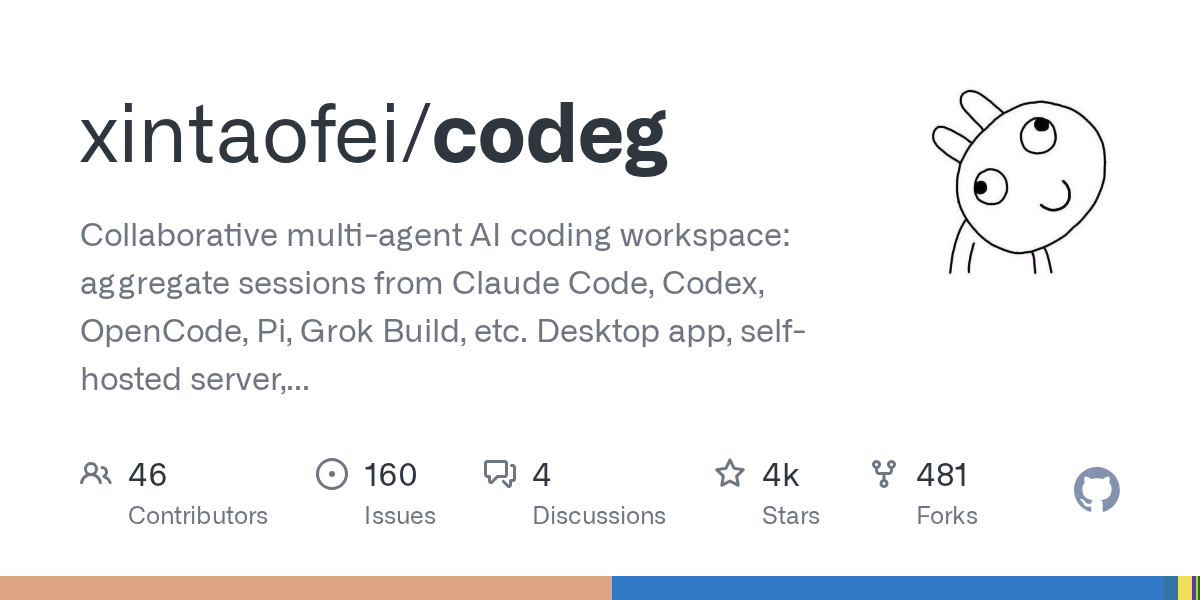
Codeg: Collaborative Multi-Agent AI Coding Workspace for Developers
September 30, 2026
Codeg (Code Generation) is an innovative multi-agent AI coding workspace built in Rust, designed to unify and enhance the developer experience. It aggregates sessions from various AI coding agents like Claude Code, Codex, and Grok Build into one searchable environment, facilitating seamless collaboration and task management. Available as a desktop app, self-hosted server, or Docker container, Codeg also offers native iOS and Android clients for on-the-go productivity.
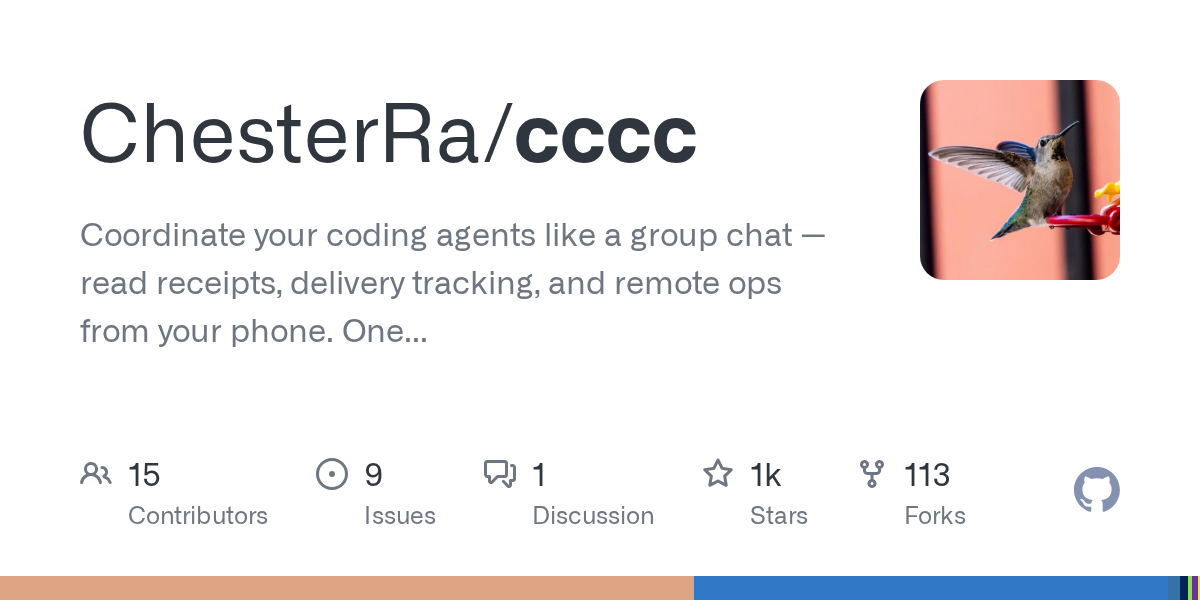
CCCC: Coordinate Your Coding Agents Like a Group Chat
September 29, 2026
CCCC is a production-minded orchestrator designed to coordinate coding agents like a group chat, offering features such as read receipts, delivery tracking, and remote operations from your phone. It enables 24/7 workflow for multi-agent teams with a single `pip install` and zero infrastructure. This tool helps manage diverse AI runtimes, ensuring persistent collaboration across different machines and trusted working groups.
AI Session Search: Ultra-Fast AI Agent Session Analysis
September 29, 2026
AI Session Search (aise) is an ultra-fast, Rust-powered tool designed for searching and analyzing local AI agent coding sessions. It seamlessly integrates and indexes nine different session formats, including those from Claude, Codex, Cursor, and Gemini CLI. This powerful utility enables developers to quickly recover context, track agent behavior, and efficiently manage their AI-generated code history.
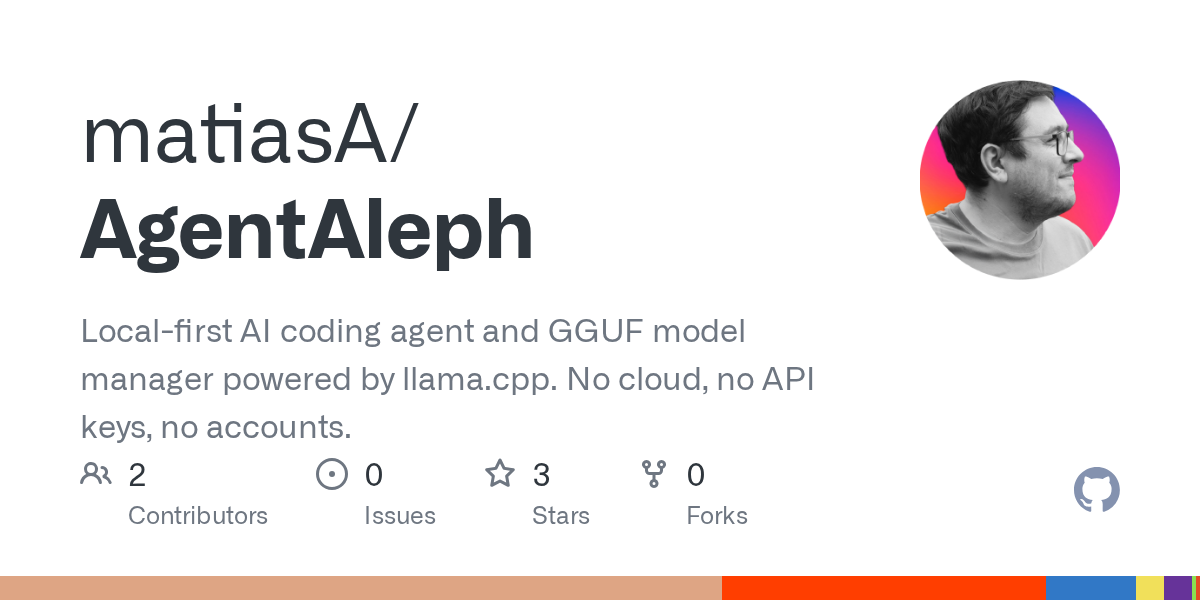
AgentAleph: Local-First AI Coding Agent and GGUF Model Manager
September 25, 2026
AgentAleph is a desktop application that combines a local-first AI coding agent with a GGUF model manager. It allows users to download, load, and manage local large language models, and then use an AI agent to interact with their projects, all without relying on cloud services or API keys. This tool emphasizes privacy and offline capability, running models directly on your machine.
Source repository
Open the original repository on GitHub.
22 counted GitHub visits