EasyWhisperUI: A Cross-Platform Desktop App for Whisper Model Transcription
This repository profile is provided by osrepos.com, an open source repository discovery platform.
Summary
EasyWhisperUI is a fast, local desktop application designed for transcribing audio and video using the Whisper model. It offers GPU acceleration across Windows, macOS, and Linux, providing a user-friendly interface for various transcription tasks. The application supports features like live transcription, batch processing, and translation, making it a versatile tool for media processing.
Repository Information
Topics
Click on any tag to explore related repositories
Use at your own risk
OSRepos shares public repositories for knowledge and discovery only. Any installation, execution, configuration, or use of code from these repositories is the user's own responsibility. Always review the repository, source code, dependencies, licenses, and security implications before running or installing anything. OSRepos is not responsible for issues, damages, or losses resulting from third-party repositories.
Introduction
EasyWhisperUI is a fast, local desktop application designed to transcribe audio and video files using the powerful Whisper model. Optimized for various GPUs, it provides an easy-to-use interface across Windows, macOS, and Linux. The project recently underwent a significant migration to an Electron architecture, built with TypeScript, ensuring a consistent cross-platform user interface and a more robust development workflow. Key features include GPU acceleration, live transcription (beta), batch processing, and translation support for over 100 languages.
Installation
Getting started with EasyWhisperUI is straightforward. You can download the latest installers directly from the project's GitHub Releases page.
Windows
- Download the latest Windows installer from Releases.
- Run the installer, which will install the application per-user under app data.
- Desktop and Start Menu shortcuts will be created.
macOS
- Download the
.dmgfile from Releases. - Open the
.dmgand drag EasyWhisperUI into your Applications folder.
Linux
- Download one of the Linux artifacts (e.g.,
.AppImage,.deb, or.rpm) from Releases. - Install or run it using your distribution's standard workflow.
- On first launch, EasyWhisperUI will install required dependencies and compile Whisper binaries. If any issues arise, please open an issue with logs on GitHub.
Examples
Using EasyWhisperUI for transcription is intuitive:
- Basic Transcription: Simply drag and drop your audio or video files into the application, or use the "Open With" integration.
- Batch Processing: Queue multiple files for sequential transcription.
- Translation: Translate transcribed content into over 100 languages.
- Model Selection: Choose from various Whisper models like
tiny,medium-en, orlarge-v3to suit your needs. - Custom Models: Select
customin the model selector, then choose your localwhisper.cpp-compatible model file (.gguf,.ggml, or.bin) via the file picker. - Output Formats: Export transcriptions in
.txtor.srt(with timestamps) formats.
Why Use EasyWhisperUI?
EasyWhisperUI stands out for several reasons:
- Optimized Performance: It leverages GPU acceleration (Vulkan on Windows, Metal on macOS Apple Silicon) for significantly faster transcription, falling back to CPU if GPU is unavailable.
- Cross-Platform Consistency: The Electron-based UI ensures a unified experience across Windows, macOS, and Linux.
- Rich Feature Set: From live transcription and batch processing to extensive language translation and custom model support, it covers a wide range of use cases.
- User-Friendly Interface: Designed for ease of use, it simplifies complex transcription tasks.
- Reliable Foundation: The recent rewrite to Electron and TypeScript provides a stable and maintainable platform for future enhancements.
Links
- GitHub Repository: https://github.com/mehtabmahir/easy-whisper-ui
Related repositories
Similar repositories that may be relevant next.
TeamAI-CLI: Empowering Teams to Become AI Native with a Git-Based Foundation
September 24, 2026
TeamAI-CLI, developed by Tencent, is a powerful command-line interface aimed at making every team AI native. It offers a unified, Git-based platform for teams to collaborate, learn, and continuously improve with AI. This tool transforms individual AI capabilities into shared team assets, integrating AI agents, machines, and team members for enhanced efficiency.
LLM Wiki: Build a Self-Maintaining, Interlinked Knowledge Base with AI
September 23, 2026
LLM Wiki is a powerful cross-platform desktop application designed to transform your documents into an organized, interlinked knowledge base automatically. Unlike traditional RAG systems, it incrementally builds and maintains a persistent wiki from your sources, ensuring knowledge is compiled once and kept current. This innovative approach offers a dynamic and evolving personal knowledge management solution.
Maka: A High-Performance Agent Workspace for AI Tasks
September 21, 2026
Apache Maka (Incubating) is a high-performance agent workspace designed to maintain a complete, append-only record of all agent actions. It focuses on measurable performance, local-first operation, and robust recovery mechanisms. This project provides a unified execution authority for desktop, TUI, and CLI clients, ensuring consistent agent behavior across platforms.
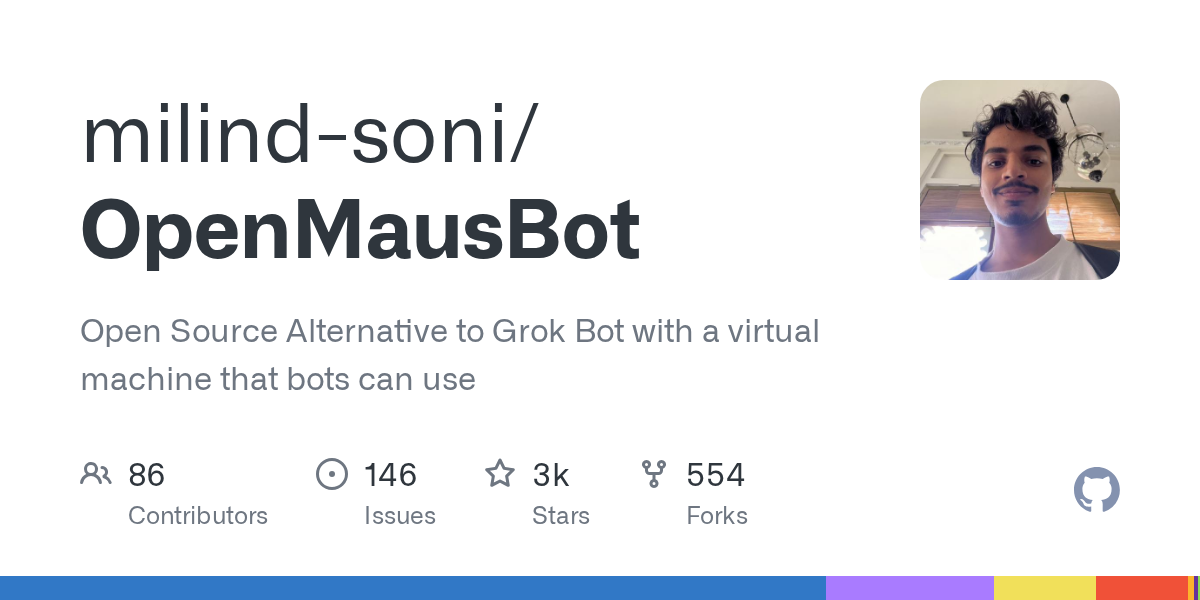
OpenMausBot: Your Open-Source AI Bot Team in a Chat App
September 20, 2026
OpenMausBot is an open-source desktop application that provides an alternative to Grok Bot, allowing users to manage a team of AI agents within a chat interface. It emphasizes local-first operation, bringing your own agents, and providing each bot with its own virtual machine or access to your computer. This project enables powerful AI interactions with privacy and control at its core.
Source repository
Open the original repository on GitHub.
18 counted GitHub visits