Mastering GitHub Copilot for Paired Programming: Your AI Coding Partner
This repository profile is provided by osrepos.com, an open source repository discovery platform.

Summary
This comprehensive multi-module course from Microsoft teaches developers how to leverage GitHub Copilot as an AI peer programming resource. It covers everything from basic usage to advanced agent modes, enabling real-time autonomous code execution and intelligent problem-solving. Developers can accelerate their workflow and collaborate effectively with AI.
Repository Information
Topics
Click on any tag to explore related repositories
Use at your own risk
OSRepos shares public repositories for knowledge and discovery only. Any installation, execution, configuration, or use of code from these repositories is the user's own responsibility. Always review the repository, source code, dependencies, licenses, and security implications before running or installing anything. OSRepos is not responsible for issues, damages, or losses resulting from third-party repositories.
Introduction
The "Mastering GitHub Copilot for Paired Programming" repository offers an in-depth, multi-module course designed to transform your coding experience. This 10-hour program, developed by Microsoft, focuses on utilizing GitHub Copilot, including its revolutionary Agent Mode, as a proactive AI coding partner. Whether you are a beginner or an experienced developer, this course equips you with the skills to fully harness Copilot's AI capabilities for enhanced productivity and collaboration.
Installation
To begin your journey with GitHub Copilot, follow these simple steps:
- Fork the Repository: Start by forking the lessons into your own GitHub account. This allows you to modify code and complete challenges at your own pace.
- GitHub Copilot Subscription: Ensure you have an active GitHub Copilot subscription. You can sign up for free at GitHub Copilot.
- Star the Repo: To easily revisit this valuable resource, consider starring (?) the repository.
Examples
The course is structured into Beginner, Intermediate, and Advanced modules, covering a wide array of topics and programming languages:
- Getting Started with GitHub Copilot: Learn the fundamentals of this AI coding assistant to write code faster and with less effort.
- Language-Specific Applications: Explore how to use GitHub Copilot with various languages, including JavaScript, Python, and C#.
- Advanced Features: Dive into advanced functionalities like inline chat, slash commands, and agents for deeper project context and interaction.
- Cloud Deployment: Master cloud deployment with GitHub Copilot for Azure for streamlined application deployment.
- Complex Scenarios: Tackle challenging tasks such as working with complex SQL queries, upgrading legacy projects, and migrating to new languages.
- Data Science: Learn to leverage GitHub Copilot for data exploration and analysis in Jupyter notebooks.
Each lesson includes a written guide, a challenge or assignment to apply your learning, and links to extra resources.
Why Use
This course empowers developers to:
- Accelerate Development: Write code faster and with less effort, allowing more focus on problem-solving.
- Enhance Collaboration: Work seamlessly with an AI coding partner that assists from planning to testing.
- Automate Workflows: Utilize natural-language prompts to initiate multi-step solutions and automate repetitive tasks.
- Master New Capabilities: Understand and apply GitHub Copilot's Agent Mode for proactive assistance.
Links
- GitHub Repository: Mastering GitHub Copilot for Paired Programming
- Sign up for GitHub Copilot: GitHub Copilot
- Microsoft Learn Collection: GitHub Copilot Learn Collection
- Microsoft for Startups Founders Hub: Founders Hub
- Contribute: Raise an issue or Create a pull request
Related repositories
Similar repositories that may be relevant next.
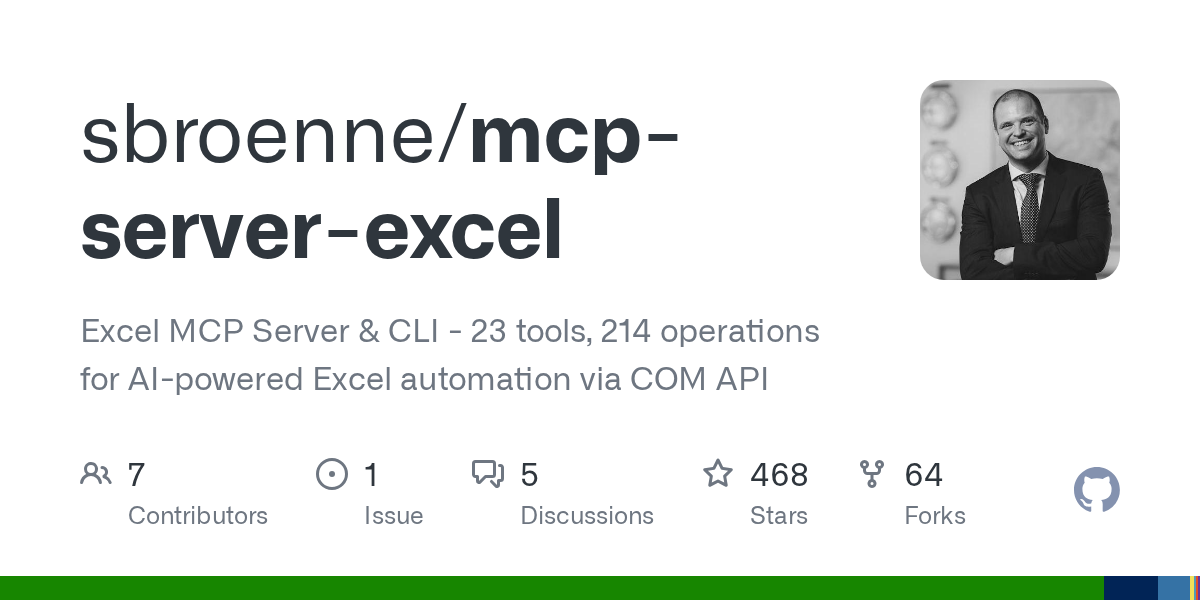
MCP Server Excel: AI-Powered Excel Automation via COM API
August 13, 2026
MCP Server Excel is a powerful tool enabling AI assistants like GitHub Copilot and Claude to automate Microsoft Excel through natural language. It leverages the actual Excel COM API, offering 26 specialized tools and 234 operations for comprehensive automation, from Power Query to VBA macros. This project is ideal for data analysts, developers, and business users seeking to streamline complex Excel workflows with AI.
APM: Agent Package Manager for AI Agents
May 22, 2026
APM, the Agent Package Manager, is an open-source, community-driven dependency manager designed specifically for AI agents. It aims to standardize and streamline the configuration of AI coding agents, making their context portable, secure, and reproducible across different environments. This tool addresses the challenge of manually setting up agent dependencies by providing a manifest-driven approach, similar to traditional package managers like npm or pip.

Awesome Copilot: Supercharge Your GitHub Copilot Experience
January 16, 2026
Discover `awesome-copilot`, a community-driven repository designed to enhance your GitHub Copilot experience. It offers a rich collection of custom agents, prompts, instructions, and skills to boost productivity and ensure best practices. Leverage this toolkit to tailor Copilot to your specific coding needs across various domains and languages.
Source repository
Open the original repository on GitHub.
16 counted GitHub visits