UFO: Microsoft's Multi-Device AI Agent Orchestration Framework
This repository profile is provided by osrepos.com, an open source repository discovery platform.

Summary
Microsoft's UFO project introduces a powerful framework for intelligent automation, evolving from a robust Windows Desktop AgentOS (UFO²) to a revolutionary Multi-Device Agent Galaxy (UFO³). This project enables the orchestration of AI agents across diverse platforms, streamlining complex workflows and enhancing digital interaction. It offers both standalone Windows automation and a scalable solution for cross-device collaboration.
Repository Information
Topics
Click on any tag to explore related repositories
Use at your own risk
OSRepos shares public repositories for knowledge and discovery only. Any installation, execution, configuration, or use of code from these repositories is the user's own responsibility. Always review the repository, source code, dependencies, licenses, and security implications before running or installing anything. OSRepos is not responsible for issues, damages, or losses resulting from third-party repositories.
Introduction
UFO, short for "UFO³: Weaving the Digital Agent Galaxy," is an innovative open-source project from Microsoft designed to revolutionize intelligent automation. Written primarily in Python, UFO has garnered significant attention with over 8,100 stars and 1,000 forks, reflecting its impact in the AI agent and automation landscape.
The project has evolved through three major phases:
- UFO (February 2024): The original UI-Focused agent for Windows.
- UFO² (April 2025): Evolved into a Desktop AgentOS, offering stable and battle-tested single Windows automation.
- UFO³ Galaxy (November 2025): The latest and most advanced iteration, introducing a multi-device orchestration framework capable of coordinating intelligent agents across heterogeneous platforms.
UFO³ combines the power of the new Galaxy framework for multi-device orchestration with the proven capabilities of UFO² as a robust Windows device agent. This allows users to tackle everything from simple desktop tasks to complex, cross-device workflows.
Installation
Getting started with UFO involves choosing between the UFO³ Galaxy for multi-device orchestration or UFO² for Windows-specific automation. Both require Python and LLM API configuration.
UFO³ Galaxy Quick Start (For cross-device orchestration)
- Install Dependencies:
pip install -r requirements.txt - Configure ConstellationAgent:
copy config\galaxy\agent.yaml.template config\galaxy\agent.yamlEdit
config\galaxy\agent.yamlto add your API keys (e.g., OpenAI or Azure OpenAI). - Configure Devices:
Edit
config\galaxy\devices.yamlto register your devices (Windows, Linux, Android). - Start Device Agents:
Follow platform-specific guides to start server and client components for each device.
- Launch Galaxy:
python -m galaxy --interactive
UFO² Quick Start (For Windows automation)
- Install Dependencies:
pip install -r requirements.txt - Configure LLMs:
copy config\ufo\agents.yaml.template config\ufo\agents.yamlEdit
config\ufo\agents.yamlto add your API keys. - Run UFO²:
python -m ufo --task <task_name>
Common LLM Configuration
Both frameworks require LLM API configuration. Here's an example for OpenAI:
For Galaxy (config/galaxy/agent.yaml):
CONSTELLATION_AGENT:
  REASONING_MODEL: false
  API_TYPE: "openai"
  API_BASE: "https://api.openai.com/v1/chat/completions"
  API_KEY: "sk-your-key-here"
  API_MODEL: "gpt-4o"
For UFO² (config/ufo/agents.yaml):
VISUAL_MODE: True
API_TYPE: "openai"
API_BASE: "https://api.openai.com/v1/chat/completions"
API_KEY: "sk-your-key-here"
API_MODEL: "gpt-4o"
More LLM options (Qwen, Gemini, Claude) are available in the official documentation.
Examples
UFO³ Galaxy excels at orchestrating complex workflows across multiple devices, breaking down tasks into executable DAGs (Directed Acyclic Graphs) and coordinating agents on different platforms. For instance, it can manage a task that requires data extraction on a Linux server, processing on a Windows machine, and final reporting on a mobile device.
UFO², on the other hand, is optimized for single Windows automation, performing tasks like interacting with GUI elements, automating application workflows, and integrating with native Windows OS functionalities. It can serve as a powerful device agent within the larger UFO³ Galaxy framework.
You can watch UFO³ Galaxy in action orchestrating cross-device tasks on their official YouTube channel.
Why Use UFO?
UFO offers a versatile solution for intelligent automation, catering to different needs:
UFO³ Multi-Device Agent Galaxy (New & Recommended):
- Cross-device collaboration: Ideal for workflows spanning multiple operating systems and devices.
- Complex multi-step automation: Handles intricate tasks with DAG-based orchestration.
- Heterogeneous platform integration: Supports Windows, Linux, Android, and more.
- Dynamic DAG editing: Adapts workflows based on execution feedback.
- Unified AIP protocol: Ensures secure and fault-tolerant agent communication.
UFO² Desktop AgentOS (Stable & Battle-Tested):
- Single Windows automation: Perfect for desktop-specific tasks.
- Quick task execution: Streamlined for rapid automation.
- Deep Windows OS integration: Leverages UIA, Win32, and WinCOM for robust control.
- Hybrid GUI + API actions: Combines visual interaction with programmatic calls for efficiency.
- Long-Term Support (LTS): Actively maintained with ongoing bug fixes and improvements.
UFO² can also seamlessly serve as a Windows device agent within the UFO³ Galaxy framework, providing a flexible migration path for users looking to scale their automation capabilities.
Links
- GitHub Repository: https://github.com/microsoft/UFO
- Full Documentation: https://microsoft.github.io/UFO/
- UFO³ Galaxy Quick Start: https://microsoft.github.io/UFO/getting_started/quick_start_galaxy/
- UFO² Documentation: https://github.com/microsoft/UFO/blob/main/ufo/README.md
- YouTube Channel: https://www.youtube.com/watch?v=NGrVWGcJL8o
- GitHub Discussions: https://github.com/microsoft/UFO/discussions
- Issue Tracker: https://github.com/microsoft/UFO/issues
Related repositories
Similar repositories that may be relevant next.
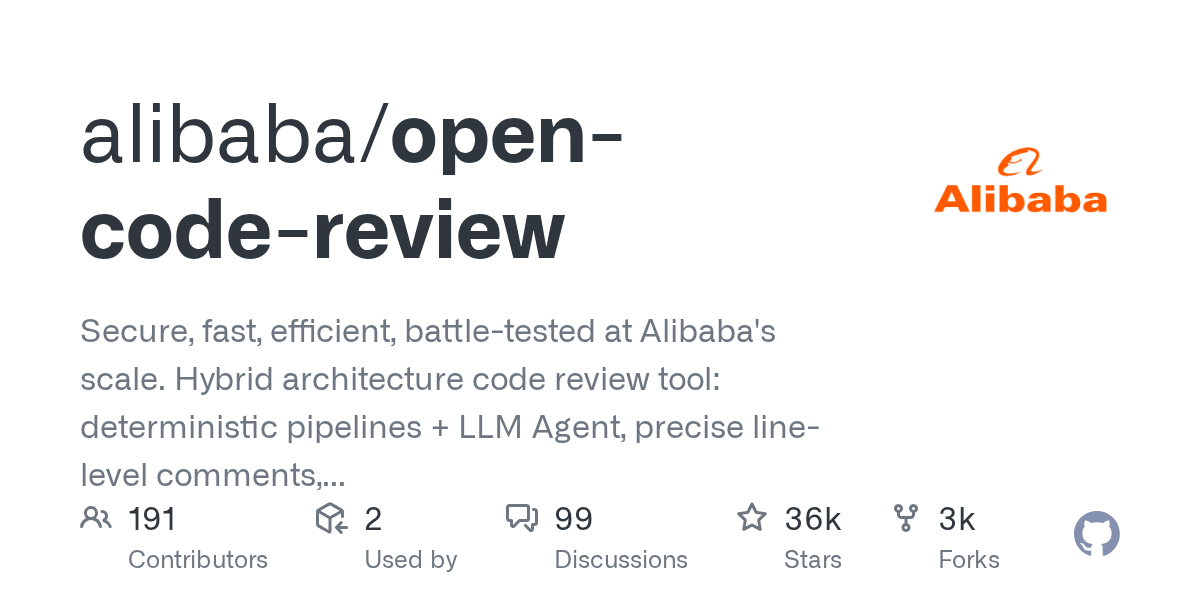
Open Code Review: AI-Powered Code Review Tool from Alibaba
September 18, 2026
Open Code Review is an AI-powered command-line interface tool for code review, battle-tested at Alibaba's scale. It leverages a hybrid architecture, combining deterministic engineering with an LLM agent, to provide secure, fast, and efficient code analysis. This tool generates precise, line-level comments and supports a multi-language ruleset, ensuring high-quality code reviews.
Awesome-Self-Evolving-Agents: A Curated List for AI Agent Research
September 14, 2026
Awesome-Self-Evolving-Agents is a comprehensive GitHub repository offering a curated collection of resources on self-evolving agents. It includes a systematic survey, research papers, benchmarks, and open-source projects, providing valuable insights into this rapidly advancing field of AI. This repository serves as an essential guide for researchers and developers exploring model-centric, environment-centric, and co-evolutionary approaches.

open-slide: An AI-Native Slide Framework for React Presentations
September 9, 2026
open-slide is a powerful slide framework built for AI agents, enabling users to create presentations by describing them in natural language. Coding agents then generate the React components, while open-slide handles the canvas, scaling, navigation, and presentation modes. This allows agents to focus entirely on content, streamlining the creation of polished, agent-driven decks.
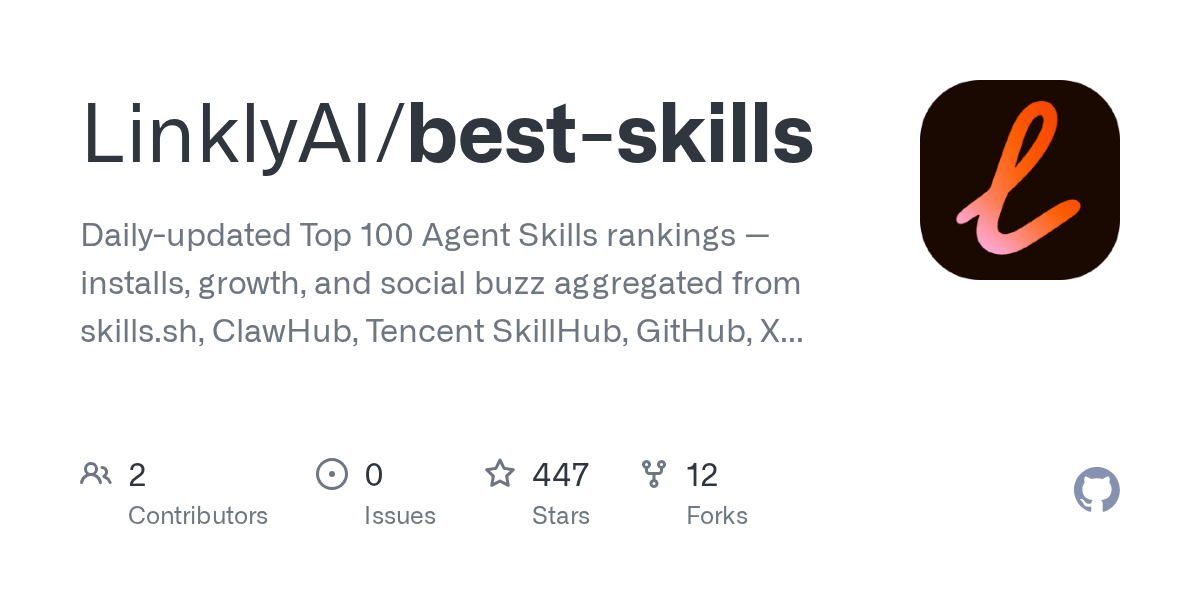
best-skills: Daily-Updated Rankings for Top Agent Skills
September 8, 2026
The LinklyAI/best-skills repository offers daily-updated rankings of the top 100 agent skills. It aggregates data on installs, growth, and social buzz from various platforms like skills.sh, ClawHub, Tencent SkillHub, GitHub, and X. This open-data project provides a comprehensive, cross-ecosystem view of agent skill performance, making it an invaluable resource for developers and researchers.
Source repository
Open the original repository on GitHub.
22 counted GitHub visits