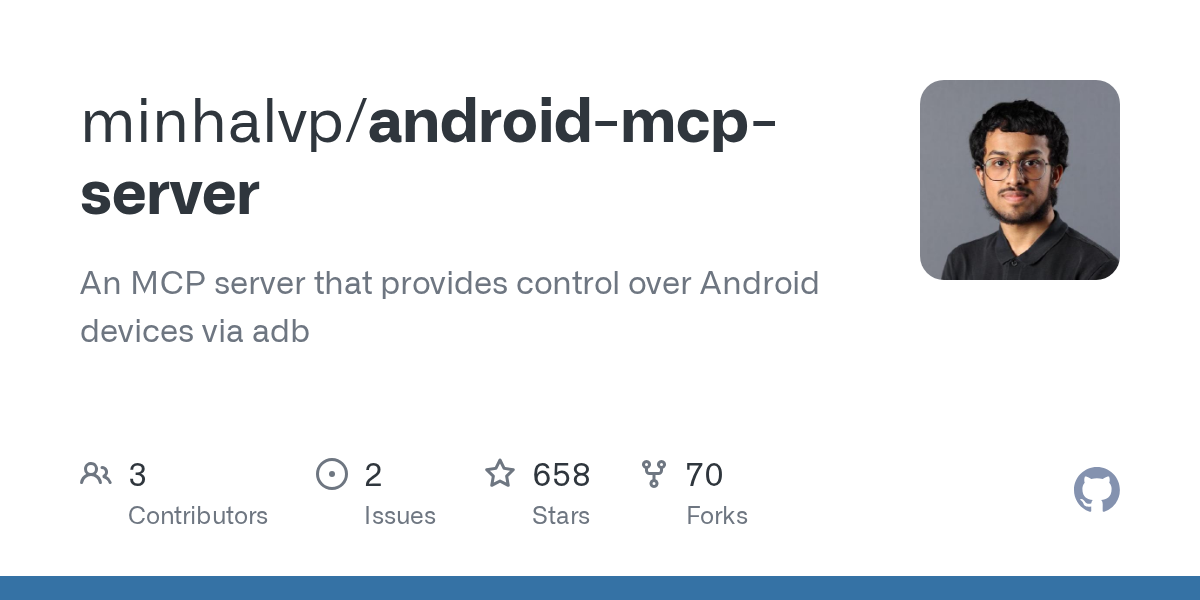
android-mcp-server: Programmatic Android Device Control via ADB
This repository profile is provided by osrepos.com, an open source repository discovery platform.
Summary
The android-mcp-server is a Python-based Model Context Protocol (MCP) server designed to offer programmatic control over Android devices using ADB. It enables advanced device management capabilities, including screenshot capture, UI layout analysis, and package management. This server integrates seamlessly with MCP clients like Claude Desktop, providing a powerful tool for developers and automation enthusiasts.
Repository Information
Topics
Click on any tag to explore related repositories
Use at your own risk
OSRepos shares public repositories for knowledge and discovery only. Any installation, execution, configuration, or use of code from these repositories is the user's own responsibility. Always review the repository, source code, dependencies, licenses, and security implications before running or installing anything. OSRepos is not responsible for issues, damages, or losses resulting from third-party repositories.
Introduction
The android-mcp-server project provides a robust Model Context Protocol (MCP) server that facilitates programmatic control over Android devices through the Android Debug Bridge (ADB). This server exposes a range of Android device management capabilities, making it an invaluable tool for automation, testing, and development workflows. It is designed to be accessed by MCP clients, such as Claude Desktop and various code editors.
Key features include:
- ADB Command Execution
- Device Screenshot Capture
- UI Layout Analysis
- Device Package Management
Installation
To get started with android-mcp-server, follow these steps:
1. Prerequisites:
- Python 3.x
- ADB (Android Debug Bridge) installed and configured on your system.
- An Android device or emulator.
2. Clone the repository:
git clone https://github.com/minhalvp/android-mcp-server.git
cd android-mcp-server
3. Install dependencies:
This project uses uv for project management. If you don't have uv, refer to its installation guide.
uv python install 3.11
uv sync
Examples
The android-mcp-server is designed to be used with an MCP client. Here's how to configure it with Claude Desktop and an overview of the available tools.
Configuration with Claude Desktop:
- Locate your Claude Desktop configuration file:
- Windows:
%APPDATA%\Claude\claude_desktop_config.json - macOS:
~/Library/Application Support/Claude/claude_desktop_config.json
- Windows:
- Add the Android MCP server configuration to the
mcpServerssection:
{
  "mcpServers": {
    "android": {
      "command": "path/to/uv",
      "args": ["--directory", "path/to/android-mcp-server", "run", "server.py"]
    }
  }
}
Remember to replace path/to/uv with the actual path to your uv executable and path/to/android-mcp-server with the absolute path where you cloned the repository.
Available Tools:
The server exposes several powerful tools for interacting with Android devices:
get_packages(): Get all installed packages on the device.execute_adb_command(command: str): Executes any ADB command and returns its output.get_uilayout(): Retrieves information about clickable elements in the current UI.get_screenshot(): Takes a screenshot of the device and returns it.get_package_action_intents(package_name: str): Get all non-data actions from Activity Resolver Table for a package.
Why Use
The android-mcp-server offers a streamlined way to integrate Android device control into your development and automation workflows. By leveraging the Model Context Protocol, it allows AI agents and other clients to interact with Android devices programmatically, enabling tasks such as automated testing, UI analysis, and rapid prototyping. Its Python foundation and clear ADB integration make it accessible for developers looking to extend their control over Android environments.
Links
- GitHub Repository: minhalvp/android-mcp-server
- Model Context Protocol (MCP): Introduction
- uv Installation: Getting Started
Related repositories
Similar repositories that may be relevant next.
Uni-Agent: A Scalable Framework for Training Long-Horizon AI Agents
October 1, 2026
Uni-Agent is a powerful Python framework designed for training long-horizon agents at scale. It allows users to integrate existing agent harnesses, unify diverse agent tasks through an extensible interface, and run thousands of sessions concurrently for efficient data collection and training.
Benchmark Radar: A Living Database for AI Benchmarks and Evaluation
September 29, 2026
Benchmark Radar is an extensive open-source project that tracks over 20,710 AI benchmark, evaluation, dataset, and data-quality records from 37 public sources. It provides daily updates, linked evidence, and tools for researchers and developers to discover and analyze AI benchmarks. This project is essential for anyone needing to stay current with AI evaluation trends and model performance.
Pydantic AI Harness: Enhancing Your AI Agents with Robust Capabilities
September 28, 2026
Pydantic AI Harness is the official capability and harness library for Pydantic AI, designed to extend agents for complex, long-running tasks. It provides a modular system of "capabilities" for functionalities like file system interaction, web research, memory, and sub-agent delegation. This library enables developers to build sophisticated and durable AI agents with ease.
Bernstein: Open-Source Governance and Orchestration for AI Agents
September 28, 2026
Bernstein is an open-source framework designed for the governance and orchestration of AI agents, allowing users to define rules declaratively. It enforces these policies and generates verifiable, replayable records of all agent activities. This Python-based solution provides a robust layer for managing complex AI agent workflows with transparency and accountability.
Source repository
Open the original repository on GitHub.
22 counted GitHub visits