ext-apps: Standard for UIs Embedded in AI Chatbots with MCP Protocol
This repository profile is provided by osrepos.com, an open source repository discovery platform.
Summary
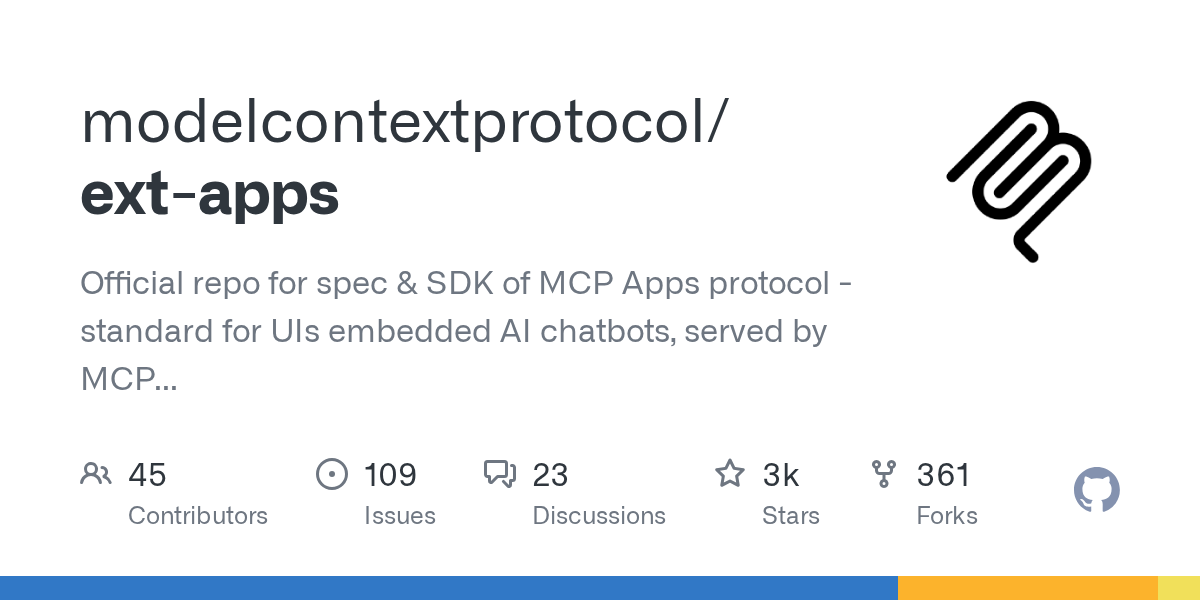
MCP Apps provides a standardized way to deliver interactive UIs from MCP servers, rendering inline in compliant chat clients like Claude and ChatGPT. This repository contains the official specification and SDK for building these interactive UIs. It enables developers to create rich user experiences, such as charts, forms, and dashboards, directly within AI chatbot conversations.
Repository Information
Topics
Click on any tag to explore related repositories
Use at your own risk
OSRepos shares public repositories for knowledge and discovery only. Any installation, execution, configuration, or use of code from these repositories is the user's own responsibility. Always review the repository, source code, dependencies, licenses, and security implications before running or installing anything. OSRepos is not responsible for issues, damages, or losses resulting from third-party repositories.
Introduction
The ext-apps repository hosts the official specification and SDK for the Model Context Protocol (MCP) Apps. This protocol establishes a standard for embedding interactive user interfaces (UIs) directly within AI chatbot clients, served by MCP servers. It allows developers to build rich, dynamic UIs, such as charts, forms, and dashboards, that render seamlessly within conversational AI experiences like Claude and ChatGPT.
MCP Apps extend the core Model Context Protocol, enabling tools to declare UI resources. This means your AI tools can go beyond returning text or structured data, offering a fully interactive experience to users directly within their chat client.
Installation
Getting started with MCP Apps is straightforward. You can install the SDK via npm:
npm install -S @modelcontextprotocol/ext-apps
For a comprehensive guide, refer to the Quickstart Guide.
The repository also ships with four Agent Skills to accelerate development: create-mcp-app, migrate-oai-app, add-app-to-server, and convert-web-app. These skills can be installed in clients like Claude Code:
/plugin marketplace add modelcontextprotocol/ext-apps
/plugin install mcp-apps@modelcontextprotocol-ext-apps
Examples
The examples/ directory showcases various real-world use cases and starter templates for MCP Apps. Some notable examples include:
- Map: An interactive 3D globe viewer using CesiumJS.
- Three.js: An interactive 3D scene renderer.
- Sheet Music: Converts ABC notation to sheet music.
- PDF Server: An interactive PDF viewer with chunked loading.
- Starter Templates: Basic apps built with popular frameworks like React, Vue, Svelte, Preact, Solid, and Vanilla JS.
You can run all examples locally using the basic-host reference implementation:
git clone https://github.com/modelcontextprotocol/ext-apps.git
cd ext-apps
npm install
npm start
Then open http://localhost:8080/ in your browser.
Why Use MCP Apps?
While traditional MCP tools are excellent for returning text and structured data, they fall short when interactive UIs are required. MCP Apps fill this gap by providing a standardized method to deliver interactive UIs from MCP servers. These UIs render inline within the conversation, maintaining context across any compliant host.
The process involves:
- Tool definition: Your tool declares a
ui://resource containing its HTML interface. - Tool call: The Large Language Model (LLM) calls the tool on your server.
- Host renders: The host fetches the resource and displays it in a sandboxed iframe.
- Bidirectional communication: The host passes tool data to the UI via notifications, and the UI can call other tools through the host.
This approach allows for powerful integrations, transforming AI chatbots into platforms for rich, interactive applications.
Links
- GitHub Repository: https://github.com/modelcontextprotocol/ext-apps
- Quickstart Guide: https://apps.extensions.modelcontextprotocol.io/api/documents/Quickstart.html
- API Documentation: https://apps.extensions.modelcontextprotocol.io/api/
- Specification (2026-01-26): https://github.com/modelcontextprotocol/ext-apps/blob/main/specification/2026-01-26/apps.mdx
Related repositories
Similar repositories that may be relevant next.
dcc-mcp-blender: AI-Driven 3D Workflows with an Embedded MCP Server
September 24, 2026
dcc-mcp-blender is a powerful Blender addon that integrates an embedded Streamable HTTP MCP server directly into Blender. This allows any MCP-compatible AI client to seamlessly control and automate your 3D modeling, animation, and rendering workflows. It offers over 200 pre-built tools and an extensible skill system for robust production environments.
Guaardvark: Your Self-Hosted AI Studio for Agents, Media, and Code
September 21, 2026
Guaardvark is a comprehensive, self-hosted AI studio designed for local execution of advanced AI tasks. It integrates coding agents, media generation (video, image, music, voice), and robust RAG capabilities, all running on a single GPU. This platform prioritizes privacy and user control, enabling a full AI workstation experience on your own hardware.
APort Agent Guardrails: Deterministic Pre-Action Authorization for AI Agents
September 19, 2026
APort Agent Guardrails provides deterministic pre-action authorization for AI agents, running security checks before any tool execution. This crucial mechanism prevents prompt injection from bypassing policy, ensuring robust and auditable protection for AI-driven operations.
aport-spec: The Open Agent Passport (OAP) Specification for AI Agent Trust
September 18, 2026
The aport-spec repository introduces the Open Agent Passport (OAP) specification, a critical framework for establishing trust in AI agents. It defines a lightweight, cryptographically verifiable credential, enabling real-time, pre-action authorization for AI agents across various platforms. OAP provides the essential runtime trust layer for secure and scalable agentic commerce.
Source repository
Open the original repository on GitHub.
19 counted GitHub visits