LLM Wiki: Build a Self-Maintaining, Interlinked Knowledge Base with AI
This repository profile is provided by osrepos.com, an open source repository discovery platform.
Summary
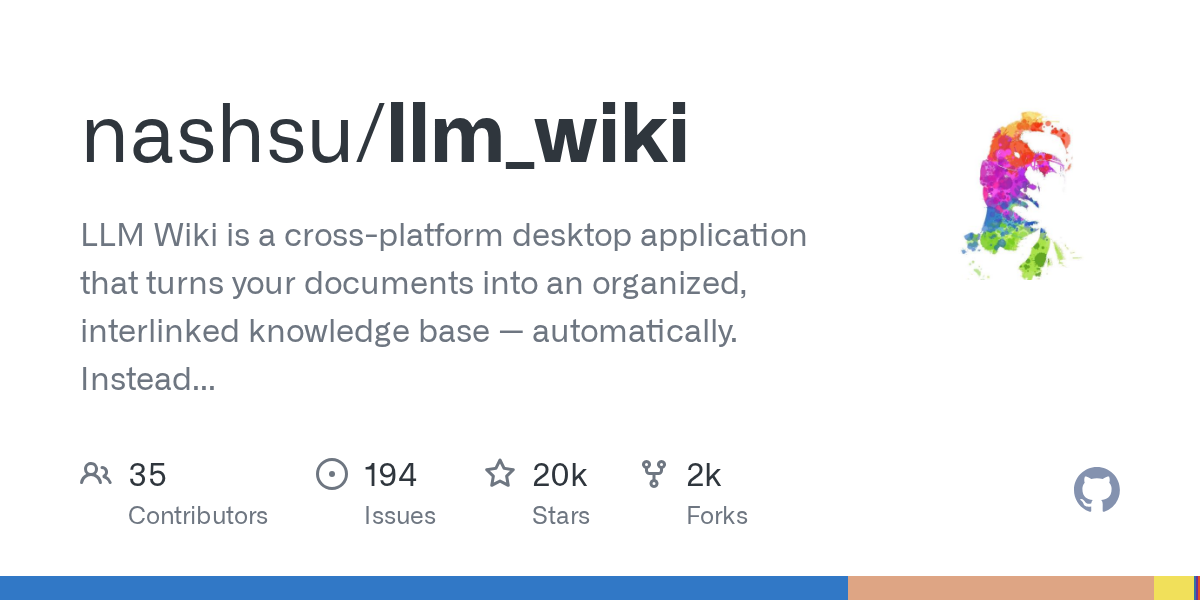
LLM Wiki is a powerful cross-platform desktop application designed to transform your documents into an organized, interlinked knowledge base automatically. Unlike traditional RAG systems, it incrementally builds and maintains a persistent wiki from your sources, ensuring knowledge is compiled once and kept current. This innovative approach offers a dynamic and evolving personal knowledge management solution.
Repository Information
Topics
Click on any tag to explore related repositories
Use at your own risk
OSRepos shares public repositories for knowledge and discovery only. Any installation, execution, configuration, or use of code from these repositories is the user's own responsibility. Always review the repository, source code, dependencies, licenses, and security implications before running or installing anything. OSRepos is not responsible for issues, damages, or losses resulting from third-party repositories.
Introduction
LLM Wiki is an innovative, cross-platform desktop application designed to transform your diverse documents into an organized, interlinked knowledge base automatically. Moving beyond traditional Retrieval Augmented Generation (RAG) systems, which retrieve and answer from scratch every time, LLM Wiki incrementally builds and maintains a persistent wiki from your sources. This ensures that knowledge is compiled once and kept current, rather than being re-derived with every query.
The project is based on Andrej Karpathy's influential LLM Wiki pattern, a methodology for constructing personal knowledge bases using Large Language Models. LLM Wiki is created and maintained by nash_su, who has implemented these core ideas as a full desktop application with significant enhancements.
Why Use LLM Wiki and Key Features
LLM Wiki offers a comprehensive solution for personal knowledge management, distinguishing itself with a suite of powerful features:
- A Self-Building Personal Knowledge Base: At its core, LLM Wiki reads your documents, constructs a structured wiki, and keeps it updated autonomously. This incremental approach saves time and ensures a consistently current knowledge repository.
- Full Cross-Platform Desktop Experience: Unlike abstract patterns, LLM Wiki provides a complete desktop application with a three-column layout (Knowledge Tree/File Tree, Chat, Preview), an icon sidebar for navigation (Wiki, Sources, Search, Graph, Lint, Review, Deep Research, Settings), custom resizable panels, and an activity panel for real-time processing status. All state, including conversations and settings, is persistently saved.
- Advanced Document Ingestion:
- Two-Step Chain-of-Thought Ingest: LLM Wiki first analyzes sources to identify key entities, concepts, and connections, then generates wiki pages with source traceability and incremental caching.
- Multimodal and Multi-format Support: It ingests a wide array of formats including PDF, Office documents (DOCX, PPTX, XLSX), EPUB/MOBI, Org mode, images, media, and web clips. It also features multimodal image ingestion, extracting embedded images and generating factual captions.
- Intelligent Folder Import & Auto-Watch: Recursive folder import preserves directory structure, using folder context as an LLM classification hint. It also automatically detects external changes in source folders to keep the wiki synchronized.
- Dynamic Knowledge Graph and Insights:
- 4-Signal Relevance Model: A robust knowledge graph visualization and relevance engine uses direct links, source overlap, Adamic-Adar, and type affinity to map connections.
- Louvain Community Detection: Automatically discovers knowledge clusters based on link topology, providing cohesion scoring and distinct visual separation.
- Graph Insights: The system analyzes graph structure to surface actionable insights, such as surprising connections and knowledge gaps (isolated pages, sparse communities, bridge nodes), with one-click Deep Research integration.
- Optimized Query Retrieval Pipeline: LLM Wiki employs a multi-phase retrieval pipeline that includes tokenized search, optional vector semantic search via LanceDB, and graph expansion. It features configurable context windows and prioritizes pages by combined search and graph relevance scores, ensuring efficient and accurate answers with cited references.
- Rust Backend Chat Agent & Skills: The chat functionality runs through a powerful Rust backend Agent runtime, enabling tool-using capabilities for wiki search, source search, graph search, web search, and workspace file generation. It supports skill management, allowing users to enable or disable skills and interact with generated workspace outputs.
- Enhanced Content Rendering and Review:
- Rich Markdown Support: Features KaTeX rendering for mathematical formulas and Mermaid code blocks for direct diagram rendering in chat and preview.
- Asynchronous Review System: LLM flags items needing human judgment during ingest, generating predefined actions and optimized search queries for convenient user review without blocking the ingest process.
- Deep Research and Web Clipping:
- Deep Research: When knowledge gaps are identified, LLM Wiki can perform web searches via Tavily, SerpApi, or SearXNG, synthesize findings into new wiki pages, and auto-ingest the results.
- Chrome Web Clipper: A dedicated Chrome Extension allows one-click web page capture with accurate article extraction and HTML to Markdown conversion, automatically ingesting clipped content into your knowledge base.
- Robust Document Management and Cross-Platform Compatibility:
- Intelligent Cascade Deletion: Deleting a source file triggers a smart cleanup, removing related wiki pages and dead wikilinks while preserving shared entities.
- Cross-Platform Design: Built with Tauri v2, it ensures native desktop performance on macOS, Windows, and Linux, with careful handling of path normalization and Unicode-safe string handling.
Installation
Getting started with LLM Wiki is straightforward, whether you prefer pre-built binaries or compiling from source.
Pre-built Binaries
The easiest way to install is by downloading the latest release from the official GitHub Releases page:
- macOS:
.dmg(supports Apple Silicon and Intel) - Windows:
.msi - Linux:
.deb/.AppImage
You can find the releases here: https://github.com/nashsu/llm_wiki/releases
Build from Source
For those who prefer to build the application themselves, follow these steps:
- Prerequisites: Ensure you have Node.js 20+, Rust 1.88+, and
protocinstalled.- macOS:
brew install protobuf - Linux:
sudo apt install protobuf-compiler - Windows:
choco install protoc
- macOS:
- Clone the repository:
git clone https://github.com/nashsu/llm_wiki.git cd llm_wiki - Install dependencies and build MCP server:
npm install npm --prefix mcp-server ci && npm run mcp:build - Run or build:
npm run tauri dev      # For development
npm run tauri build    # For production build
Chrome Extension
To install the Web Clipper Chrome Extension:
- Open
chrome://extensionsin your browser. - Enable "Developer mode".
- Click "Load unpacked".
- Select the
extension/directory from the cloned repository. - Customize the clipping shortcut at
chrome://extensions/shortcuts(default:Alt+Shift+LorCommand+Shift+Lon macOS).
Examples
To quickly experience LLM Wiki, follow these steps:
- Launch the application and create a new project, choosing from available templates.
- Navigate to Settings and configure your LLM provider, including the API key and model. Optionally, set up Web Search providers and source folder auto-watch.
- Go to Sources and import your documents, such as PDFs, DOCX files, or Markdown.
- Observe the Activity Panel as LLM Wiki automatically processes your documents and builds wiki pages.
- Utilize the Chat interface to query your newly created knowledge base.
- Explore the Knowledge Graph to visualize connections between your knowledge entries.
- Check the Review section for any items requiring your attention or judgment.
- Periodically run Lint to maintain the health and consistency of your wiki.
Links
- GitHub Repository: https://github.com/nashsu/llm_wiki
- Releases Page: https://github.com/nashsu/llm_wiki/releases
- Chrome Extension: Available within the
extension/directory of the GitHub repository. - LLM Wiki Agent Skill: https://github.com/nashsu/llm_wiki_skill
Related repositories
Similar repositories that may be relevant next.
HarnessRouter: Unified Interface for AI Agent Harnesses
September 22, 2026
HarnessRouter Community Edition provides a self-hosted, Apache-2.0 licensed unified interface for various AI agent harnesses like Codex, Claude Code, and Hermes. It allows users to run multiple agents through a single API, offering features such as sessions, streaming, file handling, and cancellation. The project implements the open-standard Unified Harness Protocol (UHP), ensuring users maintain control over their keys and infrastructure.
Maka: A High-Performance Agent Workspace for AI Tasks
September 21, 2026
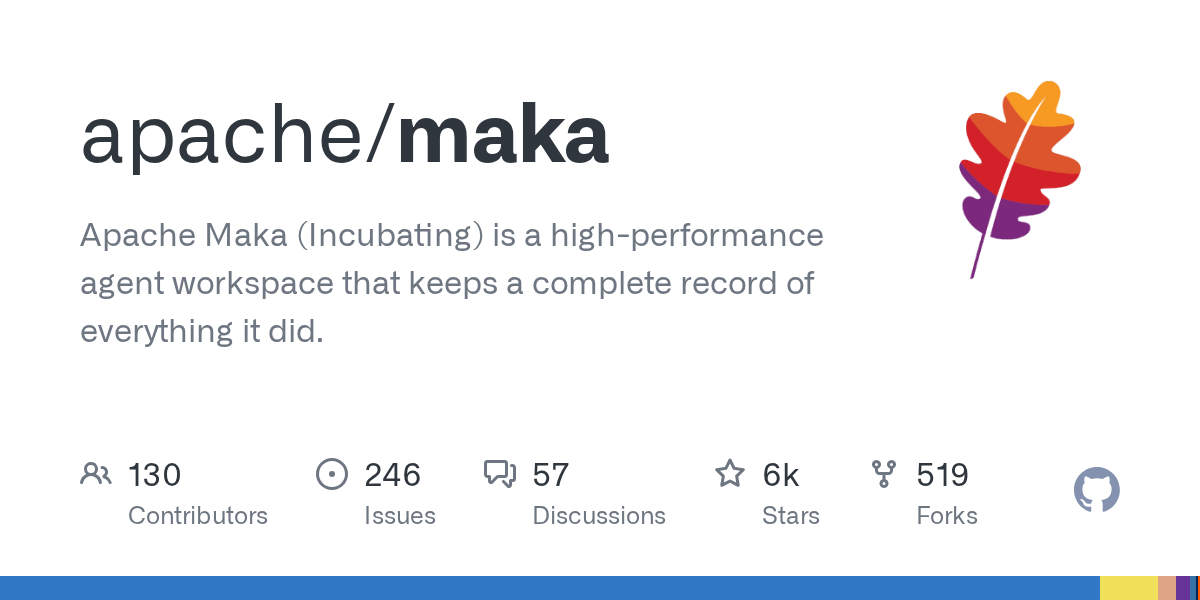
Apache Maka (Incubating) is a high-performance agent workspace designed to maintain a complete, append-only record of all agent actions. It focuses on measurable performance, local-first operation, and robust recovery mechanisms. This project provides a unified execution authority for desktop, TUI, and CLI clients, ensuring consistent agent behavior across platforms.
uta: A CLI Agent Orchestrator for Parallel AI Task Management
September 19, 2026
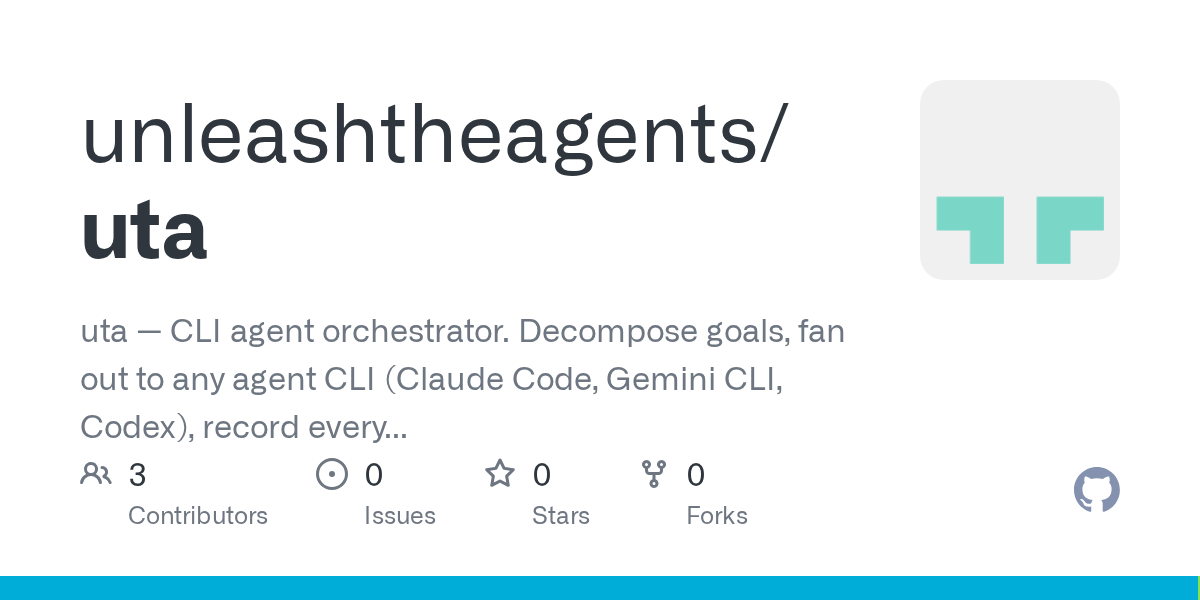
uta is a command-line interface (CLI) agent orchestrator designed to decompose complex goals into parallel subtasks. It can dispatch these tasks to various agent CLIs like Claude Code or Gemini CLI, record every step of the process, and synthesize the final results. This tool enhances agent capabilities by enabling parallelism and cross-provider task execution.
Open Code Review: AI-Powered Code Review Tool from Alibaba
September 18, 2026
Open Code Review is an AI-powered command-line interface tool for code review, battle-tested at Alibaba's scale. It leverages a hybrid architecture, combining deterministic engineering with an LLM agent, to provide secure, fast, and efficient code analysis. This tool generates precise, line-level comments and supports a multi-language ruleset, ensuring high-quality code reviews.
Source repository
Open the original repository on GitHub.