heyoo: An Open-Source Python Wrapper for WhatsApp Cloud API
This repository profile is provided by osrepos.com, an open source repository discovery platform.
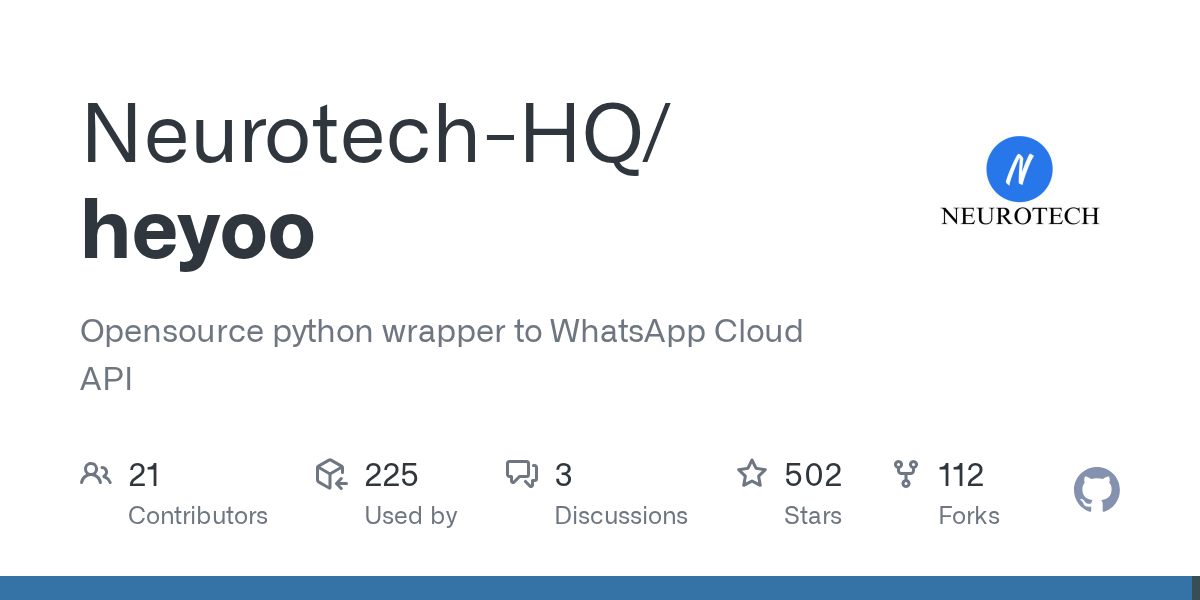
Summary
heyoo is an open-source Python wrapper designed to simplify interactions with the WhatsApp Cloud API. This library enables developers to easily send various message types, including text, media, location, and interactive buttons. It also provides robust features for handling incoming messages via webhooks, making it a comprehensive solution for WhatsApp automation.
Repository Information
Topics
Click on any tag to explore related repositories
Use at your own risk
OSRepos shares public repositories for knowledge and discovery only. Any installation, execution, configuration, or use of code from these repositories is the user's own responsibility. Always review the repository, source code, dependencies, licenses, and security implications before running or installing anything. OSRepos is not responsible for issues, damages, or losses resulting from third-party repositories.
Introduction
heyoo is an open-source Python wrapper developed by Neurotech-HQ, designed to simplify interactions with the WhatsApp Cloud API. It provides a robust and easy-to-use interface for developers to integrate WhatsApp messaging capabilities into their Python applications. With over 500 stars and 100 forks, heyoo is a popular choice for automating WhatsApp communications.
This library supports a wide range of features, including sending various message types, managing media, handling locations, and implementing interactive buttons and template messages. It also facilitates parsing incoming messages and setting up webhooks for real-time communication. Licensed under MIT, heyoo encourages community contributions and offers a flexible solution for your WhatsApp integration needs.
Installation
Getting started with heyoo is straightforward, with options for installation via pip, from source, or using Docker.
Via pip
The recommended way to install heyoo is using pip:
pip install --upgrade heyoo
From Source
If you prefer to build from the source, you can clone the repository and install it manually:
git clone https://github.com/Neurotech-HQ/heyoo
cd heyoo
python setup.py install
Running on Docker
For containerized deployments, heyoo provides Docker support:
docker compose build
docker compose up
Examples
heyoo simplifies common WhatsApp Cloud API operations. Here are some examples to get you started.
Authentication
First, you need to authenticate your application using your TOKEN and phone_number_id obtained from the Facebook Developer Portal:
from heyoo import WhatsApp
messenger = WhatsApp('YOUR_TOKEN', phone_number_id='YOUR_PHONE_NUMBER_ID')
Sending a Text Message
Sending a simple text message is as easy as calling the send_message method:
await messenger.send_message('Hello from heyoo!', 'RECIPIENT_MOBILE_NUMBER')
Sending Images
You can send images either by providing a direct URL or by uploading a local file first:
# Sending an image from a URL
await messenger.send_image(
    image="https://i.imgur.com/Fh7XVYY.jpeg",
    recipient_id="RECIPIENT_MOBILE_NUMBER",
)

# Uploading and sending a local image
media_id = await messenger.upload_media(
    media='path/to/your/image.jpg',
)['id']
await messenger.send_image(
    image=media_id,
    recipient_id="RECIPIENT_MOBILE_NUMBER",
    link=False # Important for uploaded media
)
Sending Template Messages
Template messages are pre-approved messages that can be customized with variables:
await messenger.send_template("hello_world", "RECIPIENT_MOBILE_NUMBER", components=[], lang="en_US")
Handling Webhooks
heyoo also provides utilities for handling incoming messages via webhooks. You can find a starter webhook example in the repository to customize:
# Example snippet for handling incoming text messages
# (Full example available in heyoo's hook.py)
if changed_field == "messages":
    new_message = messenger.get_mobile(data)
    if new_message:
        mobile = messenger.get_mobile(data)
        name = messenger.get_name(data)
        message_type = messenger.get_message_type(data)
        if message_type == "text":
            message = messenger.get_message(data)
            await messenger.send_message(f"Hi {name}, you said: {message}", mobile)
Why Use heyoo?
heyoo stands out as an excellent choice for WhatsApp Cloud API integration due to several compelling reasons:
- Simplicity and Ease of Use: It abstracts away the complexities of the WhatsApp Cloud API, offering a clean and intuitive Python interface.
- Comprehensive Features: From basic text messages to rich media, interactive buttons, and location sharing, heyoo covers a wide array of messaging functionalities.
- Robust Webhook Support: Easily process incoming messages and events, enabling dynamic and responsive WhatsApp bots and applications.
- Active Development and Community: Being open-source, it benefits from community contributions and active maintenance by Neurotech-HQ.
- Flexible Deployment: Supports standard pip installation, source build, and Docker for various deployment scenarios.
Links
- GitHub Repository: Neurotech-HQ/heyoo
- PyPI Package: heyoo on PyPI
- WhatsApp Cloud API Official Documentation: Developers Facebook
- Facebook Developer Portal: Create Your App
- Medium Article: Programming WhatsApp is now even easier for Python Developers
Related repositories
Similar repositories that may be relevant next.
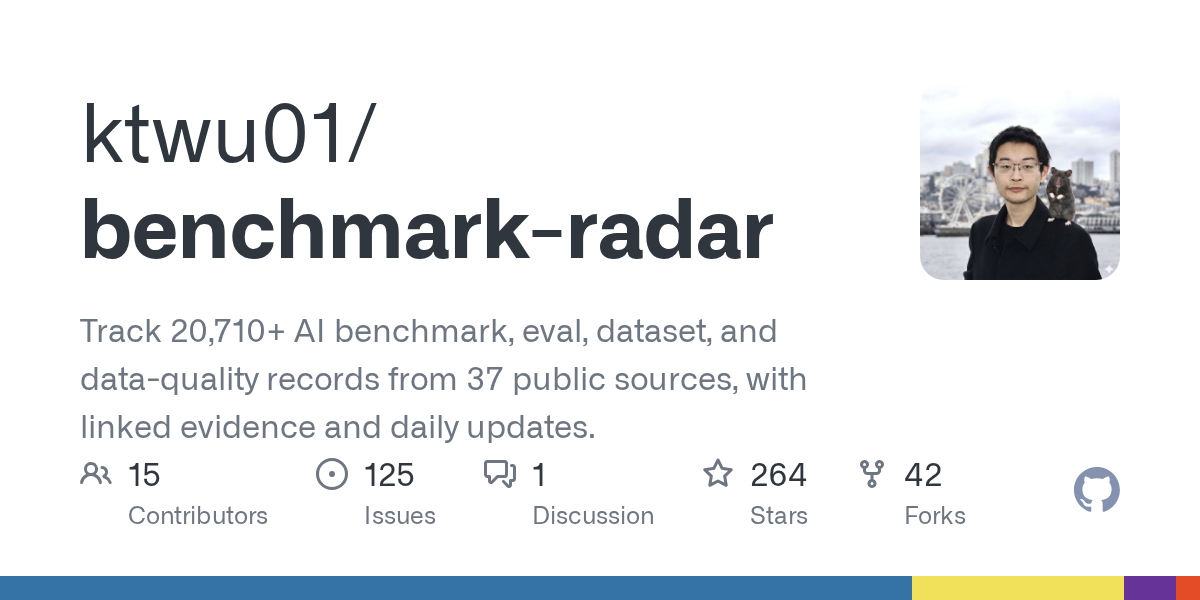
Benchmark Radar: A Living Database for AI Benchmarks and Evaluation
September 29, 2026
Benchmark Radar is an extensive open-source project that tracks over 20,710 AI benchmark, evaluation, dataset, and data-quality records from 37 public sources. It provides daily updates, linked evidence, and tools for researchers and developers to discover and analyze AI benchmarks. This project is essential for anyone needing to stay current with AI evaluation trends and model performance.
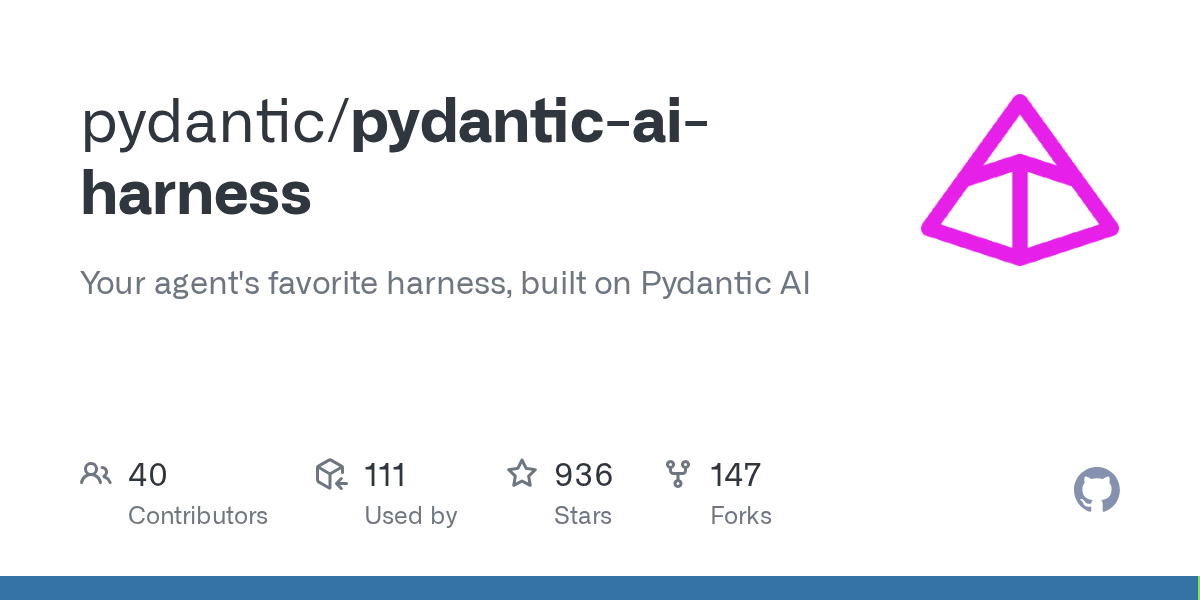
Pydantic AI Harness: Enhancing Your AI Agents with Robust Capabilities
September 28, 2026
Pydantic AI Harness is the official capability and harness library for Pydantic AI, designed to extend agents for complex, long-running tasks. It provides a modular system of "capabilities" for functionalities like file system interaction, web research, memory, and sub-agent delegation. This library enables developers to build sophisticated and durable AI agents with ease.
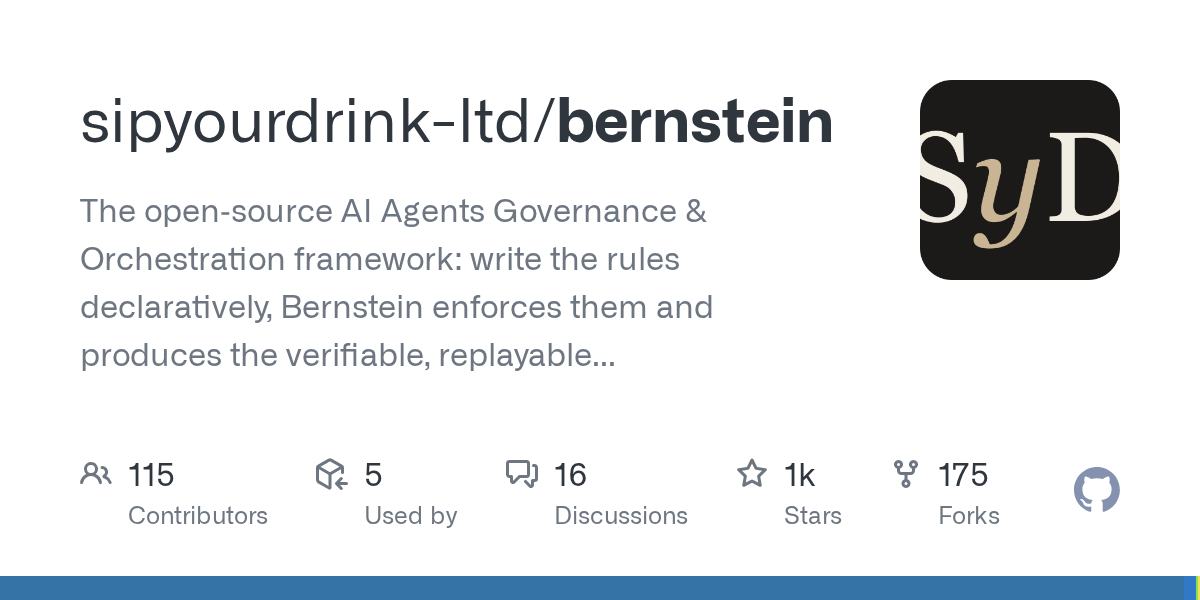
Bernstein: Open-Source Governance and Orchestration for AI Agents
September 28, 2026
Bernstein is an open-source framework designed for the governance and orchestration of AI agents, allowing users to define rules declaratively. It enforces these policies and generates verifiable, replayable records of all agent activities. This Python-based solution provides a robust layer for managing complex AI agent workflows with transparency and accountability.
Meshtastic-MCP: AI Tooling for Meshtastic Device Control and Testing
September 27, 2026
Meshtastic-MCP provides an MCP server and agent skills designed for AI tooling to discover, drive, observe, and test Meshtastic devices and applications. It offers a comprehensive suite of capabilities, from portable device control to advanced hardware-free end-to-end testing and replay functionalities. This project aims to streamline the development and testing of Meshtastic ecosystems.
Source repository
Open the original repository on GitHub.
14 counted GitHub visits