oobabooga/text-generation-webui: The Premier Local LLM Interface
This repository profile is provided by osrepos.com, an open source repository discovery platform.
Summary
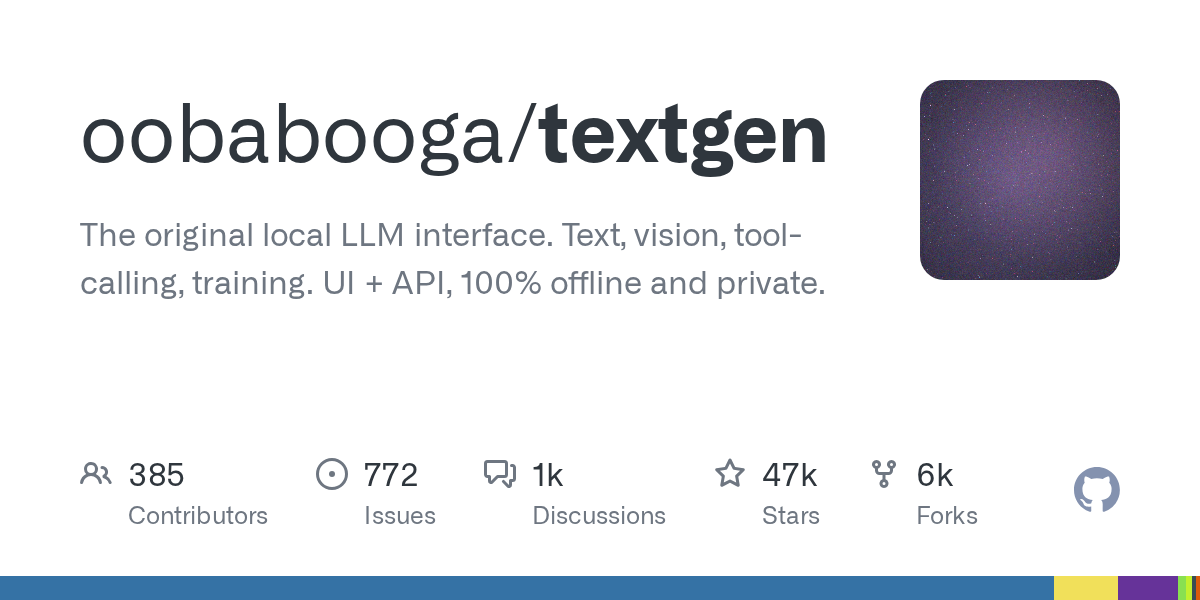
oobabooga/text-generation-webui is a powerful and versatile web UI for running large language models (LLMs) locally. It offers a 100% offline and private environment for text generation, vision, tool-calling, and even training, all accessible through an intuitive interface and API.
Repository Information
Topics
Click on any tag to explore related repositories
Use at your own risk
OSRepos shares public repositories for knowledge and discovery only. Any installation, execution, configuration, or use of code from these repositories is the user's own responsibility. Always review the repository, source code, dependencies, licenses, and security implications before running or installing anything. OSRepos is not responsible for issues, damages, or losses resulting from third-party repositories.
Introduction
oobabooga/text-generation-webui is recognized as the original and leading local interface for Large Language Models (LLMs). This project provides a comprehensive solution for interacting with LLMs, offering capabilities such as text generation, vision integration, tool-calling, and model training. Designed for complete privacy and offline operation, it features both a user-friendly web UI and a robust API. With over 46,914 stars and 5,970 forks, it stands as a highly popular choice for local AI experimentation and development.
Installation
Getting started with oobabooga/text-generation-webui is designed to be straightforward, offering several installation methods to suit different user needs.
Portable Builds
For the quickest setup, portable builds are available. These require zero setup: simply download, unzip, and run. They include all dependencies and are compatible with GGUF (llama.cpp) models.
One-Click Installer
For users requiring additional backends (like ExLlamaV3, Transformers), training capabilities, image generation, or extensions, the one-click installer is recommended. This method simplifies the setup process, handling dependencies like PyTorch automatically.
- Clone the repository or download its source code and extract it.
- Run the startup script for your OS:
start_windows.bat,start_linux.sh, orstart_macos.sh. - Follow the prompts to select your GPU vendor.
Manual Portable Install with venv
For those who prefer a manual setup within a Python virtual environment, follow these steps:
# Clone repository
git clone https://github.com/oobabooga/textgen
cd textgen

# Create virtual environment
python -m venv venv

# Activate virtual environment (example for macOS/Linux)
source venv/bin/activate

# Install dependencies (choose appropriate file under requirements/portable)
pip install -r requirements/portable/requirements.txt --upgrade

# Launch server
python server.py --portable --api --auto-launch
For detailed instructions and other installation methods, including Conda and Docker, please refer to the official documentation.
Examples
The web UI provides a rich set of features for interacting with LLMs:
- Chat & Generation: Engage with models in
instructmode for instruction-following,chat-instruct/chatfor custom characters, or use thenotebooktab for free-form text generation. - Multimodal Capabilities: Attach images to messages for visual understanding and upload text, PDF, or .docx documents to discuss their contents.
- Flexible Backends: Seamlessly switch between various LLM backends, including
llama.cpp,Transformers,ExLlamaV3, andTensorRT-LLM, without restarting the application. - OpenAI/Anthropic-compatible API: Utilize a local API that mimics OpenAI/Anthropic endpoints, complete with tool-calling support, making it a drop-in replacement for many applications.
- Tool-Calling: Enable models to execute custom functions, such as web search or math operations, defined as simple Python files.
- Training & Image Generation: Fine-tune LoRAs on datasets and generate images using
diffusersmodels like Z-Image-Turbo, all within the same interface.
Why Use It
oobabooga/text-generation-webui stands out for several compelling reasons:
- Complete Privacy: Operates 100% offline with zero telemetry, ensuring your data and interactions remain private.
- Versatility: Supports a wide array of LLM backends, multimodal inputs, tool-calling, and even training and image generation, making it a comprehensive AI toolkit.
- Ease of Use: Offers portable builds and a one-click installer for quick setup, alongside a user-friendly web interface.
- Active Community: Benefits from a vibrant community, providing support and contributing to its continuous development.
Links
- GitHub Repository: oobabooga/text-generation-webui
- Documentation: TextGen Wiki
- Community: r/Oobabooga on Reddit
Related repositories
Similar repositories that may be relevant next.
AutoResearch: AI/ML Research Agents from Idea to Paper-Ready Evidence
September 22, 2026
AutoResearch is an open-source agent workflow designed for AI and machine learning research. It automates the entire research process, from generating ideas and planning experiments to execution, analysis, and independent evaluation. This project helps researchers produce paper-ready evidence efficiently and with traceable provenance.
HarnessRouter: Unified Interface for AI Agent Harnesses
September 22, 2026
HarnessRouter Community Edition provides a self-hosted, Apache-2.0 licensed unified interface for various AI agent harnesses like Codex, Claude Code, and Hermes. It allows users to run multiple agents through a single API, offering features such as sessions, streaming, file handling, and cancellation. The project implements the open-standard Unified Harness Protocol (UHP), ensuring users maintain control over their keys and infrastructure.
AREX-Skill: A Skill Library for Automated Machine Learning and Auto-Research
September 21, 2026
AREX-Skill is a powerful skill library designed to advance automated machine learning and auto-research. It distills over 5,000 executable skills from more than 1,000 popular GitHub repositories, making complex ML knowledge directly usable by coding agents. This project significantly enhances agent performance in various research tasks by providing structured, validated operating knowledge.
oh-my-hermes: Enhance Hermes Agent with Advanced AI Workflow and Memory
September 17, 2026
oh-my-hermes is an all-in-one plugin designed to significantly enhance the Hermes Agent. It provides advanced coding intelligence, a robust long-term memory system, and optimized workflow packages, transforming standard Hermes requests into structured, actionable tasks with clear operational layers.
Source repository
Open the original repository on GitHub.
17 counted GitHub visits