mcpo: A Simple, Secure MCP-to-OpenAPI Proxy Server
This repository profile is provided by osrepos.com, an open source repository discovery platform.
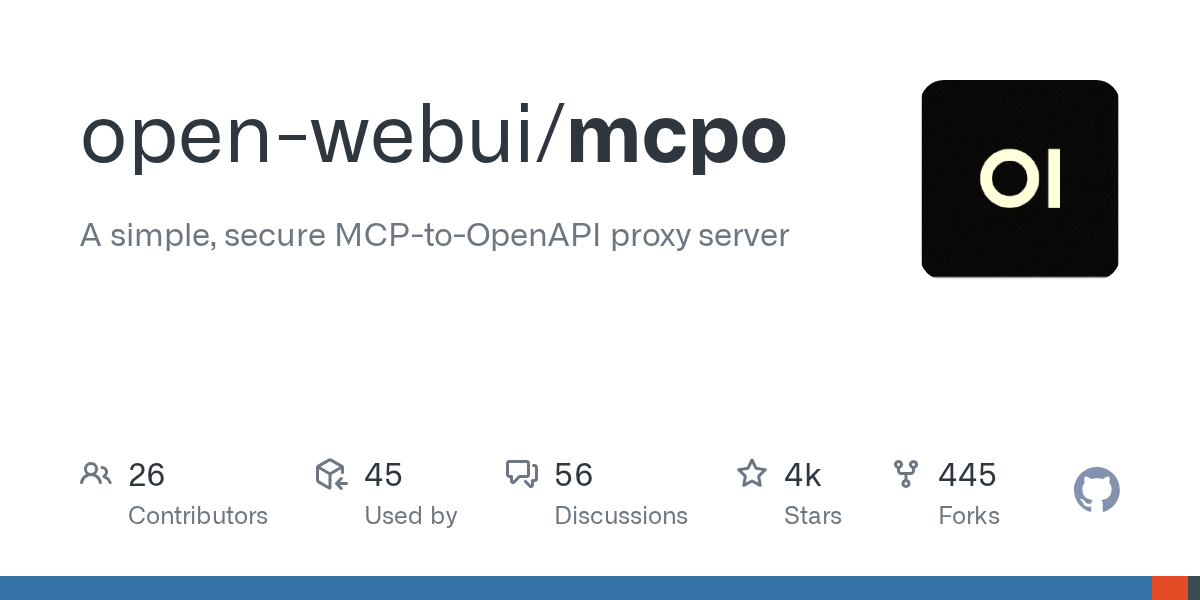
Summary
mcpo is a dead-simple proxy server that transforms any Model Context Protocol (MCP) tool into an OpenAPI-compatible HTTP server. This allows seamless integration of MCP tools with LLM agents and applications that expect standard RESTful OpenAPI interfaces, eliminating the need for custom protocols or complex glue code. It enhances security, stability, and interoperability for AI tools, making them instantly usable with modern web standards.
Repository Information
Topics
Click on any tag to explore related repositories
Use at your own risk
OSRepos shares public repositories for knowledge and discovery only. Any installation, execution, configuration, or use of code from these repositories is the user's own responsibility. Always review the repository, source code, dependencies, licenses, and security implications before running or installing anything. OSRepos is not responsible for issues, damages, or losses resulting from third-party repositories.
Introduction
mcpo is a powerful yet simple proxy server designed to expose any Model Context Protocol (MCP) tool as an OpenAPI-compatible HTTP server. This innovation allows your MCP tools to "just work" with Large Language Model (LLM) agents and applications that expect standard RESTful OpenAPI interfaces, removing the need for custom protocols, glue code, or complex integrations.
Why Use mcpo?
Native MCP servers often communicate over raw stdio, which presents several challenges, including inherent insecurity, incompatibility with most modern tools, and a lack of standard features like documentation, authentication, and robust error handling. mcpo addresses these issues effectively and without extra effort:
- Instant Compatibility: Works immediately with OpenAPI tools, SDKs, and user interfaces.
- Enhanced Security and Stability: Adds security, stability, and scalability by leveraging trusted web standards.
- Auto-Generated Documentation: Automatically generates interactive documentation for every tool, requiring no configuration.
- Pure HTTP: Utilizes pure HTTP, avoiding complex sockets, glue code, or unexpected behaviors.
mcpo transforms what might seem like an extra step into a streamlined process with superior outcomes, making your AI tools usable, secure, and interoperable right now.
Installation
We recommend using uv for lightning-fast startup and zero configuration. If you prefer, pip is also an option.
Using uv (recommended):
uvx mcpo --port 8000 --api-key "top-secret" -- your_mcp_server_command
Using pip:
pip install mcpo
mcpo --port 8000 --api-key "top-secret" -- your_mcp_server_command
Via Docker:
You can also run mcpo via Docker with no local installation:
docker run -p 8000:8000 ghcr.io/open-webui/mcpo:main --api-key "top-secret" -- your_mcp_server_command
Examples
Basic Usage:
To expose a simple MCP server, like mcp-server-time:
uvx mcpo --port 8000 --api-key "top-secret" -- uvx mcp-server-time --local-timezone=America/New_York
Your MCP tool will then be available at http://localhost:8000 with a generated OpenAPI schema, testable live at http://localhost:8000/docs.
Serving SSE-compatible MCP Servers:
mcpo --port 8000 --api-key "top-secret" --server-type "sse" -- http://127.0.0.1:8001/sse
Serving Streamable HTTP-compatible MCP Servers:
mcpo --port 8000 --api-key "top-secret" --server-type "streamable-http" -- http://127.0.0.1:8002/mcp
Using a Configuration File:
You can serve multiple MCP tools using a single configuration file. Enable hot-reload mode with --hot-reload to automatically watch your config file for changes.
mcpo --config /path/to/config.json --hot-reload
Example config.json:
{
  "mcpServers": {
    "memory": {
      "command": "npx",
      "args": ["-y", "@modelcontextprotocol/server-memory"]
    },
    "time": {
      "command": "uvx",
      "args": ["mcp-server-time", "--local-timezone=America/New_York"]
    }
  }
}
Each tool will be accessible under its own unique route, e.g., http://localhost:8000/memory and http://localhost:8000/time, each with a dedicated OpenAPI schema and proxy handler.
Links
- GitHub Repository: open-webui/mcpo
- Open WebUI Integration Docs: OpenAPI Servers with Open WebUI
Related repositories
Similar repositories that may be relevant next.
dcc-mcp-blender: AI-Driven 3D Workflows with an Embedded MCP Server
September 24, 2026
dcc-mcp-blender is a powerful Blender addon that integrates an embedded Streamable HTTP MCP server directly into Blender. This allows any MCP-compatible AI client to seamlessly control and automate your 3D modeling, animation, and rendering workflows. It offers over 200 pre-built tools and an extensible skill system for robust production environments.
Codex MCP Server: Bridge Claude Code with OpenAI Codex CLI
August 23, 2026
Codex MCP Server is an essential tool that acts as a bridge between Claude Code and OpenAI's Codex CLI. It allows developers to integrate powerful AI-driven code analysis, generation, and review capabilities directly into their editor. This server wrapper enables Claude Code to fully leverage Codex's advanced AI functionalities.
awesome-devops-mcp-servers: A Curated List of DevOps-Focused MCP Servers
August 21, 2026
Discover awesome-devops-mcp-servers, a comprehensive GitHub repository featuring a curated list of Model Context Protocol (MCP) servers tailored for DevOps tools and capabilities. This resource enables AI models to securely interact with a wide range of local and remote resources, enhancing automation and intelligence in DevOps workflows. Explore servers for infrastructure as code, container orchestration, cloud providers, security, and more.
awesome-a2a: A Curated List of Agent2Agent (A2A) Resources
August 21, 2026
The awesome-a2a repository is a comprehensive, curated list of Agent2Agent (A2A) protocol servers, clients, tools, and frameworks. It serves as a central hub for developers looking to explore and build interoperable AI agent systems. This resource helps in discovering various A2A-compliant implementations and related utilities.
Source repository
Open the original repository on GitHub.
20 counted GitHub visits