Qwen-Agent: A Comprehensive Framework for LLM Applications and Agent Development
This repository profile is provided by osrepos.com, an open source repository discovery platform.
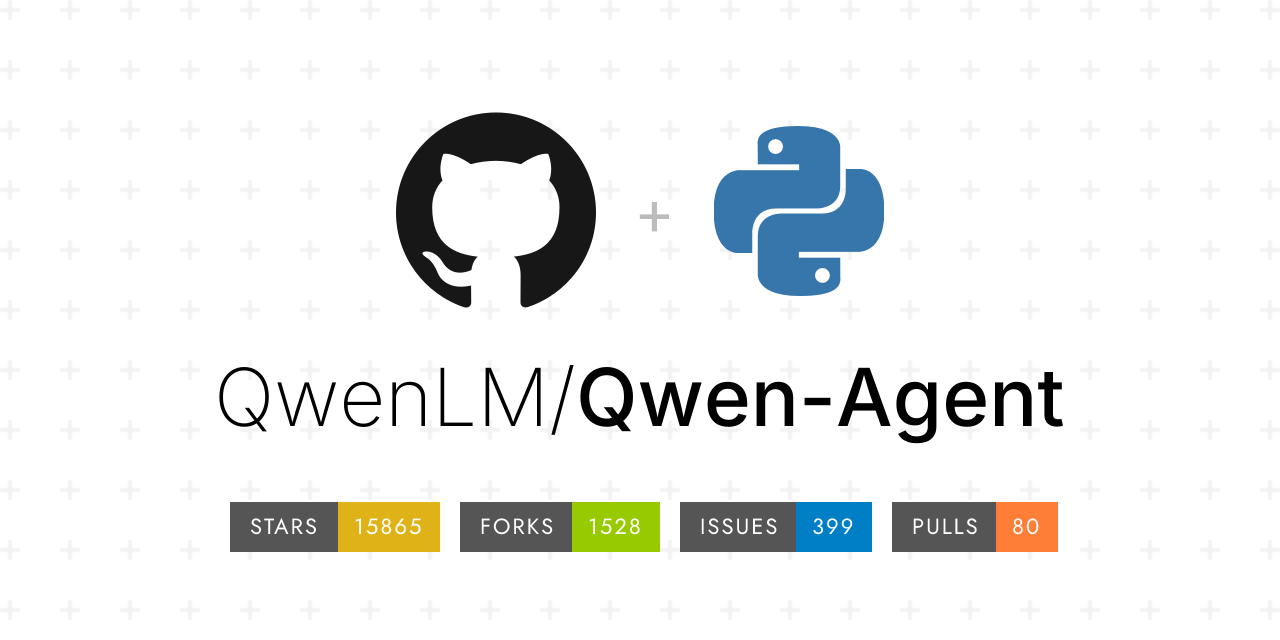
Summary
Qwen-Agent is a powerful framework designed for developing advanced Large Language Model (LLM) applications, built upon Qwen models. It offers robust capabilities including function calling, a code interpreter, RAG, and multi-context protocol (MCP) support. The framework enables developers to create sophisticated AI agents with planning, tool usage, and memory features, serving as the backend for applications like Qwen Chat.
Repository Information
Topics
Click on any tag to explore related repositories
Use at your own risk
OSRepos shares public repositories for knowledge and discovery only. Any installation, execution, configuration, or use of code from these repositories is the user's own responsibility. Always review the repository, source code, dependencies, licenses, and security implications before running or installing anything. OSRepos is not responsible for issues, damages, or losses resulting from third-party repositories.
Introduction
Qwen-Agent is an innovative framework for building and deploying sophisticated Large Language Model (LLM) applications. It leverages the advanced capabilities of Qwen models, particularly Qwen>=3.0, to provide a comprehensive toolkit for agent development. The framework is designed to facilitate instruction following, efficient tool usage, intelligent planning, and robust memory management for AI agents.
Key features of Qwen-Agent include:
- Function Calling: Enables agents to interact with external tools and APIs.
- Multi-Context Protocol (MCP): Supports advanced context management and tool integration.
- Code Interpreter: Allows agents to write and execute code within a sandboxed environment.
- Retrieval Augmented Generation (RAG): Enhances LLM responses with external knowledge.
- Browser Assistant: Provides an example application for web interaction.
- Chrome Extension: Extends agent capabilities to browser environments.
Qwen-Agent also serves as the powerful backend for Qwen Chat, demonstrating its real-world applicability and scalability.
Installation
Getting started with Qwen-Agent is straightforward. You can install it via pip or from the source repository.
Install from PyPI (stable version):
pip install -U "qwen-agent[gui,rag,code_interpreter,mcp]"
# For minimal requirements:
pip install -U qwen-agent
The optional requirements in double brackets provide support for:
[gui]for Gradio-based GUI support[rag]for RAG support[code_interpreter]for Code Interpreter support[mcp]for MCP support
Install from source (latest development version):
git clone https://github.com/QwenLM/Qwen-Agent.git
cd Qwen-Agent
pip install -e ./"[gui,rag,code_interpreter,mcp]"
# For minimal requirements:
pip install -e ./
After installation, ensure you configure your LLM service, either using Alibaba Cloud's DashScope with an API key or by deploying your own OpenAI-compatible model service (e.g., with vLLM or Ollama).
Examples
Qwen-Agent provides a rich set of examples to help you develop your own agents and applications. Here are some highlights:
- Developing Your Own Agent: The framework offers atomic components like LLMs with function calling and
BaseToolfor custom tools, alongside high-levelAgentclasses. You can easily create agents capable of reading files, using built-in tools likecode_interpreter, and integrating custom functionalities.
import json5
import urllib.parse
from qwen_agent.agents import Assistant
from qwen_agent.tools.base import BaseTool, register_tool

@register_tool('my_image_gen')
class MyImageGen(BaseTool):
    description = 'AI painting (image generation) service, input text description, and return the image URL drawn based on text information.'
    parameters = [{
        'name': 'prompt',
        'type': 'string',
        'description': 'Detailed description of the desired image content, in English',
        'required': True
    }]

    def call(self, params: str, **kwargs) -> str:
        prompt = json5.loads(params)['prompt']
        prompt = urllib.parse.quote(prompt)
        return json5.dumps({'image_url': f'https://image.pollinations.ai/prompt/{prompt}'}, ensure_ascii=False)

llm_cfg = {
    'model': 'qwen-max-latest',
    'model_type': 'qwen_dashscope',
    # 'api_key': 'YOUR_DASHSCOPE_API_KEY',
}

bot = Assistant(llm=llm_cfg,
                system_message='''After receiving the user's request, you should:
- first draw an image and obtain the image url,
- then run code `request.get(image_url)` to download the image,
- and finally select an image operation from the given document to process the image.
Please show the image using `plt.show()`.''',
                function_list=['my_image_gen', 'code_interpreter'],
                files=['./examples/resource/doc.pdf'])

# Example chat loop
# messages = []
# while True:
#     query = input('\nuser query: ')
#     messages.append({'role': 'user', 'content': query})
#     for response in bot.run(messages=messages):
#         # Streaming output logic
#         pass
#     messages.extend(response)
- Gradio Web UI: The framework includes a convenient Gradio-based web UI for rapid deployment and interaction with your agents.
from qwen_agent.gui import WebUI
# Assuming 'bot' is your configured agent instance
# WebUI(bot).run()
- Code Interpreter: Learn how to enable and use the built-in
code_interpretertool, which executes code securely in Docker containers. - MCP (Model Context Protocol): Explore examples demonstrating how to integrate and utilize MCP servers for enhanced context and tool management.
- Function Calling: Detailed examples showcase the native support for parallel function calls within the LLM classes.
- RAG for Long Documents: Discover solutions for question-answering over super-long documents, outperforming native long-context models in efficiency and accuracy.
More usage examples can be found in the examples directory of the repository.
Why Use Qwen-Agent?
Qwen-Agent stands out as a robust choice for LLM application development due to several compelling reasons:
- Comprehensive Agent Capabilities: It provides a full suite of features for building intelligent agents, including advanced planning, memory, and tool-use mechanisms, all built on the powerful Qwen models.
- Rich Tool Ecosystem: With built-in support for function calling, a secure code interpreter (Docker-based), and integration with the Multi-Context Protocol (MCP), agents can interact with a wide array of external services and perform complex tasks.
- Scalability and Performance: The framework is designed for efficiency, offering solutions like fast RAG for handling super-long documents, which can outperform traditional long-context models.
- Flexibility and Customization: Developers can easily extend the framework by creating custom tools and agents, adapting it to specific use cases and requirements.
- Practical Applications: Qwen-Agent powers real-world applications like Qwen Chat and BrowserQwen, demonstrating its effectiveness and reliability in production environments.
- Active Development and Community: The project is actively maintained by the Qwen team, with continuous updates and a growing community, ensuring ongoing support and innovation.
Links
- GitHub Repository: https://github.com/QwenLM/Qwen-Agent
- Qwen Chat: https://chat.qwen.ai/
- Hugging Face: https://huggingface.co/Qwen
- ModelScope: https://modelscope.cn/organization/qwen
- Documentation: https://qwenlm.github.io/Qwen-Agent/en/
- Discord: https://discord.gg/CV4E9rpNSD
Related repositories
Similar repositories that may be relevant next.
Uni-Agent: A Scalable Framework for Training Long-Horizon AI Agents
October 1, 2026
Uni-Agent is a powerful Python framework designed for training long-horizon agents at scale. It allows users to integrate existing agent harnesses, unify diverse agent tasks through an extensible interface, and run thousands of sessions concurrently for efficient data collection and training.
Benchmark Radar: A Living Database for AI Benchmarks and Evaluation
September 29, 2026
Benchmark Radar is an extensive open-source project that tracks over 20,710 AI benchmark, evaluation, dataset, and data-quality records from 37 public sources. It provides daily updates, linked evidence, and tools for researchers and developers to discover and analyze AI benchmarks. This project is essential for anyone needing to stay current with AI evaluation trends and model performance.
Pydantic AI Harness: Enhancing Your AI Agents with Robust Capabilities
September 28, 2026
Pydantic AI Harness is the official capability and harness library for Pydantic AI, designed to extend agents for complex, long-running tasks. It provides a modular system of "capabilities" for functionalities like file system interaction, web research, memory, and sub-agent delegation. This library enables developers to build sophisticated and durable AI agents with ease.
Bernstein: Open-Source Governance and Orchestration for AI Agents
September 28, 2026
Bernstein is an open-source framework designed for the governance and orchestration of AI agents, allowing users to define rules declaratively. It enforces these policies and generates verifiable, replayable records of all agent activities. This Python-based solution provides a robust layer for managing complex AI agent workflows with transparency and accountability.
Source repository
Open the original repository on GitHub.
24 counted GitHub visits