claude-code-webui: A Web Interface for Claude CLI with Streaming Responses
This repository profile is provided by osrepos.com, an open source repository discovery platform.
Summary
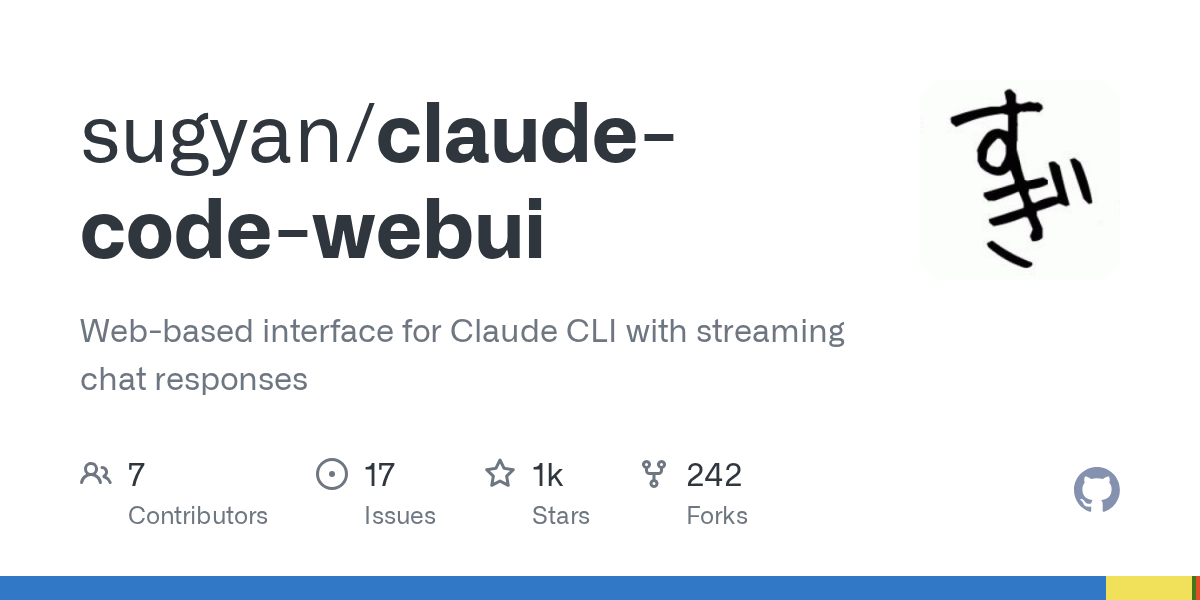
claude-code-webui transforms the command-line Claude CLI experience into an intuitive web-based chat interface. It offers real-time streaming responses, visual project selection, and mobile-responsive design. This tool enhances productivity by providing a rich, visual environment for interacting with Claude Code locally.
Repository Information
Topics
Click on any tag to explore related repositories
Use at your own risk
OSRepos shares public repositories for knowledge and discovery only. Any installation, execution, configuration, or use of code from these repositories is the user's own responsibility. Always review the repository, source code, dependencies, licenses, and security implications before running or installing anything. OSRepos is not responsible for issues, damages, or losses resulting from third-party repositories.
Introduction
claude-code-webui, developed by sugyan, is an open-source project that provides a modern, web-based interface for the Claude Code CLI. It aims to transform the command-line coding experience into an intuitive chat interface accessible from any device with a browser. With 1059 stars and 242 forks, this TypeScript project under the MIT License offers a powerful way to interact with Claude Code.
Key features include real-time streaming responses, visual project selection, conversation history, and granular tool permission management, all wrapped in a mobile-responsive design with dark/light theme support.
Installation
Get claude-code-webui up and running quickly with the recommended npm package installation.
Prerequisites:
- Claude CLI installed and authenticated.
- Node.js >=20.0.0.
- Modern browser.
Option 1: npm Package (Recommended)
# Install globally via npm
npm install -g claude-code-webui

# Start the server
claude-code-webui

# Open browser to http://localhost:8080
Examples
The backend server supports various command-line options to customize its behavior.
Custom Port:
claude-code-webui --port 3000
Bind to All Interfaces (accessible from network):
claude-code-webui --host 0.0.0.0 --port 9000
Enable Debug Mode:
claude-code-webui --debug
Custom Claude CLI Path (for non-standard installations):
claude-code-webui --claude-path /path/to/claude
Why Use claude-code-webui?
claude-code-webui transforms the way you interact with Claude Code, moving beyond the limitations of a terminal-only experience.
Benefits over CLI:
- Accessibility: Use on any device with a browser, not just desktop.
- Mobile-Friendly: Enjoy a touch-optimized interface on mobile devices.
- Rich Responses: Get beautifully formatted responses instead of plain text output.
- Visual Project Selection: Easily choose projects for context-aware sessions.
Key Features:
- Permission Mode Switching: Toggle between normal and plan mode execution.
- Real-time Streaming Responses: See live Claude Code output in the chat interface.
- Project Directory Selection: Visual project picker for context-aware sessions.
- Conversation History: Browse and restore previous chat sessions.
- Tool Permission Management: Granular control over Claude's tool access.
- Dark/Light Theme Support: Automatic system preference detection.
- Mobile-Responsive Design: Optimized interface for any device.
Links
- GitHub Repository: https://github.com/sugyan/claude-code-webui
- View Screenshots: https://github.com/sugyan/claude-code-webui#screenshots
- Related Project (siteboon/claudecodeui): https://github.com/siteboon/claudecodeui
Related repositories
Similar repositories that may be relevant next.
Context Engineering Kit: Enhance AI Agent Quality with Advanced Skills
September 6, 2026
The Context Engineering Kit is a powerful collection of hand-crafted Claude Code Skills designed to significantly improve the quality and predictability of AI agent results. It offers advanced context engineering techniques with a minimal token footprint, ensuring efficiency and effectiveness across platforms like OpenCode, Cursor, and Gemini CLI. This kit provides granular control over plugins and includes an open-source alternative to CodeRabbit, enhancing development workflows.
Autoresearch: Autonomous Iteration for LLM-Powered Code Improvement
August 24, 2026
Autoresearch is a powerful GitHub repository that transforms large language models like Claude Code, OpenCode, and OpenAI Codex into relentless improvement engines. Inspired by Karpathy's autoresearch, it enables autonomous, goal-directed iteration, following a "Modify, Verify, Keep/Discard, Repeat" loop to achieve compounding gains across various domains. This project offers a structured approach to automate development, security, and operational tasks with AI.
claude-code-codex-bridge: Sync Your Claude Code Setup with Codex
August 23, 2026
The `claude-code-codex-bridge` is a Python tool that automatically synchronizes your Claude Code setup, including plugins, skills, agents, and commands, with Codex. This one-way bridge ensures that any changes made in Claude Code are reflected in Codex, keeping both environments equally effective. It streamlines the management of AI coding tools by allowing you to configure once and deploy across both platforms.
AnythingMCP: AI-Empowered Gateway for Custom Claude, ChatGPT, Gemini Connectors
August 16, 2026
AnythingMCP is a self-hosted, open-source AI-empowered gateway that transforms existing APIs, databases, and MCP servers into custom connectors for leading AI models like Claude, ChatGPT, and Gemini. It enables no-code integration of REST, SOAP, GraphQL, and SQL sources into the Model Context Protocol, featuring robust authentication, access control, and audit logging. The platform also includes over 175 pre-built adapters for common services, simplifying complex integrations.
Source repository
Open the original repository on GitHub.
14 counted GitHub visits