YouTube Transcripts Machine: Extract Timestamps and Transcripts from Videos
This repository profile is provided by osrepos.com, an open source repository discovery platform.
Summary
YouTube Transcripts Machine (YTM) is a web application that automates the extraction of timestamps and transcripts from any YouTube video. It provides a user-friendly interface to view, interact with, and export video transcripts, enhancing accessibility and content analysis for users.
Repository Information
Topics
Click on any tag to explore related repositories
Use at your own risk
OSRepos shares public repositories for knowledge and discovery only. Any installation, execution, configuration, or use of code from these repositories is the user's own responsibility. Always review the repository, source code, dependencies, licenses, and security implications before running or installing anything. OSRepos is not responsible for issues, damages, or losses resulting from third-party repositories.
Introduction
The YouTube Transcripts Machine (YTM) is a powerful web application designed to automatically extract detailed transcripts and corresponding timestamps from any YouTube video. Built with Next.js and leveraging browser automation tools like Stagehand and BrowserBase, YTM offers a seamless experience for users looking to access video content in text format. Key features include easy URL input, interactive timestamped transcripts, and convenient export options to copy or download the text.
Installation
To get started with YouTube Transcripts Machine, follow these steps:
- Prerequisites: Ensure you have Node.js and npm installed. You will also need an OpenAI API key and BrowserBase API key and project ID for cloud execution.
- Clone the repository:
git clone https://github.com/zaidmukaddam/youtube-transcripts-machine.git cd youtube-transcripts-machine - Install dependencies:
npm install - Set up environment variables:
Then, add your OpenAI API key and BrowserBase credentials to thecp .example.env .env.local.env.localfile. - Running Locally:
npm run dev
Examples
YTM simplifies the process of getting video transcripts. Here's how it works:
- Input: A user pastes a YouTube video URL into the application.
- Processing: The application uses Stagehand to automate a browser session, navigating to the specified YouTube video. It then opens the transcript panel, extracts all transcript entries along with their precise timestamps.
- Output: The extracted data is displayed as a formatted transcript with clickable timestamps, allowing users to jump to specific points in the video directly from the text.
Why Use It
YouTube Transcripts Machine is an invaluable tool for various use cases:
- Accessibility: Provides text alternatives for video content, making it accessible to a wider audience.
- Content Analysis: Easily review and analyze video content without rewatching, useful for researchers, journalists, or content creators.
- Learning and Reference: Quickly find specific information within long videos or create study notes.
- Productivity: Save time by extracting key information or quotes directly from video transcripts.
- Developer-Friendly: The project's open-source nature and clear technology stack make it easy for developers to contribute or adapt for their own needs.
Links
- GitHub Repository: https://github.com/zaidmukaddam/youtube-transcripts-machine
- Deploy with Vercel:
- Stagehand SDK: https://stagehand.dev
- BrowserBase: https://browserbase.com
Related repositories
Similar repositories that may be relevant next.
Leetcode Patterns: A Pattern-Based Approach to Technical Interview Prep
July 18, 2026
Leetcode Patterns is a highly-starred GitHub repository offering a structured, pattern-based approach to mastering technical interview questions. It helps individuals improve problem-solving skills by grouping LeetCode problems under specific subtopics, allowing for focused practice and application of common algorithms and data structures.
TencentDB Agent Memory: Enhancing AI Agents with Layered Long-Term Memory
July 7, 2026
TencentDB Agent Memory provides AI agents with fully local, long-term memory through a 4-tier progressive pipeline, eliminating external API dependencies. It significantly reduces token usage and improves task success rates by employing symbolic short-term memory and layered long-term memory. This innovative approach helps agents learn workflows and retain context more effectively.
Llama Cloud Services: Knowledge Agents and Management in the Cloud
July 3, 2026
Llama Cloud Services offers tools for building knowledge agents and managing data in the cloud. It provides robust capabilities for parsing various document types, including PDF, DOCX, and PPTX, into structured formats. Users should note that this repository is deprecated, with migration recommended to the new `llama-cloud` packages for continued support and improved performance.
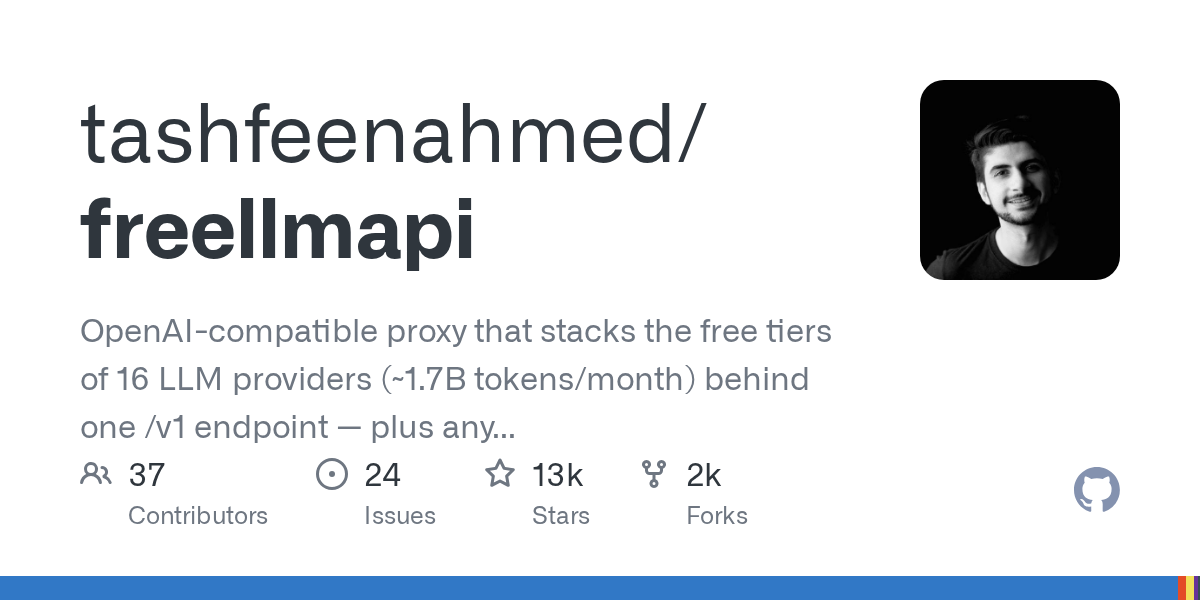
FreeLLMAPI: Stack 16 Free LLM Tiers for 1.7 Billion Tokens/Month
June 27, 2026
FreeLLMAPI is an OpenAI-compatible proxy that aggregates the free tiers of 16 LLM providers, offering access to approximately 1.7 billion tokens per month. It simplifies access to diverse models through a single endpoint, featuring smart routing, automatic failover, and encrypted key storage. This powerful tool is designed for personal experimentation, allowing developers to leverage multiple free LLM resources efficiently.
Source repository
Open the original repository on GitHub.
8 counted GitHub visits