pocketpal-ai vs OGAD
Local AI assistants for phones and desktop computers
pocketpal-ai runs language models and text-to-speech on iOS and Android, while OGAD is a desktop studio and local runtime for text, vision, image, and speech models. pocketpal-ai focuses on mobile, on-device use; OGAD adds a local OpenAI-compatible API, document projects, and optional Pro features.
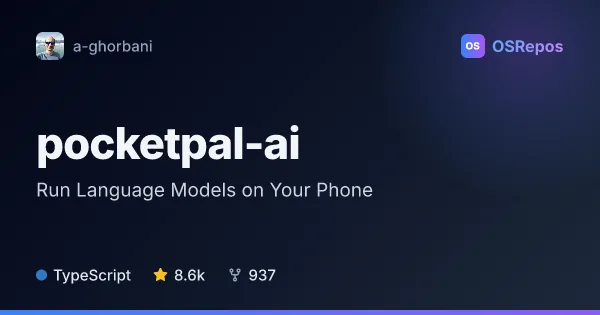
pocketpal-ai: Run Language Models on Your Phone
PocketPal AI is a React Native app for chatting with language models directly on iOS and Android devices. It suits people who want private, offline AI, with model downloads and optional voice and tool features.
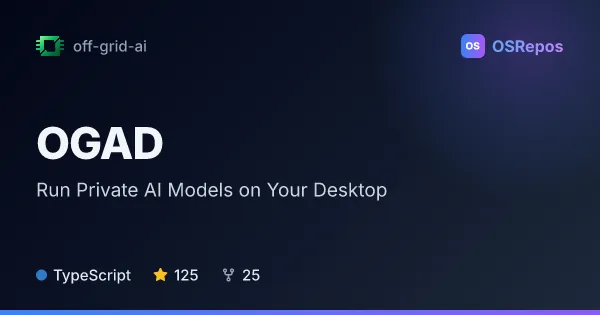
OGAD: Run Private AI Models on Your Desktop
OGAD is a local-first desktop studio and OpenAI-compatible gateway for running text, vision, image, and voice models on your own hardware. It suits people who want private AI workflows and local integrations without cloud inference or an account.
| pocketpal-ai | OGAD | |
|---|---|---|
| Language | TypeScript | TypeScript |
| License | MIT | AGPL-3.0 |
| Stars | 8.6k | 125 |
| Forks | 937 | 25 |
| Last analyzed | Oct 10, 2026 | Oct 13, 2026 |
Key differences
- pocketpal-ai targets iOS and Android phones; OGAD targets desktop systems and can also run its gateway headlessly.
- pocketpal-ai runs GGUF language models with llama.cpp and supports model downloads through Hugging Face; OGAD supports text and vision models, image generation, transcription, and speech synthesis.
- pocketpal-ai offers personalized Pals, built-in tools, and performance benchmarking; OGAD offers document projects with cited sources, artifact previews, and MCP connectors.
- Both are written in TypeScript, but pocketpal-ai uses the MIT license while OGAD's open core uses AGPL-3.0.
- The provided repository figures list 8.5k stars and 925 forks for pocketpal-ai, compared with 118 stars and 25 forks for OGAD.
Choose pocketpal-ai if you…
- want a local assistant on an iOS or Android phone, including offline use after downloading a model.
- need mobile features such as personalized Pals, on-device text-to-speech, or inference benchmarking.
- prefer an MIT-licensed project for exploring on-device AI with React Native.
Choose OGAD if you…
- need a desktop studio with a local OpenAI-compatible API for connecting other software to models.
- want to work with documents in projects, use MCP tools, or create and preview artifacts.
- need a headless model gateway or are interested in optional Pro memory and activity-capture features.
Compare the numbers side by side, or add more projects
This comparison is generated with AI from the OSRepos analyses of both projects. Always check each project's repository and documentation before choosing.