PocketPal AI: Your Private, Offline Language Model Assistant for Mobile
This repository profile is provided by osrepos.com, an open source repository discovery platform.
Summary
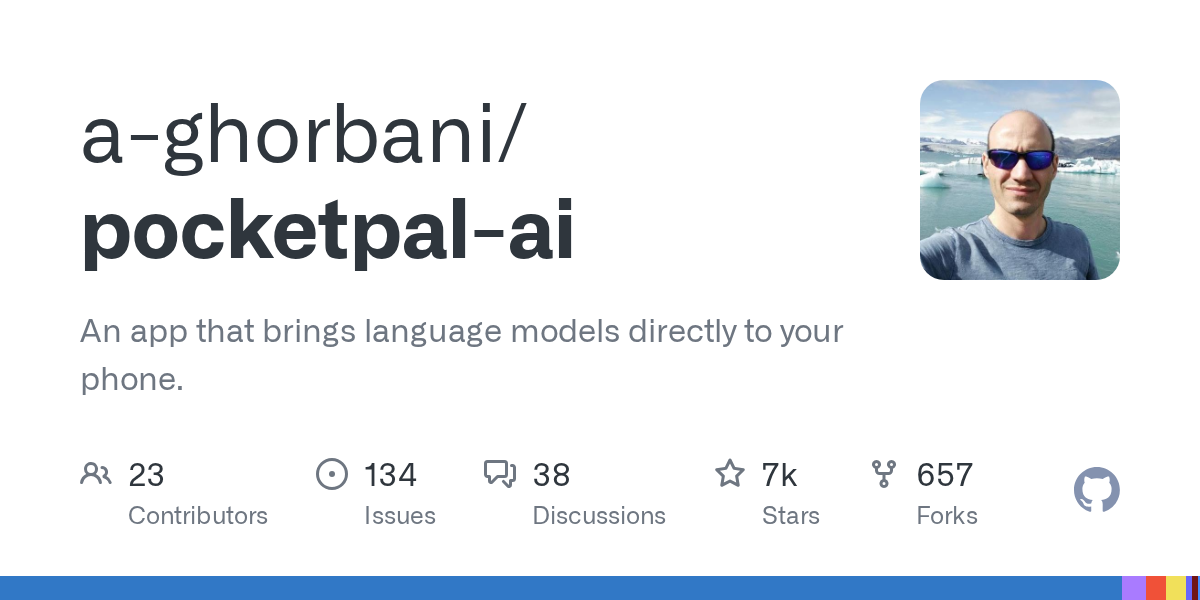
PocketPal AI is an innovative mobile application that brings the power of small language models (SLMs) directly to your smartphone. It allows users to interact with various AI models offline, ensuring complete privacy as all processing occurs on-device. Available for both iOS and Android, PocketPal AI offers a secure and flexible way to experience AI without an internet connection.
Repository Information
Topics
Click on any tag to explore related repositories
Use at your own risk
OSRepos shares public repositories for knowledge and discovery only. Any installation, execution, configuration, or use of code from these repositories is the user's own responsibility. Always review the repository, source code, dependencies, licenses, and security implications before running or installing anything. OSRepos is not responsible for issues, damages, or losses resulting from third-party repositories.
Introduction
PocketPal AI is a groundbreaking mobile application designed to put the power of language models directly into your hands, without the need for an internet connection. This app leverages small language models (SLMs) that run entirely on your device, ensuring unparalleled privacy. Your conversations, prompts, and data never leave your phone, making it a secure choice for AI interactions.
Developed with TypeScript, PocketPal AI is available for both iOS and Android, offering a consistent and feature-rich experience across platforms. Key features include offline AI assistance, flexible model swapping (supporting models like Danube, Phi, Gemma, and Qwen), and personalized AI assistants called "Pals."
Installation
Getting started with PocketPal AI is straightforward. You can download the app directly from your device's official app store:
- iOS: Download PocketPal AI from the App Store.
- Android: Get PocketPal AI on Google Play.
Once installed, you're ready to explore the world of on-device AI.
Examples
Using PocketPal AI is intuitive, offering a seamless experience for interacting with language models:
Downloading and Loading Models
- Open the app and navigate to the Models page via the Menu icon.
- Choose a model from the list and tap Download, or use the '+' button to add models from Hugging Face or local storage.
- If adding from Hugging Face, you can search for GGUF models and select a quantization suitable for your device.
- After downloading, tap Load next to the model to activate it for use in chats.
Chatting with Your AI Assistant
- Ensure a model is loaded, then go to the Chat page.
- Start conversing with your AI. The screen will stay awake during AI response generation.
- You can easily switch between loaded models using the chevron icon next to the chat input.
Using Personalized Pals
- Create custom AI assistants with unique personalities and settings.
- Choose between Assistant Pal (with a default model and system prompt) or Roleplay Pal (which includes additional contextual parameters like location and AI's role).
- You can even use AI to generate system prompts for your Pals.
- Select a Pal from the picker on the chat page to quickly switch personas and tailor your AI interactions.
Benchmarking and Hugging Face Integration
PocketPal AI also includes a benchmarking tool to test model performance and allows you to access gated models from Hugging Face by setting up your authentication token in the app's settings.
Why Use It
PocketPal AI stands out for several compelling reasons:
- Unmatched Privacy: All AI processing happens directly on your device, ensuring your data and conversations remain completely private and never leave your phone.
- Offline Capability: Interact with powerful language models anytime, anywhere, without needing an internet connection.
- Model Flexibility: Easily download, swap, and manage various small language models, giving you control over your AI experience.
- Personalized Interactions: Create custom AI personalities with the "Pals" feature, tailoring the AI's responses to your specific needs or preferences.
- Cross-Platform Support: Enjoy a consistent and optimized experience on both iOS and Android phones and tablets, including iPad.
- Continuous Improvement: The project is actively developed, with features like localization, Hugging Face token authentication, and benchmarking continually being added.
Links
- GitHub Repository: a-ghorbani/pocketpal-ai
- App Store: Download on the App Store
- Google Play: Get it on Google Play
Related repositories
Similar repositories that may be relevant next.
aport-spec: The Open Agent Passport (OAP) Specification for AI Agent Trust
September 18, 2026
The aport-spec repository introduces the Open Agent Passport (OAP) specification, a critical framework for establishing trust in AI agents. It defines a lightweight, cryptographically verifiable credential, enabling real-time, pre-action authorization for AI agents across various platforms. OAP provides the essential runtime trust layer for secure and scalable agentic commerce.
SandBase Harness: Local-First AI Agent Runtime with Sandboxed Sessions
September 13, 2026
SandBase Harness is a local-first, self-hosted runtime for AI agents, offering sandboxed sessions, memory, and credentials. This TypeScript-based project provides a robust infrastructure for managing and observing AI agents, ensuring auditability and secure execution on your own machine or infrastructure.
A3M Router: Biology-Inspired LLM Routing for Cost Savings and Performance
September 13, 2026
A3M Router is an open-source, biology-inspired LLM router designed to optimize costs and performance across over 80 providers. It leverages principles like swarm intelligence and neural plasticity to offer adaptive, resilient, and cost-effective AI routing. This tool helps users save significantly on AI costs by intelligently selecting the best model for each query.

Skill Recorder: Turn Screen Recordings into AI Agent Skills
September 11, 2026
Skill Recorder is a desktop application that captures your on-screen work sessions, including clicks and app switches. It leverages the GitHub Copilot CLI to analyze these recordings, reconstructing them into an intent and ordered steps. This process allows users to generate reusable AI agent skills or automations for platforms like Microsoft Scout, Copilot Cowork, or Copilot Studio.
Source repository
Open the original repository on GitHub.
20 counted GitHub visits