Open-Interface vs open-codex-computer-use
Desktop automation projects compared
Open-Interface and open-codex-computer-use both let AI-driven workflows interact with desktop applications. Open-Interface is a desktop app that plans and performs tasks using an LLM, screenshots, and simulated input; open-codex-computer-use exposes computer-use actions through MCP, CLI commands, and JavaScript automation.
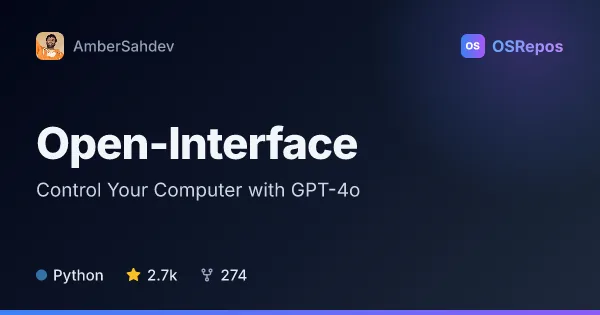
Open-Interface: Control Your Computer with GPT-4o
Open Interface uses OpenAI GPT-4o to interpret requests, act through keyboard and mouse input, and check progress with screenshots. It offers desktop apps for macOS, Linux, and Windows, with Gemini and compatible custom LLM backends also supported.
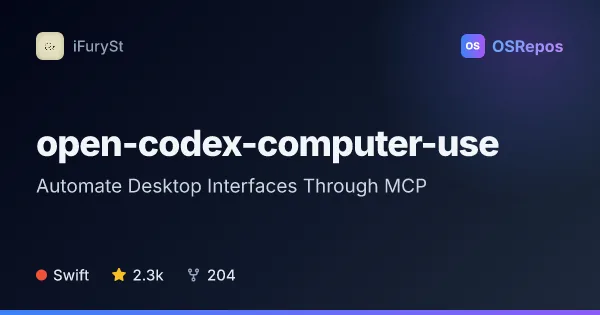
open-codex-computer-use: Automate Desktop Interfaces Through MCP
open-codex-computer-use exposes desktop automation as an MCP service that AI agents and compatible clients can use on macOS, Linux, and Windows. It is useful when an agent needs to interact with desktop apps through accessibility-based controls.
| Open-Interface | open-codex-computer-use | |
|---|---|---|
| Language | Python | Swift |
| License | GPL-3.0 | MIT |
| Stars | 2.7k | 2.3k |
| Forks | 274 | 204 |
| Last analyzed | Oct 19, 2026 | Oct 5, 2026 |
Key differences
- Open-Interface interprets a user’s natural-language goal and carries out the task; open-codex-computer-use provides tools for compatible agents and developers to invoke.
- Open-Interface uses screenshots to assess progress and correct actions, while open-codex-computer-use describes accessibility-based controls.
- Open-Interface is written in Python and licensed under GPL-3.0; open-codex-computer-use is written in Swift and licensed under MIT.
- Open-Interface offers downloadable desktop builds or source-based use; open-codex-computer-use offers MCP client configuration, CLI commands, and JavaScript automation.
- Open-Interface supports OpenAI, Gemini, and compatible custom LLM APIs; open-codex-computer-use integrates with MCP-compatible clients and provides a skill for Codex and Claude Code.
- Open-Interface includes a Stop button and cursor gesture for interruption and notes limits with complex GUI tasks; open-codex-computer-use calls out macOS 14.0 or later and Accessibility and Screen Recording permissions.
Choose Open-Interface if you…
- want a desktop app to translate natural-language requests into simulated keyboard and mouse actions.
- need screenshot-guided progress checks and course correction while automating a task.
- prefer downloadable builds for macOS, Linux, or Windows, or a Python source application.
Choose open-codex-computer-use if you…
- want to connect an MCP-compatible agent to desktop applications.
- need CLI commands or JavaScript tools to run and test desktop action sequences.
- prefer an MIT-licensed Swift project with support for macOS, Linux, and Windows.
Compare the numbers side by side, or add more projects
This comparison is generated with AI from the OSRepos analyses of both projects. Always check each project's repository and documentation before choosing.