Open-Interface: Control Your Computer with Large Language Models
This repository profile is provided by osrepos.com, an open source repository discovery platform.

Summary
Open-Interface is an innovative project that enables users to control any computer using Large Language Models (LLMs). It automates tasks by interpreting user requests, simulating keyboard and mouse inputs, and course-correcting with updated screenshots. This powerful tool brings self-driving capabilities to your desktop, supporting macOS, Linux, and Windows.
Repository Information
Topics
Click on any tag to explore related repositories
Use at your own risk
OSRepos shares public repositories for knowledge and discovery only. Any installation, execution, configuration, or use of code from these repositories is the user's own responsibility. Always review the repository, source code, dependencies, licenses, and security implications before running or installing anything. OSRepos is not responsible for issues, damages, or losses resulting from third-party repositories.
Introduction
Open-Interface is a groundbreaking open-source project that empowers users to control their computers using natural language commands, leveraging the power of Large Language Models (LLMs) like GPT-4o and Gemini. It acts as a "self-driving" agent for your desktop, translating your requests into actionable steps and executing them by simulating keyboard and mouse inputs. The system continuously monitors its progress by taking screenshots and feeding them back to the LLM for course correction, ensuring tasks are completed accurately across various applications and operating systems.
This project aims to automate complex workflows and enhance productivity by allowing users to interact with their computer in a more intuitive and intelligent way. Whether you're on macOS, Linux, or Windows, Open-Interface offers a unified approach to AI-driven computer automation.
Installation
Getting started with Open-Interface is straightforward, with options for various operating systems and running it as a Python script.
- For macOS, Linux, and Windows users: You can download pre-built binaries directly from the latest releases page on GitHub. Simply download the appropriate zip file for your system, extract it, and follow the specific instructions provided in the repository's README for initial setup and permissions.
- Running as a Python Script:
Developers and users who prefer to run the application from source can do so by following these steps:
git clone https://github.com/AmberSahdev/Open-Interface.gitcd Open-Interfacepip install -r requirements.txtpython app/app.py
After installation, remember to set up your OpenAI or Google Gemini API key in the application's settings to enable LLM communication. Detailed instructions for API key setup and advanced configurations are available in the Open-Interface README.
Examples
Open-Interface demonstrates its capabilities through several compelling examples, showcasing its ability to interact with diverse applications and solve real-world problems.
- Solving Wordle: Watch as Open-Interface autonomously navigates to Wordle and solves the daily puzzle, illustrating its ability to understand on-screen elements and execute precise actions.
- Creating a Meal Plan in Google Docs: This demo highlights its capacity to work within productivity suites, generating and formatting content based on a user's request.
- Writing a Web App: A more advanced example where Open-Interface assists in coding, demonstrating its potential for developer assistance and automated software creation.
These examples underscore the project's versatility and its potential to streamline tasks across various digital environments. More demonstrations can be found in the project's MEDIA.md.
Why Use It
Open-Interface offers a compelling solution for anyone looking to enhance their computer interaction and automation.
- Unprecedented Automation: Automate repetitive or complex tasks across different applications with simple natural language commands, freeing up your time and increasing efficiency.
- Intuitive Control: Interact with your computer using conversational language, making advanced automation accessible even to non-technical users.
- Cross-Platform Compatibility: Enjoy the benefits of AI-driven control on your preferred operating system, be it macOS, Linux, or Windows.
- Future-Proofing: As LLMs evolve, Open-Interface is poised to unlock even more sophisticated capabilities, moving towards a future where computers can truly understand and execute complex, multi-step instructions. Imagine tasks like "Create a couple of bass samples for me in Garage Band" or "Read this design document, edit the code on GitHub, and submit it for review."
The project's architecture, involving a core LLM interaction, an interpreter, and an executer, provides a robust framework for intelligent computer control.
Links
- GitHub Repository: https://github.com/AmberSahdev/Open-Interface
- Author's Website: https://AmberSah.dev
Related repositories
Similar repositories that may be relevant next.
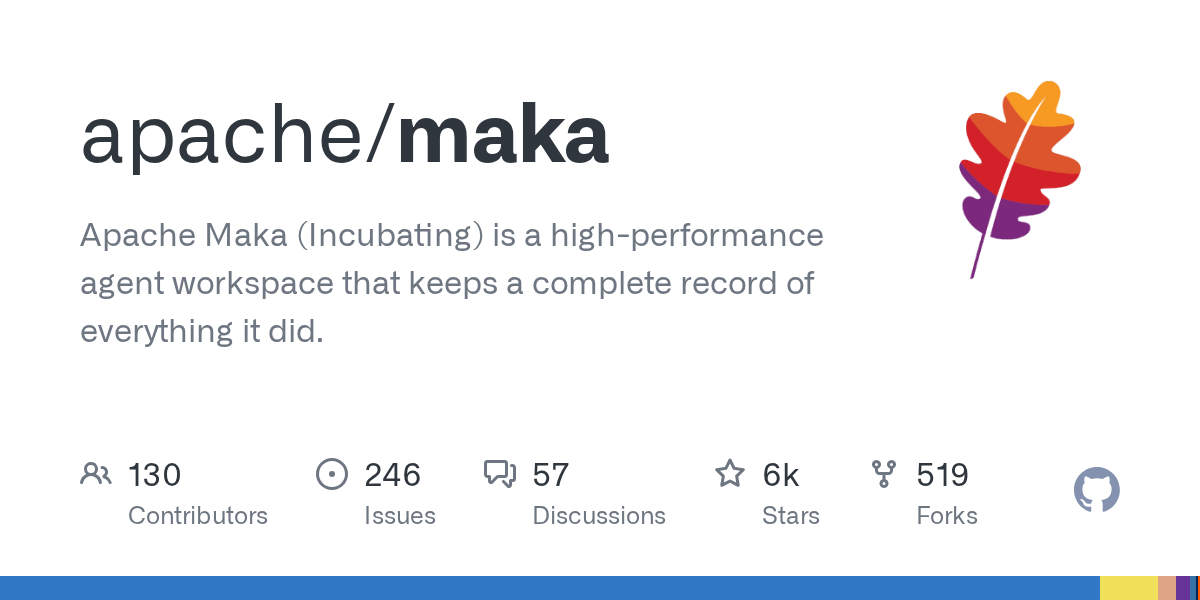
Maka: A High-Performance Agent Workspace for AI Tasks
September 21, 2026
Apache Maka (Incubating) is a high-performance agent workspace designed to maintain a complete, append-only record of all agent actions. It focuses on measurable performance, local-first operation, and robust recovery mechanisms. This project provides a unified execution authority for desktop, TUI, and CLI clients, ensuring consistent agent behavior across platforms.
uta: A CLI Agent Orchestrator for Parallel AI Task Management
September 19, 2026
uta is a command-line interface (CLI) agent orchestrator designed to decompose complex goals into parallel subtasks. It can dispatch these tasks to various agent CLIs like Claude Code or Gemini CLI, record every step of the process, and synthesize the final results. This tool enhances agent capabilities by enabling parallelism and cross-provider task execution.
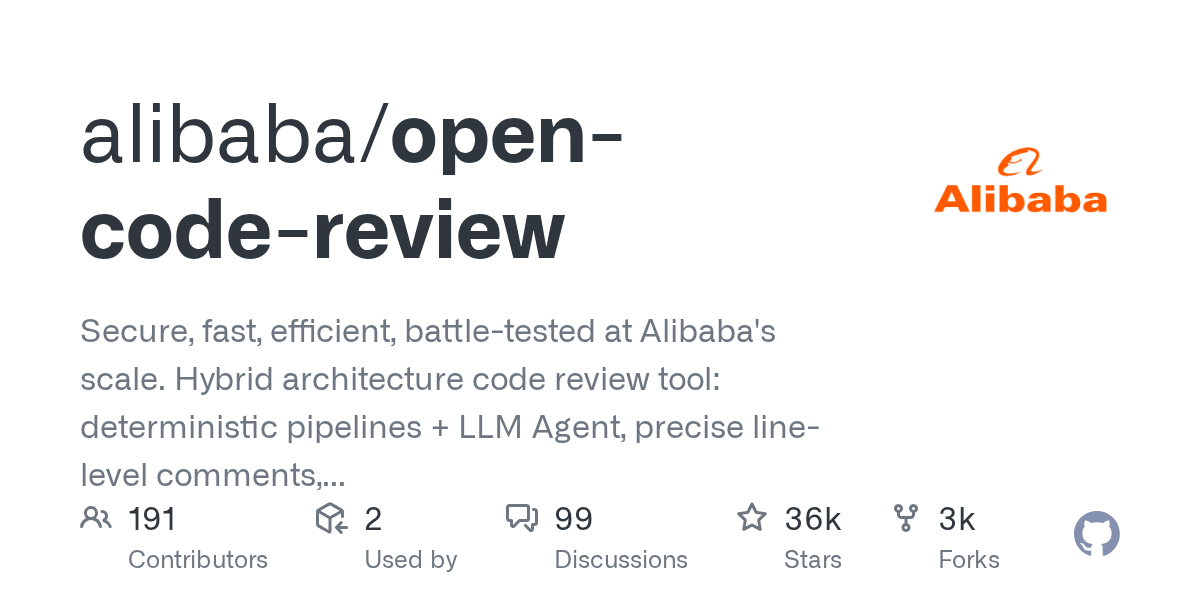
Open Code Review: AI-Powered Code Review Tool from Alibaba
September 18, 2026
Open Code Review is an AI-powered command-line interface tool for code review, battle-tested at Alibaba's scale. It leverages a hybrid architecture, combining deterministic engineering with an LLM agent, to provide secure, fast, and efficient code analysis. This tool generates precise, line-level comments and supports a multi-language ruleset, ensuring high-quality code reviews.
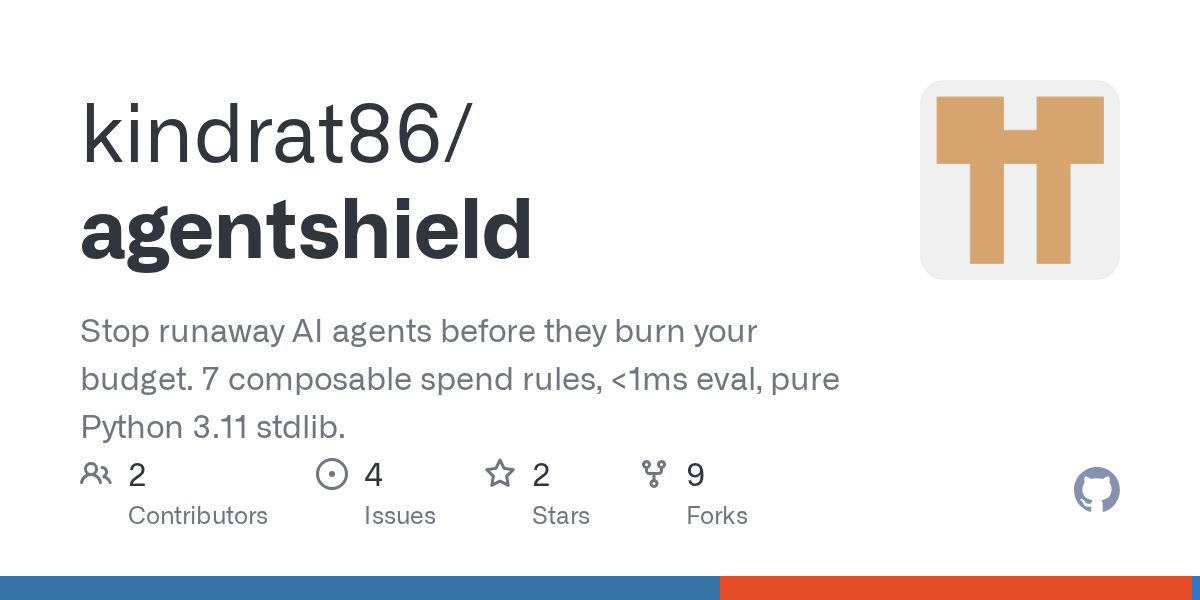
AgentShield: Python Firewall for AI Agent Spend Control
September 16, 2026
AgentShield is a pure Python library designed to prevent runaway AI agents from exceeding budget limits. It offers 10 composable spend rules, evaluated in under 1ms, providing robust cost control. Although its core development has transitioned to sipi.bot, the AgentShield Python package remains available for existing users and its test fixtures are open-source.
Source repository
Open the original repository on GitHub.
17 counted GitHub visits