opencode vs DeepSeek-Reasonix
AI coding agents compared: opencode and DeepSeek-Reasonix
opencode and DeepSeek-Reasonix are open source AI coding agents for software development. opencode centers on build and read-only plan agents, while DeepSeek-Reasonix emphasizes configurable providers, a shared local engine, and controls for longer runs across multiple interfaces.
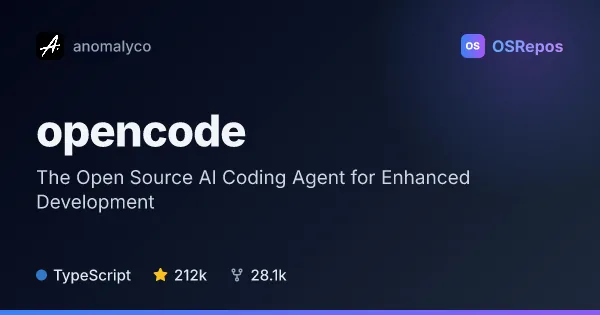
opencode: Work with an Open Source AI Coding Agent
OpenCode is an open source AI coding agent for developers who want AI assistance in their coding workflow. It offers build and read-only plan agents, a terminal UI, and desktop apps in beta.
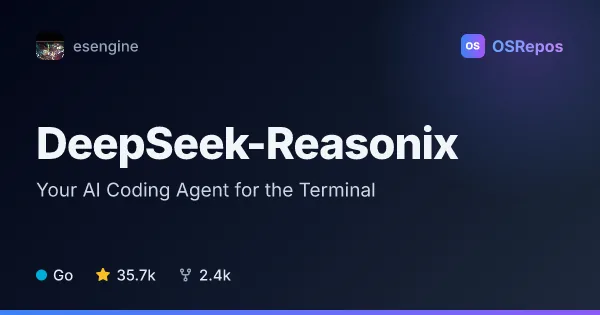
DeepSeek-Reasonix: Run a Local AI Coding Agent
DeepSeek-Reasonix is a Go-based coding agent for complex software engineering tasks, available through a CLI, desktop app, browser, and editor integrations. It combines configurable model providers with tools and controls for managing longer agent runs.
| opencode | DeepSeek-Reasonix | |
|---|---|---|
| Language | TypeScript | Go |
| License | MIT | MIT |
| Stars | 212k | 35.7k |
| Forks | 28.1k | 2.4k |
| Last analyzed | Oct 3, 2026 | Oct 3, 2026 |
Key differences
- opencode is written in TypeScript, while DeepSeek-Reasonix is written in Go.
- opencode offers a terminal UI and a desktop app in beta; DeepSeek-Reasonix offers a CLI, desktop app, browser access, and editor integrations over ACP.
- opencode distinguishes a full-access build agent from a read-only plan agent; DeepSeek-Reasonix provides plan mode, permissions, a workspace sandbox, and per-turn checkpoints.
- DeepSeek-Reasonix supports configurable model providers, MCP servers, and extensions; opencode describes build, plan, and general subagents plus agent configuration.
- DeepSeek-Reasonix's active 2.x studio branch is in development, with 1.x described as stable and in maintenance; opencode's desktop app is marked beta.
Choose opencode if you…
- want a terminal-based coding workflow with separate build and read-only plan agents.
- prefer a beta desktop app available for macOS, Windows, and Linux.
- need installation options such as npm, Homebrew, Scoop, or an install script.
Choose DeepSeek-Reasonix if you…
- want to configure model providers, tools, and plugins through reasonix.toml.
- need CLI, desktop, browser, or editor access to a shared local engine.
- want planning, permissions, checkpoints, and options to review or rewind changes during longer runs.
Compare the numbers side by side, or add more projects
This comparison is generated with AI from the OSRepos analyses of both projects. Always check each project's repository and documentation before choosing.