opencode vs gemini-cli
Terminal-based AI coding agents compared
opencode and gemini-cli both bring AI assistance into developers' command-line workflows. opencode offers distinct build and read-only plan agents, while gemini-cli combines Gemini models with shell, file, web, and automation tools.
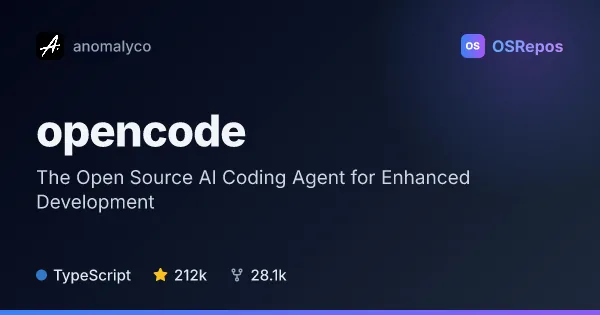
opencode: Work with an Open Source AI Coding Agent
OpenCode is an open source AI coding agent for developers who want AI assistance in their coding workflow. It offers build and read-only plan agents, a terminal UI, and desktop apps in beta.
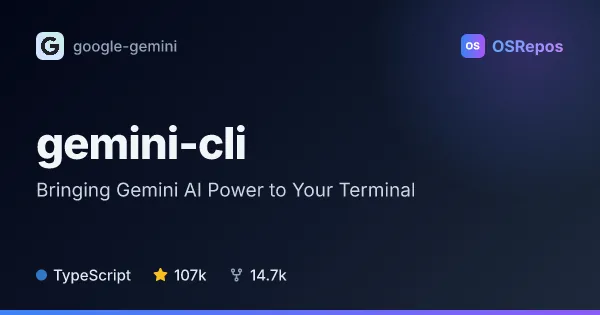
gemini-cli: Use Gemini as an Agent in Your Terminal
Gemini CLI brings Gemini models into a terminal-based agent for working with code, files, shell commands, and web information. It suits developers who want interactive assistance or scriptable workflows, with support for custom tools through MCP.
| opencode | gemini-cli | |
|---|---|---|
| Language | TypeScript | TypeScript |
| License | MIT | Apache-2.0 |
| Stars | 212k | 107k |
| Forks | 28.1k | 14.7k |
| Last analyzed | Oct 3, 2026 | Oct 3, 2026 |
Key differences
- opencode separates full-access development work from read-only code exploration; gemini-cli can modify files and run shell commands as part of its agent workflow.
- gemini-cli includes Google Search and web fetching, MCP integrations, and structured non-interactive output; opencode highlights a general subagent for complex searches and multistep tasks.
- opencode also offers a desktop app in beta for macOS, Windows, and Linux; gemini-cli is presented as a terminal-based tool that can also be invoked from scripts.
- opencode is licensed under MIT, while gemini-cli uses Apache-2.0.
- The projects are written in TypeScript; opencode has 212k stars and 28.1k forks, while gemini-cli has 107k stars and 14.7k forks.
- gemini-cli uses Gemini models, with access subject to authentication methods and service terms; opencode's provided details focus on its agents and installation routes.
Choose opencode if you…
- want separate build and read-only plan agents for coding and code exploration.
- prefer installation options such as npm, Homebrew, Scoop, or an install script.
- want the option of a beta desktop app alongside a terminal UI.
Choose gemini-cli if you…
- need web search, file operations, and shell commands in a terminal agent.
- want to automate agent tasks with text, JSON, or streaming JSON output.
- need to extend the agent with MCP tools or provide project context through GEMINI.md files.
Compare the numbers side by side, or add more projects
This comparison is generated with AI from the OSRepos analyses of both projects. Always check each project's repository and documentation before choosing.