opencode vs kilocode
AI coding agents compared
opencode and kilocode are TypeScript, MIT-licensed AI coding agents for software development. opencode centers on a terminal UI with build and read-only plan agents, while kilocode spans IDEs and CLI with several task-specific agents and model choices.
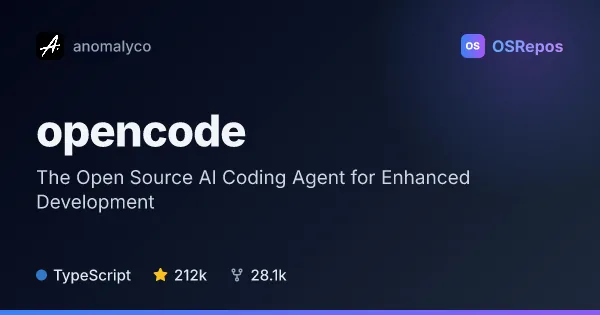
opencode: Work with an Open Source AI Coding Agent
OpenCode is an open source AI coding agent for developers who want AI assistance in their coding workflow. It offers build and read-only plan agents, a terminal UI, and desktop apps in beta.
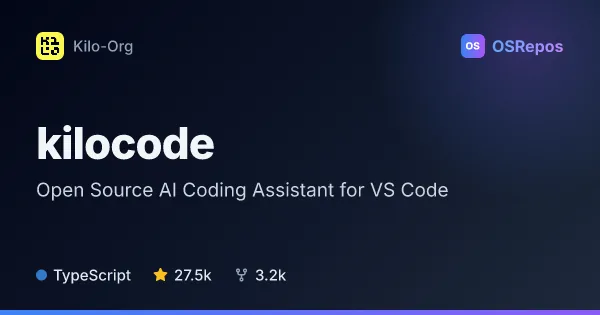
kilocode: Use AI Coding Agents Across IDEs and CLI
Kilo Code is an AI coding agent for VS Code, JetBrains IDEs, and the command line. It helps developers generate and review code, run tools, and choose among many AI models, with modes for planning, debugging, and codebase questions.
| opencode | kilocode | |
|---|---|---|
| Language | TypeScript | TypeScript |
| License | MIT | MIT |
| Stars | 212k | 27.5k |
| Forks | 28.1k | 3.2k |
| Last analyzed | Oct 3, 2026 | Oct 3, 2026 |
Key differences
- opencode focuses on a terminal UI and offers a beta desktop app; kilocode integrates with VS Code, JetBrains IDEs, and the CLI.
- opencode separates a full-access build agent from a read-only plan agent; kilocode offers Code, Plan, Ask, and Debug agents.
- kilocode supports switching among 500+ models, according to its README, and includes terminal and browser tools; opencode describes a general subagent for complex searches and multistep tasks.
- kilocode includes inline autocomplete and self-checking of agent work; opencode describes package-manager installation routes and documentation for agent configuration and use.
- kilocode's autonomous CLI mode can approve permission prompts unless a rule denies the action; opencode's plan agent is read-only by default and asks permission before bash commands.
- Both projects use TypeScript and the MIT license; the provided figures list 212k stars for opencode and 27.5k for kilocode.
Choose opencode if you…
- want a terminal-focused agent with separate build and read-only plan roles.
- prefer a beta desktop app or installation through npm, Homebrew, Scoop, or an install script.
- need a general subagent for complex searches and multistep tasks.
Choose kilocode if you…
- want to work through VS Code, JetBrains IDEs, or the CLI.
- need Code, Plan, Ask, and Debug agents, plus the option to switch among models.
- want inline autocomplete, browser tools, or an autonomous CLI mode for trusted CI/CD environments.
Compare the numbers side by side, or add more projects
This comparison is generated with AI from the OSRepos analyses of both projects. Always check each project's repository and documentation before choosing.