apiark vs bruno
Local-first API clients compared
apiark and bruno help developers create, organize, and test API requests using collections stored on a local device. apiark emphasizes support for multiple protocols and testing tools, while bruno focuses on plain-text `.bru` collections and running them from its desktop app or CLI.
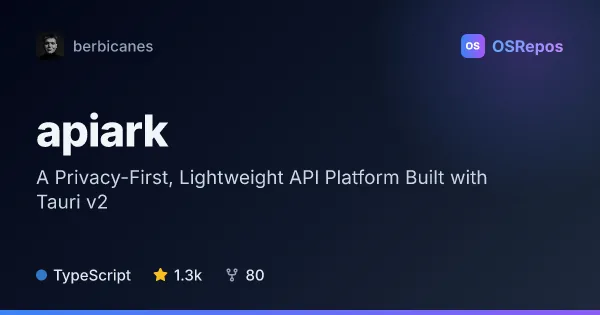
apiark: Send and Manage API Requests Locally
ApiArk is a desktop API client for testing and organizing requests across REST, GraphQL, gRPC, and other protocols. It stores collections as YAML files on your filesystem, with no account or cloud service required.
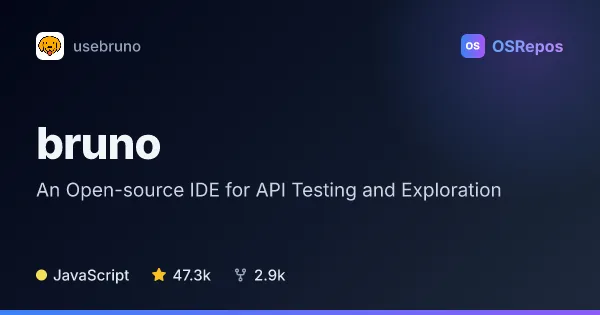
bruno: Explore and Test APIs with a Local-First Client
Bruno is an API client for exploring requests, testing APIs, and running collections from a desktop app or CLI. It stores collections as plain-text files on your device, making them suitable for Git-based collaboration without cloud sync.
| apiark | bruno | |
|---|---|---|
| Language | TypeScript | JavaScript |
| License | MIT | MIT |
| Stars | 1.3k | 47.3k |
| Forks | 80 | 3k |
| Last analyzed | Oct 3, 2026 | Oct 3, 2026 |
Key differences
- apiark supports REST, GraphQL, gRPC, WebSocket, SSE, MQTT, and Socket.IO; bruno is described as an API request and collection client.
- apiark stores collections as YAML files and lists imports from several tools and formats; bruno stores collections in plain-text `.bru` files.
- apiark includes TypeScript scripts, collection tests, mock servers, scheduled monitors, documentation tools, and plugins; bruno highlights CLI use in automated tests and CI/CD.
- apiark is written in TypeScript and uses Tauri and Rust; bruno is written in JavaScript.
- apiark has 1.3k stars and 80 forks, while bruno has 47.3k stars and 3k forks.
- Both are MIT-licensed and local-first; bruno is explicitly offline-only and does not provide cloud sync.
Choose apiark if you…
- need one desktop client for several protocols, including gRPC, MQTT, or Socket.IO.
- want YAML collections that can be managed with Git and imported from supported tools or formats.
- need features such as TypeScript request scripts, local mock servers, or scheduled monitors.
Choose bruno if you…
- want plain-text `.bru` collection files for version-control workflows.
- need to run collections, folders, or requests from a CLI in CI/CD or with Docker.
- prefer an offline-only client and can work without cloud-synced collaboration.
Compare the numbers side by side, or add more projects
This comparison is generated with AI from the OSRepos analyses of both projects. Always check each project's repository and documentation before choosing.