ApiArk: A Privacy-First, Lightweight API Platform Built with Tauri v2
This repository profile is provided by osrepos.com, an open source repository discovery platform.
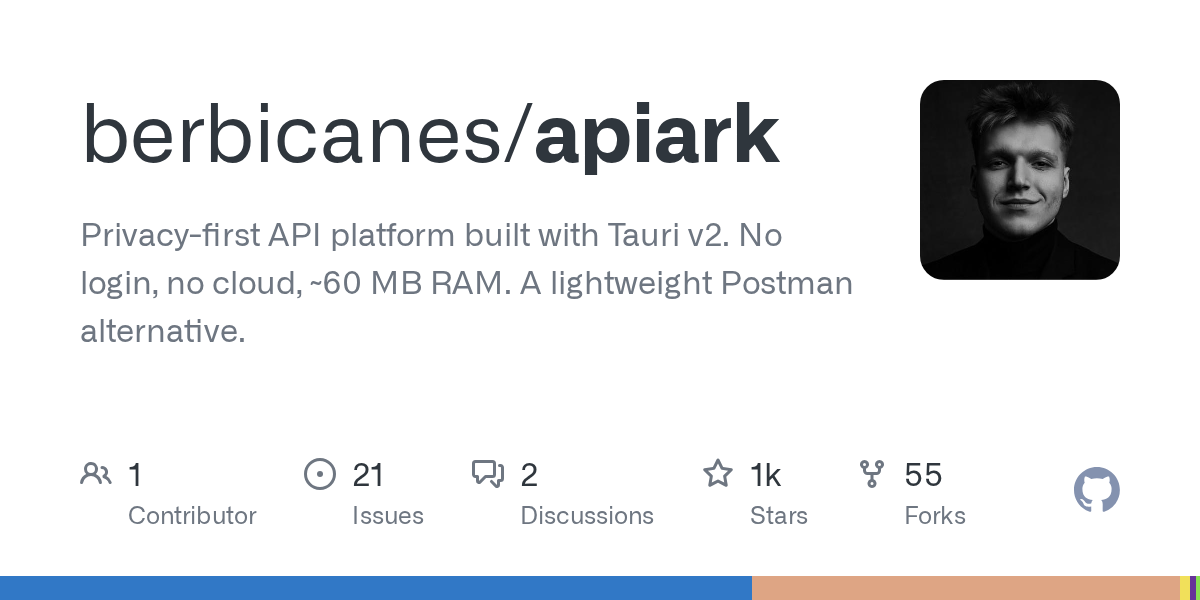
Summary
ApiArk is an innovative API platform designed as a privacy-first, lightweight alternative to traditional tools like Postman. Built with Tauri v2, it offers exceptional performance, consuming only about 60 MB of RAM, and operates entirely locally with no login or cloud requirements. It supports a wide array of protocols and stores data in Git-friendly YAML files, empowering developers with full control over their API workflows.
Repository Information
Topics
Click on any tag to explore related repositories
Use at your own risk
OSRepos shares public repositories for knowledge and discovery only. Any installation, execution, configuration, or use of code from these repositories is the user's own responsibility. Always review the repository, source code, dependencies, licenses, and security implications before running or installing anything. OSRepos is not responsible for issues, damages, or losses resulting from third-party repositories.
Introduction
ApiArk is a modern, privacy-focused API platform that redefines how developers interact with APIs. Unlike many alternatives, ApiArk prioritizes user privacy and system performance, running locally without requiring any accounts or cloud services. It's built on Tauri v2, leveraging Rust for its backend and native OS webviews for a highly efficient desktop application experience. This makes ApiArk a compelling choice for those seeking a lightweight, yet powerful, API client.
Installation
Getting started with ApiArk is straightforward. You can download the latest release directly from its GitHub repository or use popular package managers.
Download the Latest Release:
ApiArk Latest Release
Package Managers:
- Homebrew (macOS):
brew tap berbicanes/apiark brew install --cask apiark - Scoop (Windows):
scoop bucket add apiark https://github.com/berbicanes/apiark scoop install apiark - APT (Debian/Ubuntu):
curl -fsSL https://berbicanes.github.io/apiark-apt/install.sh | sudo bash
sudo apt install apiark
ApiArk is also available on the Microsoft Store.
Examples
ApiArk stores all your requests and collections as plain YAML files, making them easily version-controlled and human-readable. Here's an example of a simple POST request:
# users/create-user.yaml
name: Create User
method: POST
url: "{{baseUrl}}/api/users"

headers:
  Content-Type: application/json

auth:
  type: bearer
  token: "{{adminToken}}"

body:
  type: json
  content: |
    {
      "name": "{{userName}}",
      "email": "{{userEmail}}"
    }

assert:
  status: 201
  body.id: { type: string }
  responseTime: { lt: 2000 }

tests: |
  ark.test("should return created user", () => {
    const body = ark.response.json();
    ark.expect(body).to.have.property("id");
  });
You can also interact with ApiArk via its CLI for tasks like running collections or importing data:
# Run a collection
apiark run ./my-collection --env production

# Import a Postman collection
apiark import postman-export.json
Why Use ApiArk?
ApiArk stands out as a superior alternative for several reasons, particularly its focus on privacy, performance, and developer control:
- Unmatched Performance: Built with Tauri v2 (Rust backend), ApiArk uses approximately 60 MB of RAM and starts in less than 2 seconds, significantly outperforming Electron-based alternatives.
- Privacy-First & Local-First: No accounts, no cloud, no data lock-in. All your data is stored locally as standard YAML files, making it inherently Git-friendly and fully owned by you.
- Multi-Protocol Support: It offers the broadest protocol coverage, supporting REST, GraphQL, gRPC, WebSocket, SSE, MQTT, and Socket.IO all within a single application.
- Comprehensive Features: Includes local mock servers, scheduled monitoring, API documentation generation, OpenAPI editor, response diffing, proxy capture, and an AI assistant.
- TypeScript Scripting: Write pre/post-request scripts with full type definitions for robust testing and automation.
- Easy Migration: Seamlessly import collections from Postman, Insomnia, Bruno, Hoppscotch, OpenAPI, HAR, and cURL with a single click.
- Extensible Plugin System: Extend ApiArk's functionality with custom JavaScript or WASM plugins.
Links
- GitHub Repository: https://github.com/berbicanes/apiark
- Latest Release: https://github.com/berbicanes/apiark/releases/latest
- Discussions: https://github.com/berbicanes/apiark/discussions
Related repositories
Similar repositories that may be relevant next.

Source repository
Open the original repository on GitHub.
21 counted GitHub visits