UI-TARS-desktop vs index
Desktop and browser agents compared
UI-TARS-desktop uses visual understanding to control computers and browsers through mouse and keyboard actions. index focuses on multi-step web tasks, with Python, CLI, and serverless API options; its repository is archived.
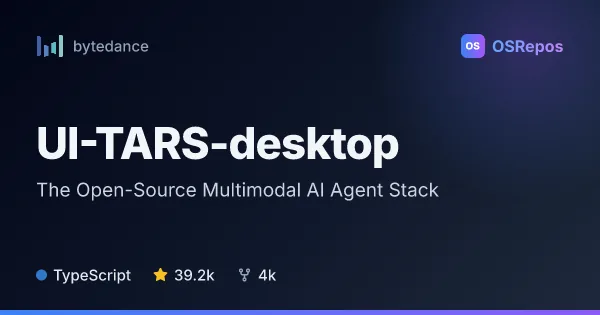
UI-TARS-desktop: Control Computers with a Multimodal AI Agent
UI-TARS-desktop is a desktop GUI agent that uses vision-language models to operate computers through natural-language instructions. It offers local and remote computer and browser operators for users building or exploring AI-driven automation.
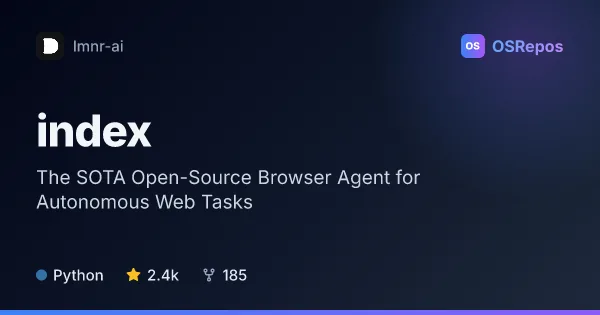
index: Automate Complex Tasks in a Web Browser
Index is a Python browser agent that uses reasoning-capable language models to carry out multi-step web tasks and return structured results. It offers a CLI, a Python interface, and a serverless API, but the repository is archived.
| UI-TARS-desktop | index | |
|---|---|---|
| Language | TypeScript | Python |
| License | Apache-2.0 | Apache-2.0 |
| Stars | 39.2k | 2.4k |
| Forks | 4k | 185 |
| Last analyzed | Oct 3, 2026 | Oct 3, 2026 |
Key differences
- UI-TARS-desktop targets desktop GUI operation as well as browser tasks, while index focuses on websites and browser workflows.
- UI-TARS-desktop is written in TypeScript and index is written in Python.
- UI-TARS-desktop supports local and remote computer operators; index offers local browser use and a hosted serverless API.
- index supports structured results with Pydantic schemas and tracing through Laminar; UI-TARS-desktop describes real-time operation feedback and status.
- UI-TARS-desktop is not archived, while index is archived, a consideration for ongoing maintenance and production use.
- Both projects use the Apache-2.0 license.
Choose UI-TARS-desktop if you…
- need an agent to interact with desktop applications as well as browsers.
- want to explore GUI automation using screenshots and mouse and keyboard control.
- need local or remote computer operation across the described Windows, macOS, and browser environments.
Choose index if you…
- want to build multi-step browser workflows in Python or use an interactive CLI.
- need structured web-task results using Pydantic schemas.
- want a serverless browser-agent API and can account for the repository's archived status.
Compare the numbers side by side, or add more projects
This comparison is generated with AI from the OSRepos analyses of both projects. Always check each project's repository and documentation before choosing.