Index: The SOTA Open-Source Browser Agent for Autonomous Web Tasks
This repository profile is provided by osrepos.com, an open source repository discovery platform.
Summary
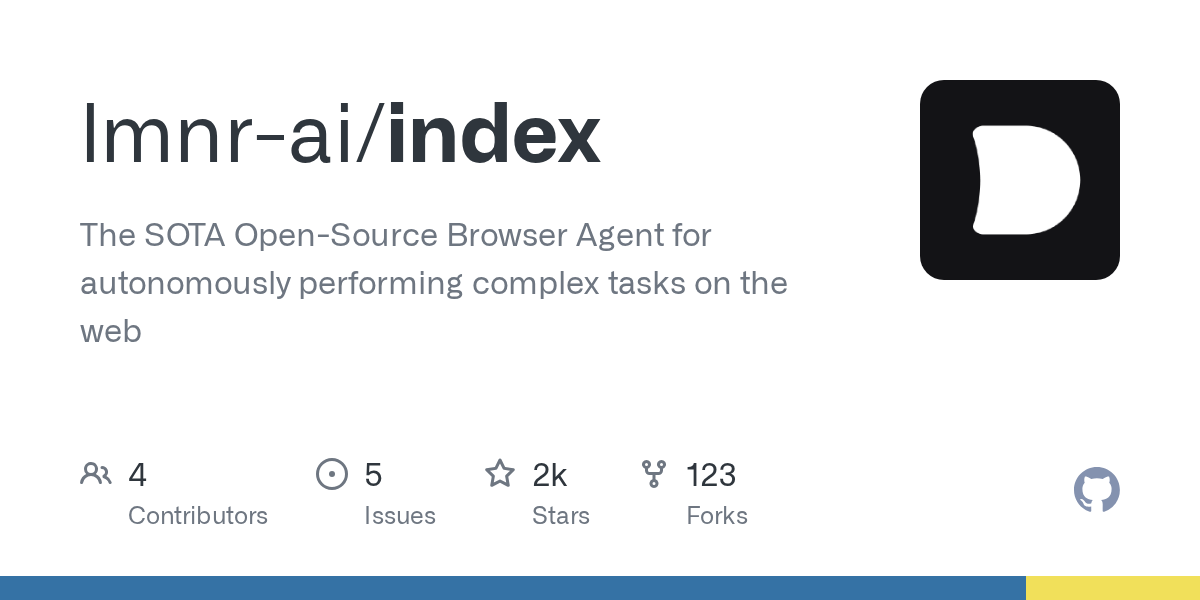
Index is a cutting-edge open-source browser agent designed to autonomously execute complex tasks on the web. It transforms any website into an accessible API, enabling seamless integration and automation. Leveraging powerful reasoning LLMs with vision capabilities, Index simplifies web interactions and data extraction for developers.
Repository Information
Topics
Click on any tag to explore related repositories
Use at your own risk
OSRepos shares public repositories for knowledge and discovery only. Any installation, execution, configuration, or use of code from these repositories is the user's own responsibility. Always review the repository, source code, dependencies, licenses, and security implications before running or installing anything. OSRepos is not responsible for issues, damages, or losses resulting from third-party repositories.
Introduction
Index, developed by lmnr-ai, is a state-of-the-art open-source browser agent that empowers users to autonomously perform complex tasks on the web. It effectively turns any website into an accessible API, allowing for seamless integration into your projects with just a few lines of code. Index leverages powerful reasoning Large Language Models (LLMs) with vision capabilities, supporting models like Gemini 2.5 Pro, Claude 3.7 Sonnet, and OpenAI o4-mini, to navigate, interact with, and extract information from web pages intelligently.
Installation
Getting started with Index is straightforward. You can install it using pip and set up the necessary browser dependencies.
pip install lmnr-index 'lmnr[all]'

# Install playwright
playwright install chromium
After installation, remember to set up your model API keys (GEMINI_API_KEY, ANTHROPIC_API_KEY, OPENAI_API_KEY) in a .env file in your project root. For advanced observability, you can also include your LMNR_PROJECT_API_KEY.
Examples
Index offers flexible ways to interact with the agent, whether through code, an interactive CLI, or a serverless API.
Run Index with Code
You can integrate Index directly into your Python applications to perform tasks and extract structured data using Pydantic schemas.
import asyncio
from index import Agent, GeminiProvider
from pydantic import BaseModel
from lmnr import Laminar
import os

# to trace the agent's actions and record browser session
Laminar.initialize()

# Define Pydantic schema for structured output
class NewsSummary(BaseModel):
    title: str
    summary: str

async def main():
    llm = GeminiProvider(model="gemini-2.5-pro-preview-05-06")
    agent = Agent(llm=llm)

    # Example of getting structured output
    output = await agent.run(
        prompt="Navigate to news.ycombinator.com, find a post about AI, extract its title and provide a concise summary.",
        output_model=NewsSummary
    )

    summary = NewsSummary.model_validate(output.result.content)
    print(f"Title: {summary.title}")
    print(f"Summary: {summary.summary}")

if __name__ == "__main__":
    asyncio.run(main())
Run Index with CLI
For interactive use and quick tasks, Index provides a powerful command-line interface with features like browser state persistence, follow-up messages, and real-time streaming updates.
index run
You can also run the CLI with your personal Chrome instance to leverage existing logged-in sessions:
index run --local-chrome
Use Index via API
For production environments, Index is available as a serverless API, managing remote browser sessions, agent infrastructure, and browser observability.
from lmnr import Laminar, LaminarClient

# Initialize tracing (optional, but recommended for observability)
Laminar.initialize(project_api_key="your_api_key")

# Initialize the client
client = LaminarClient(project_api_key="your_api_key")

for chunk in client.agent.run(
    stream=True,
    model_provider="gemini",
    model="gemini-2.5-pro-preview-05-06",
    prompt="Navigate to news.ycombinator.com, find a post about AI, and summarize it"
):
    print(chunk)
Why Use Index?
Index stands out as a robust solution for web automation due to several key advantages:
- State-of-the-Art Performance: It's built to be a leading open-source browser agent, capable of handling complex web tasks autonomously.
- Flexible LLM Integration: Supports multiple powerful LLMs, including Gemini, Claude, and OpenAI models, allowing you to choose the best fit for your needs in terms of speed, cost, and accuracy.
- Structured Output: Enables reliable data extraction by supporting Pydantic schemas, ensuring your extracted data is clean and usable.
- Advanced Observability: Integrates with Laminar for comprehensive tracing of agent actions and browser sessions, providing deep insights into its operations.
- Ease of Use: With simple
pip installand intuitive CLI and API options, Index is designed for quick deployment and integration.
Links
- GitHub Repository: https://github.com/lmnr-ai/index
- Documentation: https://docs.lmnr.ai/index-agent/getting-started
- Chat UI: https://lmnr.ai/chat
- Serverless API: https://docs.lmnr.ai/index-agent/api/getting-started
- Join Discord: https://discord.gg/nNFUUDAKub
- Follow on X (Twitter): https://x.com/lmnrai
Related repositories
Similar repositories that may be relevant next.
dcc-mcp-blender: AI-Driven 3D Workflows with an Embedded MCP Server
September 24, 2026
dcc-mcp-blender is a powerful Blender addon that integrates an embedded Streamable HTTP MCP server directly into Blender. This allows any MCP-compatible AI client to seamlessly control and automate your 3D modeling, animation, and rendering workflows. It offers over 200 pre-built tools and an extensible skill system for robust production environments.
Guaardvark: Your Self-Hosted AI Studio for Agents, Media, and Code
September 21, 2026
Guaardvark is a comprehensive, self-hosted AI studio designed for local execution of advanced AI tasks. It integrates coding agents, media generation (video, image, music, voice), and robust RAG capabilities, all running on a single GPU. This platform prioritizes privacy and user control, enabling a full AI workstation experience on your own hardware.
APort Agent Guardrails: Deterministic Pre-Action Authorization for AI Agents
September 19, 2026
APort Agent Guardrails provides deterministic pre-action authorization for AI agents, running security checks before any tool execution. This crucial mechanism prevents prompt injection from bypassing policy, ensuring robust and auditable protection for AI-driven operations.
aport-spec: The Open Agent Passport (OAP) Specification for AI Agent Trust
September 18, 2026
The aport-spec repository introduces the Open Agent Passport (OAP) specification, a critical framework for establishing trust in AI agents. It defines a lightweight, cryptographically verifiable credential, enabling real-time, pre-action authorization for AI agents across various platforms. OAP provides the essential runtime trust layer for secure and scalable agentic commerce.
Source repository
Open the original repository on GitHub.
25 counted GitHub visits