loop-engineering vs get-shit-done
AI coding workflows: loop-engineering vs get-shit-done
loop-engineering provides TypeScript tools and reusable patterns for operating repeatable AI coding-agent workflows around a repository. get-shit-done was a lightweight JavaScript system for structuring Claude Code work with meta-prompting, context engineering, and specifications; its repository is archived, with active development moved to GSD Core.
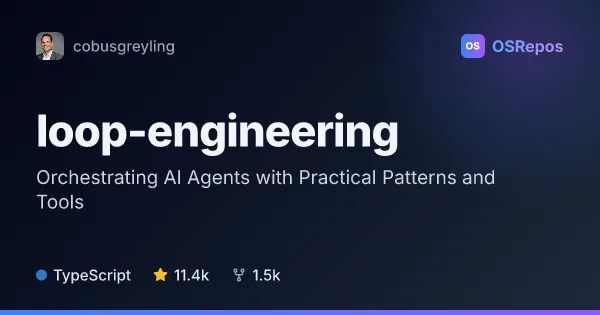
loop-engineering: Design and Operate AI Coding-Agent Loops
A TypeScript toolkit and pattern library for designing repeatable workflows around AI coding agents. It helps teams discover work, delegate tasks, verify results, and preserve state instead of managing every step through prompts.
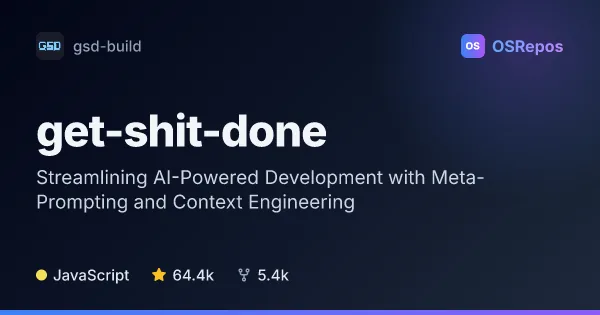
get-shit-done: Structure Claude Code Work with Prompts and Specs
get-shit-done was a lightweight system for meta-prompting, context engineering, and spec-driven development with Claude Code. This repository is archived; development has moved to GSD Core in the Open GSD repository.
| loop-engineering | get-shit-done | |
|---|---|---|
| Language | TypeScript | JavaScript |
| License | MIT | MIT |
| Stars | 11.4k | 64.4k |
| Forks | 1.5k | 5.4k |
| Last analyzed | Oct 3, 2026 | Oct 3, 2026 |
Key differences
- loop-engineering covers operational workflows such as issue triage, dependency updates, CI maintenance, and PR monitoring, while get-shit-done focused on structuring development tasks for Claude Code.
- loop-engineering includes CLI tools, GitHub Actions starters, readiness checks, and staged autonomy; get-shit-done describes a lightweight system based on meta-prompting, context engineering, and specifications.
- loop-engineering is written in TypeScript, while get-shit-done is written in JavaScript.
- Both projects use the MIT license.
- loop-engineering is not archived; get-shit-done is archived, and its repository directs current development, issues, releases, and contributions to GSD Core.
Choose loop-engineering if you…
- need repeatable repository maintenance workflows for AI coding agents.
- want CLI checks, GitHub Actions starters, and staged rollout from reporting toward greater autonomy.
- need patterns that can work with examples for several coding-agent tools.
Choose get-shit-done if you…
- want to review a lightweight approach to structuring Claude Code tasks with prompts and specifications.
- are exploring context engineering for AI-assisted development and will use GSD Core for current project activity.
Compare the numbers side by side, or add more projects
This comparison is generated with AI from the OSRepos analyses of both projects. Always check each project's repository and documentation before choosing.