diri vs synara
Desktop workspaces for coding agents compared
diri and synara are desktop workspaces for organizing and reviewing work by coding agents that run on your machine. diri focuses on coordinating parallel sessions, with deeper integrations for Claude Code and Codex; synara brings project threads, tools, and multiple locally installed runtimes into a broader workspace.
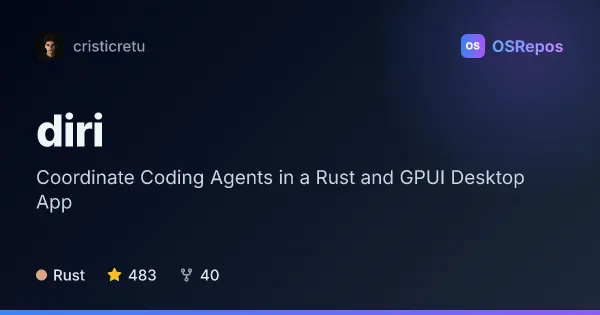
diri: Coordinate Coding Agents in a Rust and GPUI Desktop App
diri is a Rust and GPUI desktop app for running coding agents side by side, coordinating their work, and reviewing changes together. It supports macOS and has a Linux beta, with Claude Code and Codex receiving deeper integrations.
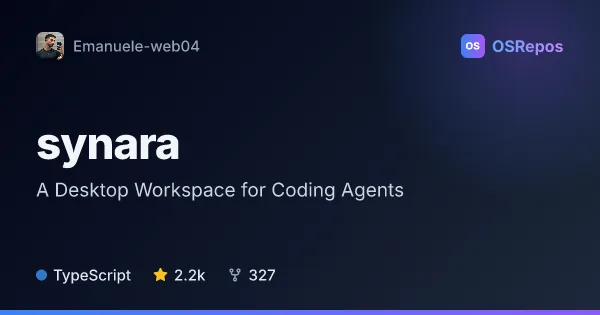
synara: A Desktop Workspace for Coding Agents
Synara is a local-first, TypeScript desktop workspace for coding-agent projects, sessions, execution and review. It connects to agent runtimes installed on your machine and is available for Windows, macOS and Linux.
| diri | synara | |
|---|---|---|
| Language | Rust | TypeScript |
| License | AGPL-3.0 | MIT |
| Stars | 483 | 2.2k |
| Forks | 40 | 327 |
| Last analyzed | Nov 4, 2026 | Nov 6, 2026 |
Key differences
- diri is written in Rust and uses GPUI; synara is written in TypeScript.
- diri supports macOS and has a Linux beta, while synara targets Windows, macOS, and Linux.
- diri emphasizes live session status, agent delegation through MCP, and independent terminal sessions; synara adds project threads, an integrated terminal, file browser, editor, and browser previews.
- Both support Git worktrees and code review, but synara also describes handing tasks between providers and setting up recurring automations.
- diri uses the AGPL-3.0 license; synara uses the MIT license.
- diri describes a relatively small contributor base with most code from one person; synara describes a contributor base that is not concentrated around one person. Both projects are active and early-stage or changing.
Choose diri if you…
- need to monitor parallel sessions and spot agents waiting for input or finished.
- want an MCP server for delegating tasks between agents.
- prefer a Rust desktop app that can run sessions locally or on an SSH host you control.
Choose synara if you…
- want project threads with history, status, notes, and recaps for agent tasks.
- need integrated terminal, file, editor, and browser-preview tools alongside agent conversations.
- want to switch between locally installed runtimes or hand tasks between providers while retaining project context.
Compare the numbers side by side, or add more projects
This comparison is generated with AI from the OSRepos analyses of both projects. Always check each project's repository and documentation before choosing.