Synara: A Local-First Desktop App for AI-Powered Coding
This repository profile is provided by osrepos.com, an open source repository discovery platform.
Summary
Synara is a local-first desktop application designed to streamline coding with various AI agents and subscriptions. It integrates chats, terminals, browser previews, and Git operations into a single focused workspace, eliminating the need to juggle multiple windows. This app empowers developers to leverage their existing AI tools for parallel work across projects while maintaining a private, local environment.
Repository Information
Topics
Click on any tag to explore related repositories
Use at your own risk
OSRepos shares public repositories for knowledge and discovery only. Any installation, execution, configuration, or use of code from these repositories is the user's own responsibility. Always review the repository, source code, dependencies, licenses, and security implications before running or installing anything. OSRepos is not responsible for issues, damages, or losses resulting from third-party repositories.
Introduction
Synara is a local-first desktop application designed to revolutionize how developers code with AI agents and subscriptions. It consolidates all essential tools, including chats, terminals, browser previews, diffs, branches, provider sessions, and handoffs, into one focused workspace. This eliminates the need to juggle a dozen windows, providing a streamlined environment for running agent work. Synara supports a wide array of popular AI accounts, allowing users to leverage their existing subscriptions like Claude Code, Codex, Gemini, OpenCode, Cursor, Grok, Kilo Code, and Pi.
Installation
To get started with Synara, you have a few options:
Important Note: You need to have Codex CLI installed and authorized for Codex sessions to work.
- Desktop App: Download the official desktop application from the Releases page on GitHub, or visit trysynara.com to download it.
- Run Locally (Development): If you prefer to run Synara locally while the project is still in early development, follow these steps:
bun install
bun run dev
Why Use Synara?
Synara offers a powerful set of features that enhance the AI-powered coding experience:
- Unified Workspace: Keep split chats, terminals, browser previews, and agent output visible within the same window, providing a comprehensive view of your work.
- AI Provider Flexibility: Utilize the AI accounts you already pay for, seamlessly integrating with providers such as Claude Code, Codex, Gemini, OpenCode, Cursor, Grok, Kilo Code, and Pi.
- Parallel Workflows: Execute parallel tasks across multiple projects, threads, and isolated Git worktrees without conflicts, boosting your productivity.
- Seamless Handoffs: Easily transfer a coding thread to a different AI provider, allowing a second model to pick up with the exact same context.
- Integrated Git Operations: Perform essential Git actions directly from the app, including reviewing diffs, creating branches, committing changes, pushing to remotes, and opening pull requests.
- Local-First Privacy: Synara prioritizes your privacy by storing all chats, projects, and history directly on your machine. It communicates directly with your chosen AI providers, ensuring no Synara cloud holds your sensitive data.
Links
- GitHub Repository: Emanuele-web04/synara
- Official Website: trysynara.com
- Releases Page: Synara Releases
- Discord Community: Join Discord
Related repositories
Similar repositories that may be relevant next.
TeamAI-CLI: Empowering Teams to Become AI Native with a Git-Based Foundation
September 24, 2026
TeamAI-CLI, developed by Tencent, is a powerful command-line interface aimed at making every team AI native. It offers a unified, Git-based platform for teams to collaborate, learn, and continuously improve with AI. This tool transforms individual AI capabilities into shared team assets, integrating AI agents, machines, and team members for enhanced efficiency.
LLM Wiki: Build a Self-Maintaining, Interlinked Knowledge Base with AI
September 23, 2026
LLM Wiki is a powerful cross-platform desktop application designed to transform your documents into an organized, interlinked knowledge base automatically. Unlike traditional RAG systems, it incrementally builds and maintains a persistent wiki from your sources, ensuring knowledge is compiled once and kept current. This innovative approach offers a dynamic and evolving personal knowledge management solution.
Maka: A High-Performance Agent Workspace for AI Tasks
September 21, 2026
Apache Maka (Incubating) is a high-performance agent workspace designed to maintain a complete, append-only record of all agent actions. It focuses on measurable performance, local-first operation, and robust recovery mechanisms. This project provides a unified execution authority for desktop, TUI, and CLI clients, ensuring consistent agent behavior across platforms.
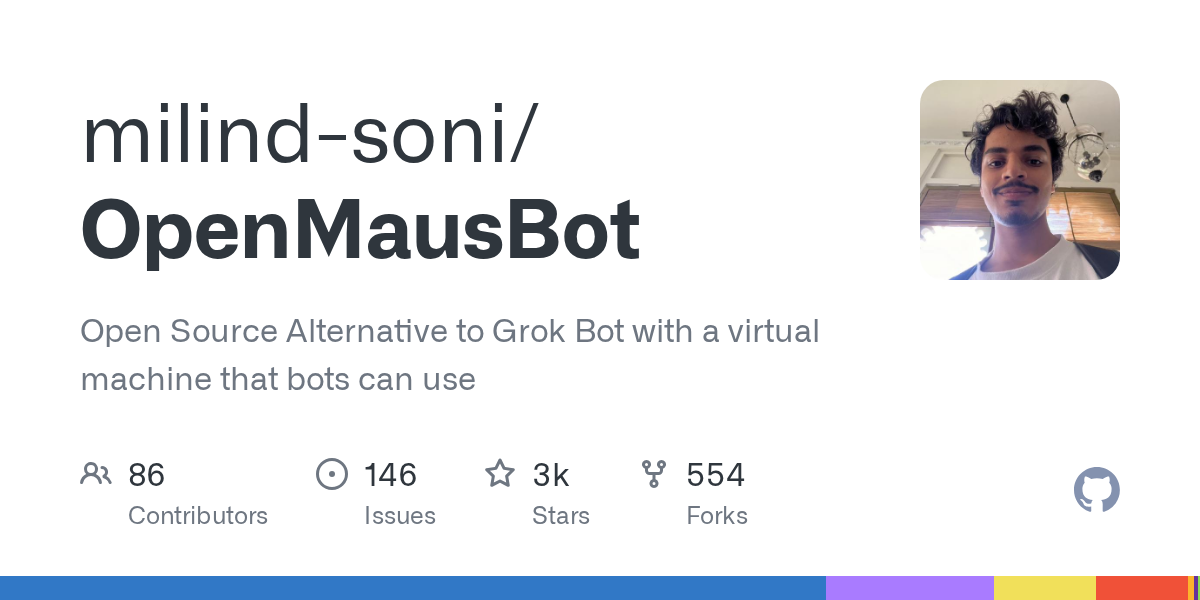
OpenMausBot: Your Open-Source AI Bot Team in a Chat App
September 20, 2026
OpenMausBot is an open-source desktop application that provides an alternative to Grok Bot, allowing users to manage a team of AI agents within a chat interface. It emphasizes local-first operation, bringing your own agents, and providing each bot with its own virtual machine or access to your computer. This project enables powerful AI interactions with privacy and control at its core.
Source repository
Open the original repository on GitHub.
30 counted GitHub visits