Agent Orchestrator: Supervise Teams of Coding Agents from Planning to Merge
This repository profile is provided by osrepos.com, an open source repository discovery platform.
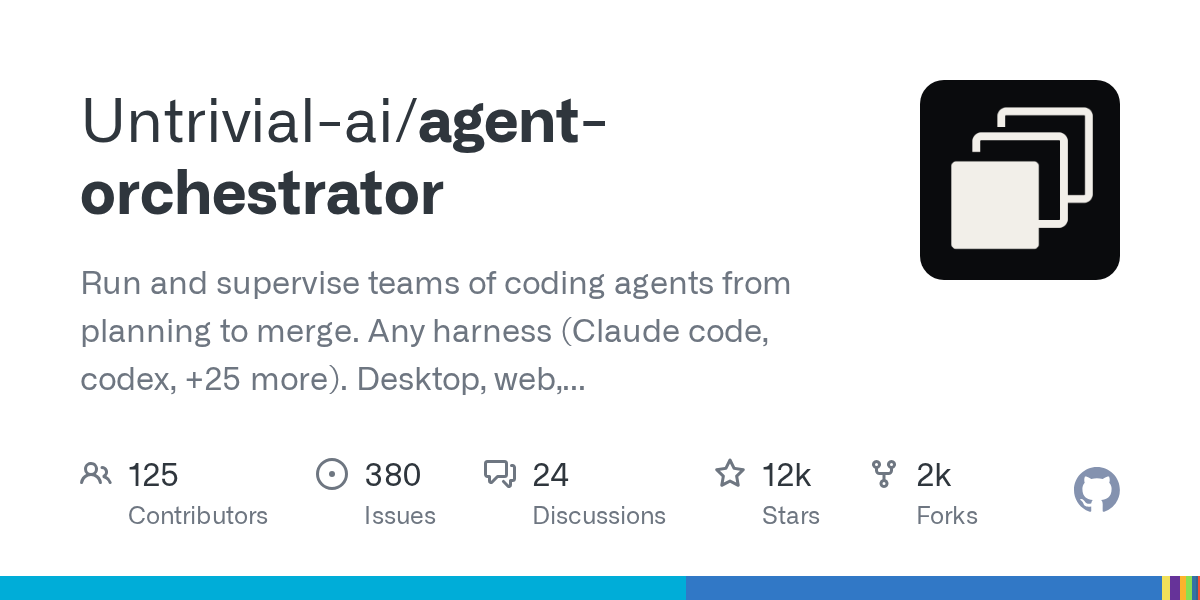
Summary
Agent Orchestrator is a powerful tool designed to run and supervise teams of coding agents throughout the entire development lifecycle, from initial planning to code merge. It supports a wide array of agent harnesses, including Claude Code and Codex, and operates across desktop, web, mobile, and cloud environments. This platform offers a unified workspace to manage and coordinate multiple agents, ensuring efficient and organized agent-driven development.
Repository Information
Topics
Click on any tag to explore related repositories
Use at your own risk
OSRepos shares public repositories for knowledge and discovery only. Any installation, execution, configuration, or use of code from these repositories is the user's own responsibility. Always review the repository, source code, dependencies, licenses, and security implications before running or installing anything. OSRepos is not responsible for issues, damages, or losses resulting from third-party repositories.
Introduction
Agent Orchestrator (AO) is a local desktop workspace crafted to manage and supervise teams of coding agents from the initial planning stages through to code merge. It addresses the complexities of running multiple agents across a project, providing a unified environment where every coding task gets its own agent, workspace, and feedback loop. AO ensures a clear overview of all activities, pull requests, CI runs, and reviews through a live Kanban board.
Why Use Agent Orchestrator and Its Benefits
AO transforms agent-driven development by providing a structured approach to managing complex projects.
- Unified Workspace for Agent-Driven Development: It tackles the challenges of coordinating multiple agents, such as task delegation, context provision, preventing branch collisions, and tracking changes through review and merge.
- Focused Worker Sessions: Each worker in AO represents an isolated unit of execution, dedicated to a single task with its own coding agent and workspace. This isolation ensures clarity and independent understanding for parallel work.
- Project-Level Orchestration: The project orchestrator acts as a persistent planning and coordination agent, operating at a higher level than individual tasks. It helps explore ideas, brainstorm approaches, reason through tradeoffs, and convert ambiguous outcomes into concrete plans, leveraging project history and live AO state.
- Legible Kanban Board: A live Kanban board provides an operational view of the project, deriving card positions from session, pull request, CI, and review statuses. This helps identify what is moving, what is blocked, and where attention is most needed.
- Streamlined Workflow: AO offers a comprehensive workflow from idea to merge, allowing users to start at the right level (worker or orchestrator), delegate focused work, build in isolation, supervise live state, and close the feedback loop effectively.
- Key Product Highlights:
- Pull Requests and Agent Reviews: Integrates CI, mergeability, reviewer state, and interactive agent reviews directly within the worker session.
- Agent-Controllable Browser: Provides an isolated in-app browser preview for each worker, preventing state conflicts in parallel UI tasks.
- Native Interfaces, One Supervisor: Supports both structured Chat and agents' native terminal UIs, centralizing task context, workspace state, and feedback.
Installation
To get started with Agent Orchestrator, download the latest desktop application for your platform. AO automatically checks for updates.
| Platform | Download Link |
|---|---|
| macOS (Apple silicon) | Download |
| macOS (Intel) | Download |
| Windows | Download |
| Linux (AppImage) | Download |
| Linux (Debian/Ubuntu) | Download |
| Linux (Fedora/RHEL) | Download |
After installation, open Agent Orchestrator and point it to the repository you wish to manage. The desktop app handles the daemon, eliminating the need for a separate CLI. For agent CLI setup and troubleshooting, refer to the official installation guide.
Examples
Agent Orchestrator facilitates a seamless workflow from conception to completion. Here's how it works:
- Start at the right level: Begin by assigning a clear task directly to a worker, or develop a larger outcome with the project orchestrator to shape the overall plan.
- Delegate focused work: Initiate workers yourself or allow the orchestrator to create them, providing the necessary context and ownership.
- Build in isolation: Each Git-backed worker operates in its own branch and worktree. Standalone agents can use AO-managed branchless directories without requiring a project or repository.
- Supervise live state: AO monitors agent activity, pull requests, CI, review feedback, and merge conflicts, reflecting these updates on the Kanban board in real-time.
- Close the feedback loop: Directly inspect any worker, make project-level decisions with the orchestrator, and relay actionable failures or review comments back to the agent responsible for the work.
This integrated approach allows agents to leverage their native strengths while AO provides the essential project context, isolated execution, coordination, and an operational overview.
Links
- GitHub Repository: https://github.com/Untrivial-ai/agent-orchestrator
- Official Documentation: https://orchestrator.inc/docs
- Releases: https://github.com/Untrivial-ai/agent-orchestrator/releases
- Discord Community: https://discord.com/invite/UZv7JjxbwG
- Follow on X (Twitter): https://x.com/ao_build
Related repositories
Similar repositories that may be relevant next.
RimZ: Realtime Dashboard for Agentic Coding with tmux and Zellij
September 18, 2026
RimZ is a powerful realtime dashboard and control room designed for agentic coding, enabling humans and AI agents to collaborate seamlessly within tmux or Zellij environments. Built with Rust, it provides comprehensive observability, orchestration, and automation capabilities for managing fleets of coding agents. This tool enhances productivity by offering real-time insights, message-based steering, and scriptable workflows for AI-driven development.
Orkas: Command a Team of AI Agents from Your Desktop
September 13, 2026
Orkas is an open-source, local-first AI desktop application designed to orchestrate a team of specialist AI agents. It allows a Commander LLM to direct sub-agents and run coding CLIs locally, with agents that self-evolve through reflection and skill crystallization. This cross-platform tool supports macOS, Windows, and Linux, empowering users to manage complex tasks efficiently.
Awesome Harness Engineering: Building Reliable AI Agent Systems
September 7, 2026
Awesome Harness Engineering is a comprehensive curated list dedicated to the discipline of designing robust AI agent harnesses. It offers a wealth of resources, patterns, and templates essential for building reliable AI agent systems. Developers can explore tools, best practices, and foundational concepts across various critical areas of agent development.
Source repository
Open the original repository on GitHub.